
Neo 2 for Power Lines: A Technical Review for Complex
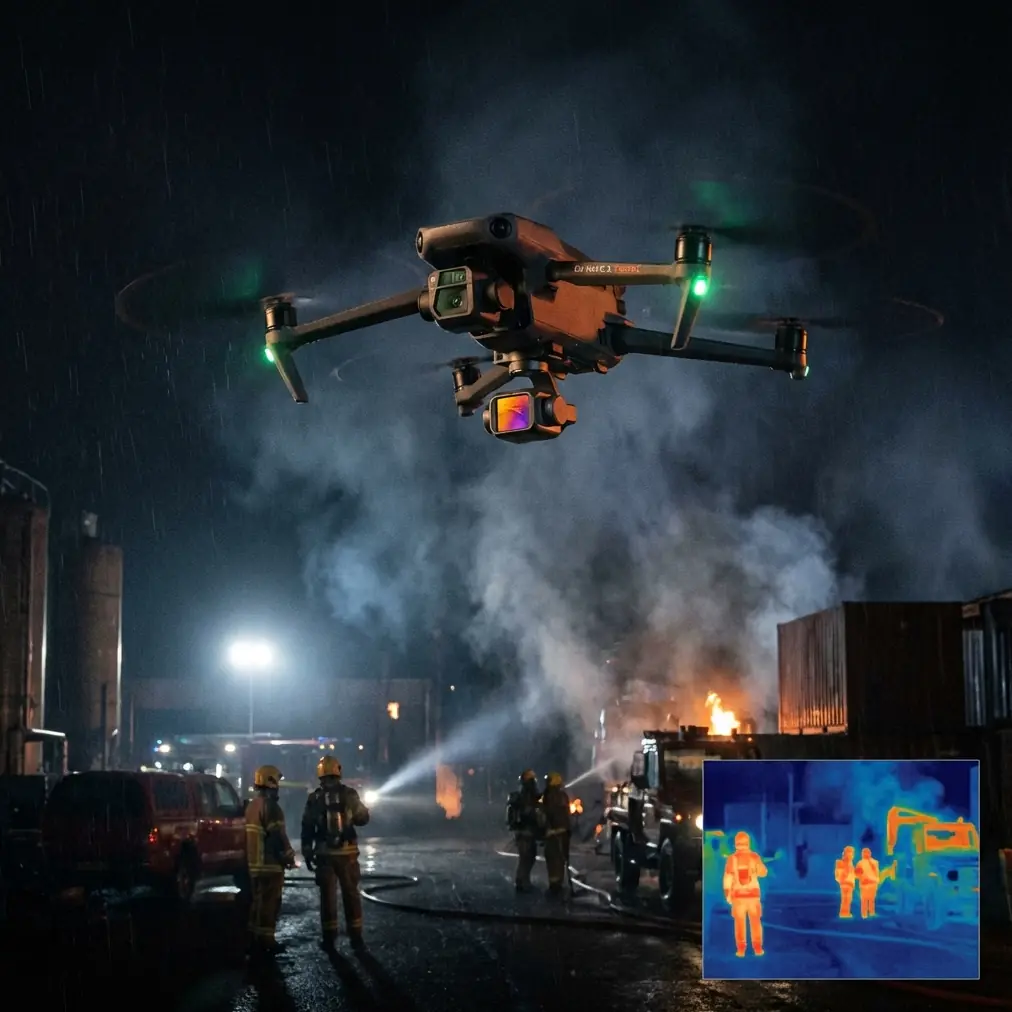
Neo 2 for Power Lines: A Technical Review for Complex Terrain
META: Expert review of Neo 2 for power line tracking in difficult terrain, covering obstacle avoidance, ActiveTrack, D-Log workflow, QuickShots, Hyperlapse, and antenna positioning for stronger range.
Power line work exposes every weakness in a small drone. Terrain folds in on itself. Trees break line of sight. Conductors create a long, narrow corridor that tempts pilots to fly farther than the radio link comfortably supports. Wind can change across a ridgeline in a few seconds. That is why a drone that feels easy in an open field can become frustrating the moment it is asked to follow utility infrastructure through valleys, slopes, and partial canopy.
The Neo 2, approached as a working tool rather than a novelty aircraft, has a surprisingly specific role here. Not as a heavy inspection platform replacing enterprise systems, and not as a sensor truck for detailed thermography, but as a fast-deployment visual tracking drone for route familiarization, vegetation context, access planning, training, and lightweight documentation. In that niche, several features matter more than the spec-sheet talking points people usually obsess over.
The two that deserve the most attention for power line work are obstacle awareness and tracking behavior. If a drone cannot maintain usable situational awareness while following a linear asset through uneven terrain, the rest of its camera features are mostly academic.
Why power line corridors are harder than they look
A power line route seems simple from a distance: just follow the line. In practice, it is one of the most awkward environments for a compact drone.
The aircraft is often asked to move parallel to a narrow subject while the background keeps changing. A pole line that runs along a hillside may put trees on one side, open space on the other, and a steep ground rise directly beneath the drone. That kind of scene stresses both pilot judgment and automated functions. The drone may have a clean forward view but a compromised lateral escape path. It may also have enough visual contrast to track a subject one moment, then lose confidence when the route crosses shadow, glare, or repetitive vegetation.
This is where obstacle avoidance and subject tracking stop being marketing bullets and become operational filters. If the Neo 2 can reliably interpret the corridor and give the pilot enough margin to work without constant manual correction, it becomes useful for more than casual flying. If not, it stays a toy for scenic clips.
Obstacle avoidance: what matters in real utility terrain
For power line tracking, obstacle avoidance is not mainly about flying into a single obvious tree. It is about reducing workload while the pilot manages multiple moving variables at once: terrain elevation, line geometry, crosswind drift, and radio link quality.
In complex terrain, obstacle sensing helps most when it prevents small, easy-to-miss mistakes. Think of a lateral drift toward a branch while the pilot is concentrating on conductor spacing. Or a rearward creep when backing away from a structure for framing. Those are common utility-corridor errors because attention gets pulled toward the infrastructure itself.
The practical significance is simple: every bit of onboard environmental awareness buys the pilot more mental bandwidth. That extra bandwidth is what allows better route decisions, cleaner footage, and fewer rushed stick inputs.
That said, no obstacle system should be treated as permission to fly close to conductors or through clutter just because the drone appears confident. Power lines are thin, reflective, and visually inconsistent. Nearby branches and guy wires can be equally deceptive. The right mindset is to use obstacle avoidance as a buffer, not a substitute for conservative spacing.
A good technique with the Neo 2 in mixed terrain is to offset slightly from the line rather than fly directly under or directly inline with the conductors. That offset improves three things at once: visual separation in the image, safer standoff from the asset, and a wider margin for obstacle sensing to recognize terrain and vegetation around the route.
ActiveTrack and subject tracking in a corridor environment
ActiveTrack sounds straightforward until you apply it to utility work. Unlike following a cyclist or vehicle on open ground, power line documentation often requires the drone to maintain a stable relationship to a path, a structure, or a moving field operator rather than a single clean subject.
That is where subject tracking becomes useful in a less obvious way. Instead of expecting the drone to “track the power line,” which is not really how these systems work, operators can use tracking to follow a technician, utility vehicle, or inspection walker moving along the corridor. The line itself remains the contextual subject; the tracked person or vehicle becomes the motion anchor.
Operationally, this matters because it creates repeatability. If a field operator is walking a route through brush or uneven access roads, ActiveTrack can keep the drone framing that movement while the pilot focuses on terrain separation and corridor awareness. That workflow is often more dependable than trying to hand-fly a perfectly smooth follow shot over changing ground elevation.
It also helps training teams. Supervisors can document how crews approach poles, access easements, and navigate hazard areas without forcing the pilot to split attention between camera framing and raw chase flying.
The caution here is obvious but worth stating: tracking modes are at their best when the tracked subject has clear separation from the background. In dense foliage, strong shadow bands, or when the route passes under partial canopy, pilot supervision becomes much more important. The drone may keep moving smoothly even when the visual logic underneath the tracking system is becoming uncertain.
Camera workflow: why D-Log matters more than people think
A lot of utility corridor flying happens in ugly light. Early morning glare across wires. Midday contrast between bright sky and dark tree cover. Patches of shadow on a mountainside. If you are documenting route conditions, access obstacles, or vegetation encroachment, blown highlights and crushed shadows reduce the value of the footage fast.
That is why D-Log deserves attention in a Neo 2 workflow. The significance is not cinematic vanity. It is information retention.
A flatter recording profile preserves more flexibility when the line route moves through harsh contrast. You can recover sky detail near the upper frame while still keeping enough shadow information in the treeline or access path to make the footage usable for review. For infrastructure teams, that can be the difference between “nice clip” and “useful record.”
The best use case is post-flight analysis rather than live-delivery output. If the goal is to brief a team on terrain challenges or spot locations where vegetation pressure is building near the corridor, D-Log gives the editor or analyst more room to balance the image honestly.
One practical note: if your team is not set up for grading, D-Log can create friction rather than value. In that case, standard color may be the smarter choice for same-day review. The right answer depends on whether the footage is meant for immediate operational decisions or for archived documentation and polished reporting.
QuickShots and Hyperlapse are not just creative extras
Many technical operators dismiss QuickShots and Hyperlapse because they sound recreational. That is a mistake.
QuickShots can be useful for fast contextual capture around structures and access points. Before a team begins route work, an automated motion pattern can create a quick visual overview of how a pole, access track, and nearby vegetation relate spatially. This kind of footage helps non-pilots understand the site faster than a static image ever will.
Hyperlapse has a different value. For long corridor observations, especially in terrain where weather and light shift quickly, time-compressed footage can reveal patterns that are easy to miss in real time. Moving cloud shadows, changing visibility along a ridge, traffic on access roads, or cyclical wind effects in tree lines become more legible when condensed.
Used well, these modes turn the Neo 2 into a stronger reporting tool. They are not replacing close inspection or survey data. They are helping teams tell the truth about site conditions with less time in the air.
Antenna positioning advice for maximum range
This is the part many pilots get wrong, especially in hilly line corridors.
Range problems are often blamed on the drone, but a large share of weak-link events come from poor controller orientation and bad body positioning. In complex terrain, small mistakes in antenna alignment become bigger because the signal is already dealing with obstruction, elevation changes, and intermittent line of sight.
The first rule is simple: do not point the tips of the antennas at the drone. Radio performance is generally strongest off the broad side of the antenna pattern, not straight out from the end. In practical terms, you want the flat faces of the antenna orientation presented toward the aircraft.
The second rule is to move your body before you move the drone farther. If the line route bends around a hillside, take a few steps to maintain a cleaner angle rather than stubbornly standing behind brush, a truck, or a pole structure that blocks the controller path. Utility corridors often reward pilot relocation more than altitude changes.
Third, think in three dimensions. If the drone is significantly above you on a slope, the “correct” antenna position may feel different than it would on flat ground. Pilots who keep the controller in one fixed orientation regardless of aircraft elevation often lose signal quality for no good reason.
Fourth, avoid hugging the line itself for the sake of convenience. Standing directly under infrastructure or near reflective metal can complicate signal behavior and create a poor visual angle. A modest lateral offset usually gives a cleaner view and better control discipline.
And finally, maintain line of sight whenever the terrain allows it. Trees and ridgelines are far more destructive to link quality than most people realize. The Neo 2 may still appear controllable right up until the route drops over an edge and the signal margin collapses.
If you want a quick field sanity check on controller setup and antenna orientation before a corridor mission, this WhatsApp link for setup questions is a practical place to start.
How I would actually deploy the Neo 2 on a power line route
For route familiarization, I would treat the Neo 2 as a front-end scouting aircraft.
Start at an access point rather than at the most visually dramatic location. Use a moderate offset from the line to establish terrain shape, vegetation density, and possible signal blockers. Keep the first leg conservative and evaluate how the corridor behaves visually. If the route enters mixed canopy or drops behind terrain, that is a cue to reset position, not to push deeper just because the image still looks acceptable.
If a crew member is moving along the route, ActiveTrack can be useful for creating stable, repeatable clips that show access conditions and work progress. In open sections, automated tracking reduces pilot workload. In tighter sections, transition back to manual control before the environment forces the decision for you.
For camera settings, use D-Log when the footage will be reviewed or edited later and lighting is contrast-heavy. Save standard color for faster operational turnover. Capture a few QuickShots at structures or transition points where the corridor geometry changes. If weather is moving through the area, a short Hyperlapse from a safe overlook can document conditions that affect scheduling and crew planning.
What I would not do is treat the Neo 2 like a substitute for a purpose-built inspection platform. That is not a fair test, and it misses where the aircraft is genuinely useful. Its strength is speed, accessibility, and visual context. In the hands of a disciplined pilot, those are valuable traits.
The real verdict
The Neo 2 makes sense for power line work when the mission is about understanding a corridor, documenting access, supporting training, or building contextual visual records in terrain that would otherwise slow a team down. Its relevance comes from how features like obstacle avoidance, ActiveTrack, D-Log, QuickShots, and Hyperlapse fit together in the field, not from any one headline capability.
Obstacle awareness helps reduce workload in cluttered terrain. Tracking functions are most effective when tied to a moving human or vehicle anchor rather than the line itself. D-Log improves information retention in high-contrast scenes. QuickShots and Hyperlapse can produce operationally useful context, not just polished visuals. And none of that matters much if the pilot ignores antenna orientation and lets the radio link become the weak point.
For complex terrain, that last piece may be the most practical lesson of all. A drone can only be as capable as the signal discipline behind it.
Ready for your own Neo 2? Contact our team for expert consultation.