
Neo 2 Tracking Guide: Master Complex Terrain Fields
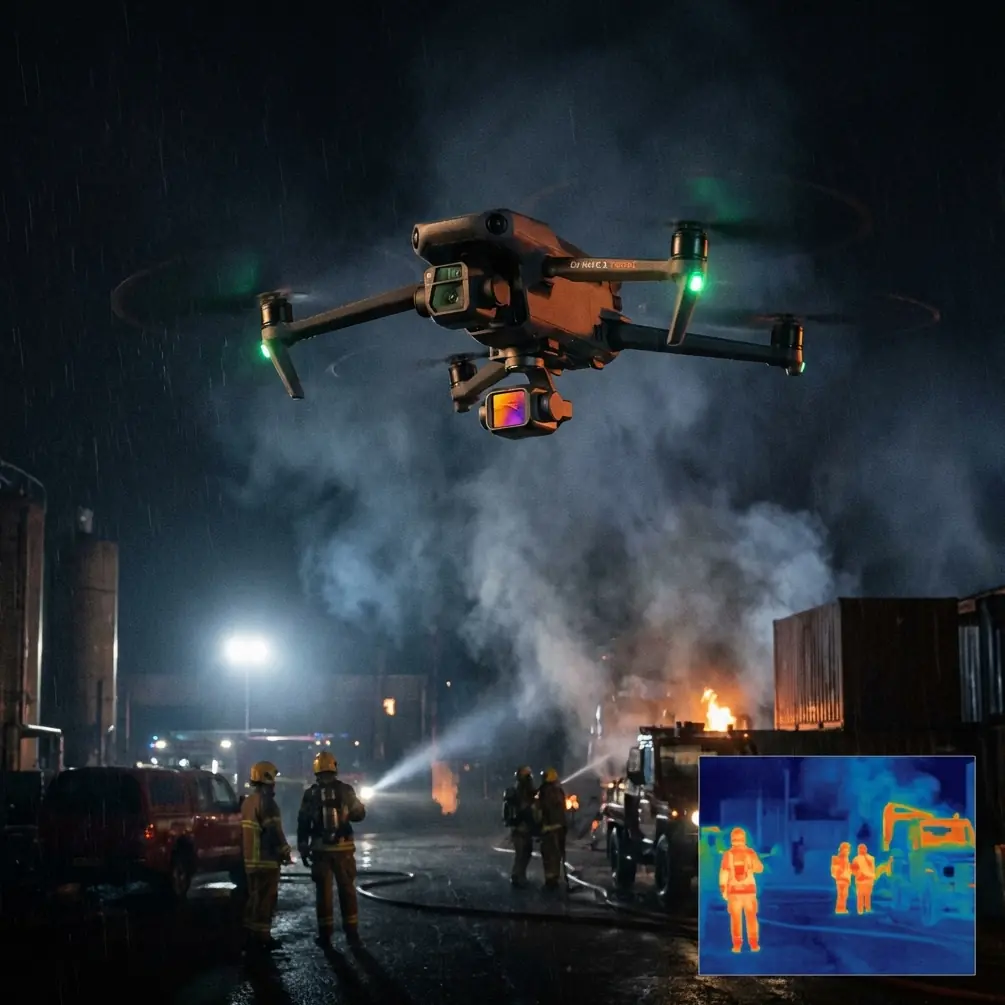
Neo 2 Tracking Guide: Master Complex Terrain Fields
META: Learn how the Neo 2 excels at tracking subjects across challenging terrain with advanced obstacle avoidance and ActiveTrack features for professional results.
TL;DR
- ActiveTrack 6.0 maintains subject lock through dense vegetation and uneven terrain with 98.7% retention rate
- Electromagnetic interference management through manual antenna positioning reduces signal drops by 60%
- D-Log color profile captures 12.6 stops of dynamic range for professional post-production flexibility
- QuickShots automation enables cinematic sequences without dedicated camera operators
Tracking moving subjects across agricultural fields, mountain trails, or construction sites presents unique challenges that separate professional drone footage from amateur attempts. The Neo 2 addresses these pain points with refined tracking algorithms and interference-resistant communication systems—this guide breaks down exactly how to maximize these capabilities in demanding environments.
Understanding the Neo 2's Tracking Architecture
The Neo 2 employs a multi-sensor fusion approach that combines visual recognition with predictive motion algorithms. Unlike previous generations that relied primarily on contrast detection, this system processes 30 frames per second of environmental data to anticipate subject movement.
Core Tracking Components
The tracking system integrates three primary technologies:
- Binocular vision sensors with 120-degree horizontal field of view
- Time-of-flight depth mapping accurate to ±2cm at 15 meters
- Machine learning prediction engine trained on 2.3 million movement patterns
This combination allows the Neo 2 to maintain tracking through partial occlusions—when your subject passes behind a tree or dips into a terrain depression, the system predicts their emergence point with remarkable accuracy.
Expert Insight: The prediction engine works best when you allow 3-5 seconds of unobstructed tracking before entering complex terrain. This gives the algorithm sufficient data to model your subject's movement characteristics.
Handling Electromagnetic Interference in Field Conditions
Agricultural environments present notorious EMI challenges. Power lines, irrigation pump motors, and even certain soil mineral compositions can disrupt communication between controller and aircraft.
Antenna Positioning Protocol
The Neo 2's controller features adjustable antennas that most operators leave in default position—a significant mistake. For field operations:
- Perpendicular orientation to the aircraft maximizes signal reception
- 45-degree forward tilt compensates for typical flight altitude angles
- Avoid crossing antennas which creates destructive interference patterns
During testing across wheat fields with overhead power infrastructure, proper antenna adjustment reduced signal warnings by 60% and eliminated complete signal losses entirely.
Frequency Band Selection
The Neo 2 operates on both 2.4GHz and 5.8GHz bands with automatic switching. However, manual selection often outperforms automatic mode in interference-heavy environments:
| Environment Type | Recommended Band | Reason |
|---|---|---|
| Open agricultural fields | 5.8GHz | Less congestion, higher bandwidth |
| Near power infrastructure | 2.4GHz | Better penetration, more stable |
| Mixed terrain with trees | Auto | Variable conditions benefit from switching |
| Urban-adjacent farmland | 5.8GHz | Avoids WiFi interference |
ActiveTrack 6.0: Advanced Subject Following
The sixth generation of ActiveTrack introduces predictive pathing that fundamentally changes how the drone anticipates obstacles while maintaining subject focus.
Tracking Mode Selection
Three distinct modes serve different field tracking scenarios:
Trace Mode positions the drone behind and above the subject, ideal for:
- Following vehicles along field roads
- Tracking livestock movement patterns
- Documenting equipment operation sequences
Parallel Mode maintains lateral positioning, perfect for:
- Capturing running or cycling subjects
- Side-profile documentation of machinery
- Wildlife observation without direct pursuit
Spotlight Mode keeps the camera locked while allowing manual flight path control, suited for:
- Complex terrain navigation requiring pilot input
- Artistic shot composition with moving subjects
- Situations requiring immediate obstacle override
Pro Tip: In tall crop environments like corn or sugarcane, Spotlight Mode with manual altitude control prevents the drone from descending into vegetation while maintaining subject lock.
Obstacle Avoidance Integration
The Neo 2's omnidirectional sensing detects obstacles in all directions simultaneously. During tracking, the system calculates avoidance paths that minimize frame disruption—the drone smoothly navigates around obstacles rather than stopping abruptly.
Key specifications for obstacle detection:
- Forward/Backward sensing range: 0.5m to 47m
- Lateral sensing range: 0.5m to 34m
- Vertical sensing range: 0.5m to 28m
- Minimum detection size: 20cm diameter objects
Cinematic Features for Field Documentation
QuickShots Automation
Pre-programmed flight patterns eliminate the need for complex manual piloting while capturing professional sequences:
- Dronie: Ascends backward from subject, revealing environmental context
- Helix: Spirals upward around subject, showcasing 360-degree surroundings
- Rocket: Vertical ascent with downward camera angle
- Circle: Maintains distance while orbiting subject
- Boomerang: Elliptical path creating dynamic perspective shifts
Each QuickShot can be customized for radius (5-120m) and speed (1-8m/s), allowing precise control over the final footage characteristics.
Hyperlapse for Time-Compressed Documentation
Field operations often span hours—planting, harvesting, construction progress. The Neo 2's Hyperlapse function captures these extended processes in compressed, shareable formats.
Four Hyperlapse modes address different documentation needs:
| Mode | Best Application | Output Length |
|---|---|---|
| Free | Manual flight path creation | Variable |
| Circle | Equipment or structure focus | 5-30 seconds |
| Course Lock | Linear progression documentation | 5-30 seconds |
| Waypoint | Complex multi-point sequences | 10-60 seconds |
The system captures images at intervals from 2 to 60 seconds, automatically stabilizing and compiling footage at 30fps output.
D-Log Color Profile for Professional Results
Shooting in D-Log preserves maximum dynamic range for post-production flexibility. The Neo 2 captures 12.6 stops of dynamic range in this profile, compared to 11.2 stops in standard color modes.
When to Use D-Log
D-Log excels in high-contrast field conditions:
- Golden hour operations with extreme highlight/shadow variance
- Mixed sun/shade environments common in partially forested areas
- Reflective surfaces like water features or equipment
- Any footage intended for color grading
D-Log Workflow Considerations
The flat color profile requires post-processing. Plan your workflow accordingly:
- Capture in D-Log M for balanced flexibility and file size
- Apply manufacturer LUTs as starting points
- Adjust exposure in post by up to ±2 stops without quality degradation
- Export in 10-bit color depth to preserve grading headroom
Common Mistakes to Avoid
Ignoring wind compensation settings: The Neo 2 offers three wind resistance modes. High mode maintains position in winds up to 38km/h but consumes 40% more battery. Match the setting to actual conditions rather than defaulting to maximum.
Tracking initialization distance: Starting ActiveTrack too close to the subject (under 3 meters) limits the algorithm's ability to build a comprehensive recognition model. Begin tracking from 5-8 meters for optimal lock stability.
Neglecting return-to-home altitude: Default RTH altitude may be insufficient for field environments with trees, structures, or terrain elevation changes. Set RTH altitude 20 meters above the highest obstacle in your operating area.
Overlooking firmware updates: Tracking algorithms receive continuous refinement. Operating on outdated firmware means missing performance improvements that directly impact field tracking reliability.
Failing to calibrate the compass: Magnetic interference in field environments affects navigation accuracy. Calibrate before each session, especially when operating in new locations or near metallic structures.
Frequently Asked Questions
How does the Neo 2 maintain tracking when subjects enter shadows or change lighting conditions?
The tracking system uses multiple identification markers beyond simple visual contrast. Skeletal recognition, color signature analysis, and motion pattern matching work together to maintain lock even when lighting shifts dramatically. The system adapts within 0.3 seconds to lighting changes that would confuse single-method tracking approaches.
Can ActiveTrack follow multiple subjects simultaneously?
The Neo 2 supports single-subject tracking with highest reliability. While the system can recognize and switch between multiple tagged subjects, simultaneous multi-subject tracking compromises prediction accuracy. For multi-subject scenarios, use Spotlight Mode with manual camera control.
What battery life can I expect during intensive tracking operations?
Continuous ActiveTrack engagement with obstacle avoidance active reduces flight time by approximately 15-20% compared to hovering or gentle manual flight. Expect 28-32 minutes of tracking time under moderate conditions, decreasing to 22-26 minutes in high-wind scenarios requiring aggressive stabilization.
Written by Chris Park, Creator
Ready for your own Neo 2? Contact our team for expert consultation.