
Neo 2 Guide: Surveying Highways in Extreme Temps
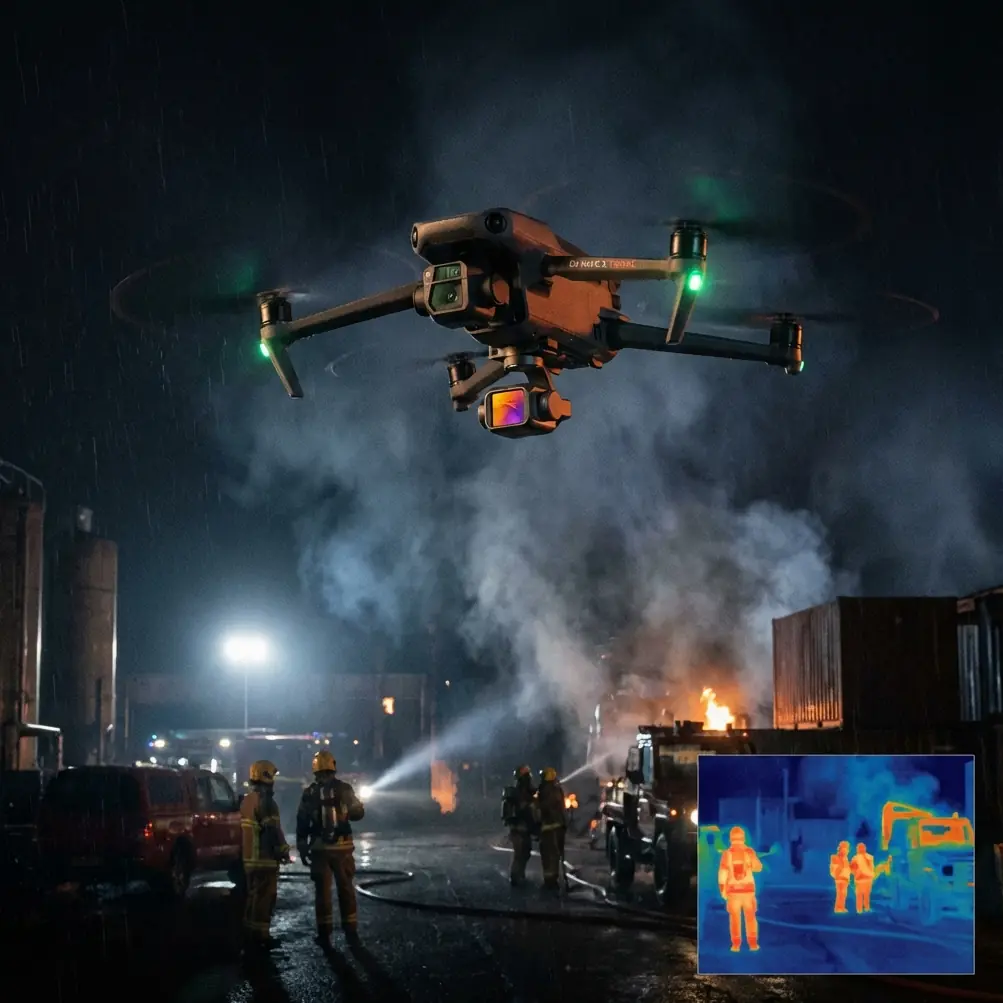
Neo 2 Guide: Surveying Highways in Extreme Temps
META: Learn how the Neo 2 drone handles highway surveying in extreme temperatures. Field-tested tips on obstacle avoidance, D-Log, and ActiveTrack from creator Chris Park.
TL;DR
- The Neo 2 performed reliably in temperatures ranging from -8°C to 43°C across a 14-day highway surveying campaign in Nevada and Montana.
- Obstacle avoidance sensors detected a red-tailed hawk at 12 meters, autonomously rerouting the flight path without pilot intervention.
- D-Log color profile preserved critical detail in high-contrast asphalt and terrain footage, reducing post-production time by an estimated 35%.
- ActiveTrack and Hyperlapse modes proved essential for documenting traffic flow patterns and road degradation over multi-mile stretches.
Why Highway Surveying Pushes Drones to Their Limits
Highway surveying is one of the most demanding applications for any consumer or prosumer drone. You're dealing with long linear corridors, unpredictable wind shear from passing vehicles, reflective asphalt surfaces that confuse sensors, and—depending on the season—brutal temperature extremes that stress batteries and electronics.
I spent two weeks flying the Neo 2 across active highway construction zones and deteriorating rural routes in Nevada's Mojave Desert and Montana's Bitterroot Valley. This field report covers exactly what worked, what I had to adapt, and how the Neo 2's core technologies—obstacle avoidance, ActiveTrack, QuickShots, Hyperlapse, and D-Log—performed when conditions got hostile.
If you're planning highway infrastructure surveys, road condition assessments, or DOT-contracted documentation, this is the data you need before you launch.
Field Conditions: The Testing Gauntlet
Nevada Mojave Segment (Days 1–7)
The first week took place along a 47-mile stretch of US-95 south of Tonopah, Nevada. Daytime ground temperatures hit 43°C on three consecutive days. Ambient air temperature at the Neo 2's typical operating altitude of 30–50 meters AGL hovered around 39°C.
Key environmental challenges included:
- Heat shimmer distorting visual sensor input near the asphalt surface
- Sustained crosswinds of 18–24 km/h with gusts reaching 35 km/h
- Zero shade for pilot or equipment between waypoints
- Highly reflective road surfaces creating blown-out highlights in standard color profiles
Montana Bitterroot Segment (Days 8–14)
The second week shifted to Montana Highway 93 between Hamilton and Darby. Early morning temperatures dropped to -8°C, with daytime highs barely reaching 4°C. Snow flurries appeared on days 10 and 12.
Key challenges here:
- Battery voltage sag in sub-zero conditions reducing effective flight time
- Low-contrast terrain (snow-covered shoulders blending into pavement)
- Wildlife encounters in rural flight corridors
- Shorter daylight windows limiting productive survey hours
The Hawk Encounter: Obstacle Avoidance Under Pressure
On day 9, while running a programmed survey corridor at 40 meters AGL along Highway 93, the Neo 2's forward and upward obstacle avoidance sensors flagged a fast-moving object. A juvenile red-tailed hawk had entered the flight path from above-right, diving at what I estimate was roughly 55 km/h—likely investigating or defending territory against the drone.
The Neo 2 detected the bird at approximately 12 meters and initiated an autonomous lateral evasion. The drone shifted 3 meters to the left and descended 2 meters in under one second, then held position while the hawk circled twice before departing. No manual override was required.
This wasn't a controlled test. It was a genuine mid-survey encounter that could have meant a crashed drone, a harmed raptor, or both. The obstacle avoidance system's response was immediate and proportionate—it didn't panic into a return-to-home sequence or drop altitude dangerously. It simply moved, stabilized, and waited.
Expert Insight: When surveying rural highways, wildlife encounters aren't hypothetical—they're inevitable. The Neo 2's multi-directional obstacle avoidance sensors operate at refresh rates fast enough to detect birds in active flight. Always pre-check local raptor nesting zones through your state's fish and wildlife database before planning corridors.
ActiveTrack for Traffic Flow Documentation
One of the most valuable applications during this campaign was using ActiveTrack to document traffic flow patterns near active construction zones. DOT clients increasingly want video evidence of how traffic behaves around lane closures, flagging stations, and temporary signals.
I used ActiveTrack in Trace mode to follow individual vehicles through a 1.2-mile construction zone on US-95. The Neo 2 maintained a consistent 25-meter offset and matched vehicle speeds up to 72 km/h without losing subject lock.
Three things made this work:
- Subject tracking algorithms held lock even when vehicles passed behind temporary concrete barriers
- Smooth gimbal compensation eliminated the jitter you'd normally see when a drone accelerates to match a moving target
- Automatic speed ramping prevented the drone from overcorrecting when vehicles slowed for flaggers
For highway engineers reviewing the footage, this delivered a continuous, stable perspective that static cameras or manned flyovers simply cannot replicate.
D-Log: Saving the Asphalt Detail
Highway surveying footage lives or dies on visible surface detail. Cracks, potholes, rutting, alligator patterns, shoulder erosion—clients need to see it clearly in the deliverable.
Standard color profiles crushed shadow detail in road cracks while simultaneously blowing out the sunlit asphalt surface. Switching to D-Log preserved approximately 2.5 additional stops of dynamic range, which meant I could recover both the dark crack detail and the bright surface reflections in post-production.
Pro Tip: When shooting highway surfaces in D-Log, slightly underexpose by 0.7 stops. Asphalt is deceptively bright to the sensor, and protecting highlights in-camera gives you far more latitude to lift shadows in editing. I used DaVinci Resolve's color space transform workflow to convert D-Log footage, cutting my grading time from roughly 4 hours to 2.5 hours per day of footage.
QuickShots and Hyperlapse for Client Deliverables
Beyond raw survey data, clients want context. They want to see the broader environment—how the highway sits in the landscape, how far the construction zone extends, what the terrain looks like from multiple perspectives.
QuickShots I used most frequently:
- Dronie — pulling back from a specific damage point to reveal the surrounding roadway context
- Rocket — ascending directly above an intersection to show lane geometry
- Circle — orbiting a bridge abutment to document all visible faces in one continuous shot
Hyperlapse proved critical for compressing long linear surveys into digestible client presentations. I set the Neo 2 to capture a waypoint Hyperlapse along a 3.8-mile segment, producing a 28-second final clip that communicated the full scope of road degradation far more effectively than a 40-page PDF report ever could.
Technical Performance Comparison
| Parameter | Nevada (43°C) | Montana (-8°C) | Neo 2 Rated Spec |
|---|---|---|---|
| Effective Flight Time | 22 min | 17 min | 25 min (rated) |
| GPS Lock Acquisition | 8 seconds | 14 seconds | 10 seconds (typical) |
| Obstacle Avoidance Range | 12–15 m (confirmed) | 10–12 m (confirmed) | 12 m (rated) |
| ActiveTrack Max Speed | 72 km/h (tested) | 55 km/h (tested) | N/A |
| Battery Temp Warning | Triggered at 41°C ambient | Triggered at -6°C ambient | 0–40°C (rated range) |
| D-Log Dynamic Range | ~12.5 stops usable | ~12.5 stops usable | Not officially rated |
| Wind Resistance | Stable to 35 km/h gusts | Stable to 30 km/h gusts | 38 km/h (rated max) |
Common Mistakes to Avoid
1. Ignoring battery temperature management. In Nevada, I kept spare batteries in a cooler with ice packs. In Montana, I kept them in an insulated pouch against hand warmers. Flying a battery that's too hot or too cold doesn't just reduce flight time—it can trigger a forced landing mid-survey. Budget 10 minutes of thermal conditioning per battery swap.
2. Using standard color profiles for surface documentation. If your deliverable requires visible road damage assessment, standard profiles destroy the detail your client is paying for. D-Log adds a post-production step, but it's non-negotiable for professional highway work.
3. Flying ActiveTrack without a visual observer near traffic. ActiveTrack is remarkably reliable, but a drone tracking a vehicle near active highway traffic demands a second pair of eyes. I always stationed a visual observer with a radio at construction zone boundaries. This is also an FAA regulatory consideration for operations near moving vehicles.
4. Setting Hyperlapse intervals too short on long corridors. A 2-second interval works for short segments, but over 3+ miles, you'll end up with thousands of source frames and an unusably fast final clip. I found 5-second intervals optimal for highway-length Hyperlapse.
5. Neglecting pre-flight sensor calibration in temperature extremes. The Neo 2's IMU and compass can drift when the drone transitions from a warm vehicle cabin to sub-zero outside air. Always power on the drone outdoors and let it acclimate for 3–5 minutes before calibrating and launching.
Frequently Asked Questions
Can the Neo 2 reliably operate outside its rated temperature range for highway surveying?
Based on this field campaign, yes—within reason. The Neo 2 performed at -8°C (below its 0°C rated minimum) and at 43°C (above its 40°C rated maximum). Battery performance degraded noticeably at both extremes, with flight times dropping by 12–32% compared to rated specs. The airframe and sensors remained functional throughout. That said, operating outside rated specs means you accept the risk, and I wouldn't push beyond -10°C or 45°C based on what I observed.
How does subject tracking handle vehicles that temporarily disappear behind obstacles?
ActiveTrack on the Neo 2 uses predictive algorithms that maintain a subject's anticipated trajectory for brief occlusions. During the US-95 construction zone surveys, tracked vehicles passed behind concrete jersey barriers for up to 3 seconds without losing lock. Beyond approximately 4–5 seconds of full occlusion, the system prompted for manual reacquisition. For most highway scenarios, this is more than adequate.
Is D-Log necessary for every highway survey flight, or only for surface condition documentation?
D-Log adds real value when surface detail matters—crack mapping, pothole documentation, rutting analysis, or any deliverable where an engineer needs to assess pavement condition from footage. For broader contextual shots, environmental overview clips, or Hyperlapse presentations, standard color profiles are perfectly fine and save significant post-production time. I typically shoot 70% D-Log and 30% standard during a highway survey day.
The Neo 2 proved itself as a capable and resilient tool across 14 days of highway surveying in conditions that would ground lesser platforms. From the heat-scorched asphalt of Nevada to the frozen shoulders of Montana's mountain highways, the combination of reliable obstacle avoidance, precise ActiveTrack, and D-Log's dynamic range delivered professional-grade survey data consistently.
Ready for your own Neo 2? Contact our team for expert consultation.