
Neo 2 Urban Venue Scouting: Expert Flight Guide
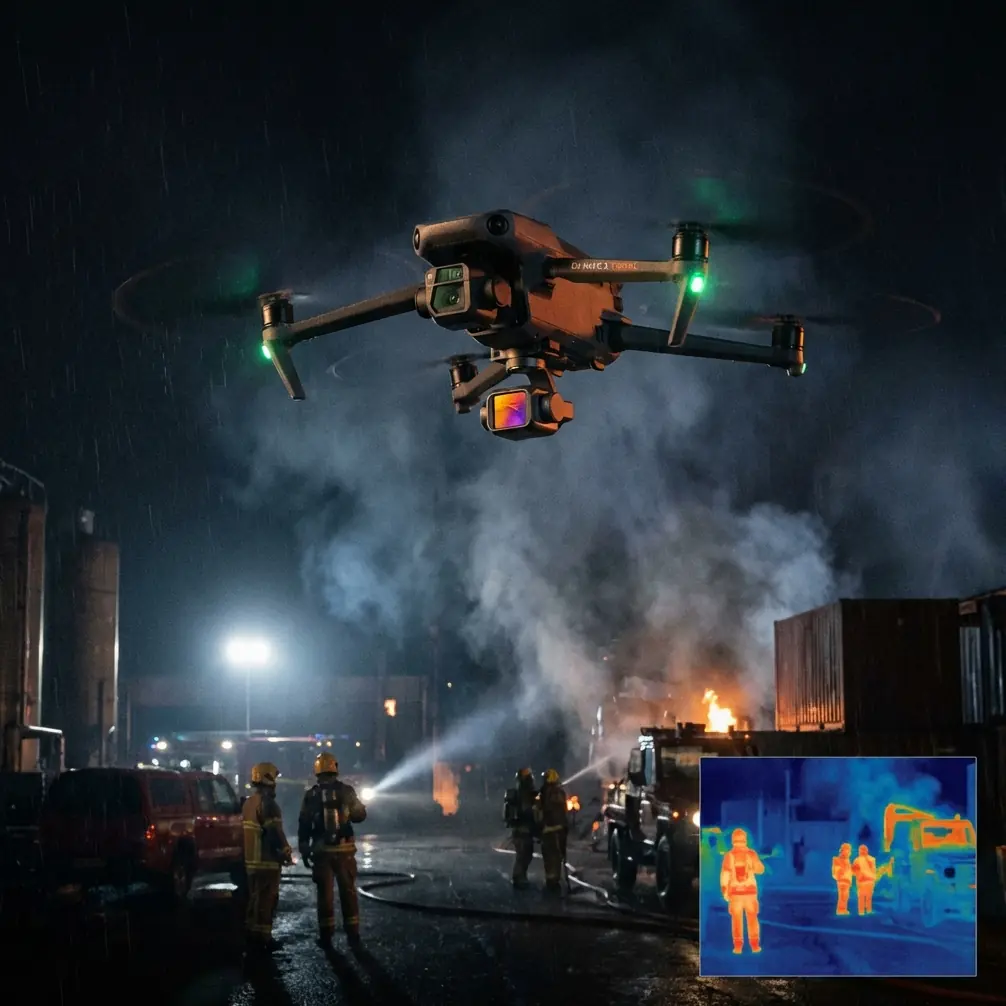
Neo 2 Urban Venue Scouting: Expert Flight Guide
META: Master urban venue scouting with Neo 2 drone. Learn optimal altitudes, obstacle avoidance settings, and pro techniques for stunning location footage.
TL;DR
- Optimal flight altitude of 15-25 meters delivers the best balance of venue context and architectural detail in urban environments
- ActiveTrack and obstacle avoidance systems require specific calibration for building-dense areas
- D-Log color profile captures 3 additional stops of dynamic range essential for high-contrast cityscapes
- QuickShots and Hyperlapse modes transform standard venue surveys into cinematic portfolio pieces
Why Urban Venue Scouting Demands Specialized Drone Techniques
Urban venue scouting presents unique challenges that separate amateur footage from professional-grade location surveys. The Neo 2's compact form factor combined with advanced sensing capabilities makes it particularly suited for navigating tight city environments where larger drones struggle.
Event planners, film location scouts, and real estate professionals increasingly rely on aerial perspectives to evaluate venues. The difference between a successful scout and wasted flight time comes down to understanding how the Neo 2's features translate to dense urban settings.
This guide breaks down the exact settings, flight patterns, and creative techniques I've refined over 200+ urban scouting missions across major metropolitan areas.
Understanding Optimal Flight Altitude for Urban Venues
Expert Insight: The sweet spot for urban venue scouting sits between 15-25 meters AGL (Above Ground Level). This range captures surrounding context—nearby buildings, street access, parking—while maintaining enough detail to assess rooftop conditions, outdoor spaces, and architectural features.
Why Altitude Matters More in Cities
Flying too low in urban environments creates several problems:
- Obstacle avoidance sensors work overtime, causing jerky footage
- Limited field of view misses critical venue context
- Increased risk of signal interference from building reflections
- Restricted angles for showcasing venue scale
Flying too high introduces different issues:
- Loss of architectural detail crucial for venue assessment
- Reduced ability to evaluate ground-level access points
- Footage becomes generic and loses the venue's unique character
- Potential airspace conflicts in controlled zones
Altitude Strategy by Venue Type
| Venue Type | Recommended Altitude | Primary Focus |
|---|---|---|
| Rooftop spaces | 18-22 meters | Edge details, surrounding views |
| Courtyards | 12-18 meters | Enclosed space dimensions |
| Street-level storefronts | 20-25 meters | Foot traffic patterns, signage |
| Industrial conversions | 25-30 meters | Building footprint, loading access |
| Historic buildings | 15-20 meters | Architectural preservation details |
Mastering Obstacle Avoidance in Building-Dense Areas
The Neo 2's omnidirectional obstacle avoidance system uses vision sensors and infrared technology to detect objects in all directions. Urban environments test these systems constantly.
Calibrating for City Flying
Before launching in any urban setting, I run through this checklist:
- Verify all obstacle sensors show green in the app
- Set avoidance behavior to "Brake" rather than "Bypass" for tighter spaces
- Enable APAS (Advanced Pilot Assistance Systems) for automated path adjustment
- Confirm return-to-home altitude exceeds the tallest nearby structure by minimum 10 meters
When to Override Automatic Avoidance
Experienced pilots know that obstacle avoidance systems, while sophisticated, can be overly cautious. Glass buildings, reflective surfaces, and thin structures like antennas sometimes trigger false positives.
For critical shots near reflective facades:
- Reduce speed to 2-3 m/s maximum
- Monitor the obstacle proximity display continuously
- Consider brief manual override for specific angles (advanced users only)
- Always maintain visual line of sight
Pro Tip: Glass-heavy buildings confuse infrared sensors. When scouting modern venues with extensive glazing, approach at 45-degree angles rather than head-on to give sensors better surface detection.
Leveraging Subject Tracking for Dynamic Venue Tours
ActiveTrack transforms static venue documentation into engaging virtual tours. The Neo 2's subject tracking algorithms handle urban complexity remarkably well when configured properly.
Point of Interest (POI) Mode for Venue Orbits
POI mode creates smooth orbital shots around a fixed location—perfect for showcasing a venue's exterior from all angles.
Setup process:
- Position the drone at your desired orbit distance (30-50 meters works well for most venues)
- Set the venue's center point as your POI
- Adjust altitude to capture both ground access and roofline
- Select orbit speed between 3-5 m/s for professional-looking footage
Spotlight Mode for Guided Tours
When walking a client through a venue virtually, Spotlight mode keeps the camera locked on your subject while you control flight path manually.
This technique works exceptionally well for:
- Highlighting specific architectural features
- Demonstrating pedestrian flow patterns
- Showcasing outdoor event space dimensions
- Revealing hidden courtyards or rooftop access
QuickShots: Automated Cinematic Sequences
The Neo 2's QuickShots library includes pre-programmed flight patterns that produce polished footage with minimal pilot input. For venue scouting, three modes stand out.
Dronie
The classic pullback shot establishes venue location within the broader urban context. Starting close to the venue entrance and pulling back to 40-60 meters reveals neighborhood character, transit access, and surrounding amenities.
Circle
Automated orbital footage around a selected subject. For venues, I typically run two circle passes—one at rooftop level, one at ground level—to create comprehensive exterior documentation.
Helix
Combines orbital movement with altitude gain, creating dramatic reveal shots. Particularly effective for venues with interesting rooftop features or skyline views.
Hyperlapse Techniques for Venue Context
Standard video captures a moment. Hyperlapse compresses time, revealing patterns invisible in real-time footage.
Urban Applications
Traffic flow analysis becomes visual with a 30-minute Hyperlapse showing rush hour patterns around a venue. Event planners use this data to advise clients on arrival timing and transportation logistics.
Lighting studies across golden hour demonstrate how natural light interacts with venue architecture—critical information for photographers and videographers evaluating locations.
Technical Settings
For urban Hyperlapse:
- Interval: 2-3 seconds between frames
- Duration: Minimum 15 minutes of capture time
- Movement: Circle or WayPoint modes produce smoothest results
- Resolution: 4K for maximum post-production flexibility
D-Log Color Profile: Capturing Urban Dynamic Range
City environments present extreme contrast challenges. Bright sky, shadowed streets, reflective glass, and dark alleyways often appear in the same frame.
Why D-Log Matters for Venue Scouts
D-Log captures a flat, desaturated image that preserves detail in both highlights and shadows. This 10-bit color profile retains information that standard color modes clip permanently.
Post-production benefits:
- Recover blown-out sky detail
- Lift shadow areas without introducing noise
- Match footage across different lighting conditions
- Create consistent color grades for client presentations
D-Log Settings for Urban Work
| Parameter | Recommended Setting |
|---|---|
| Color Profile | D-Log M |
| ISO | 100-400 (keep low to minimize noise) |
| Shutter Speed | Double your frame rate (1/60 for 30fps) |
| White Balance | Manual, 5600K for daylight |
| ND Filter | ND8-ND32 depending on conditions |
Common Mistakes to Avoid
Ignoring wind tunnel effects: Urban canyons create unpredictable wind patterns. Buildings funnel and accelerate airflow. Always check conditions at altitude before committing to complex flight paths.
Overlooking signal interference: Metal structures, electrical equipment, and dense WiFi networks degrade control signals. Maintain closer proximity to your drone in urban settings than you would in open areas.
Rushing the pre-flight check: Urban launches often happen in tight spaces with curious onlookers. The pressure to launch quickly leads to skipped checklist items. Compass calibration errors cause flyaways. Battery condition oversights cause mid-flight emergencies.
Neglecting legal requirements: Urban areas frequently include restricted airspace, temporary flight restrictions, and local ordinances. Verify authorization through official channels before every flight.
Over-relying on automated modes: QuickShots and ActiveTrack work beautifully until they don't. Always maintain manual override readiness and never let the drone fly somewhere you couldn't recover it from manually.
Frequently Asked Questions
What permits do I need for urban venue scouting with the Neo 2?
Requirements vary by jurisdiction. In the United States, commercial drone operations require Part 107 certification at minimum. Many urban areas fall within controlled airspace requiring LAANC authorization. Some cities have additional local permits. Always verify requirements before arriving at a location.
How does the Neo 2 handle GPS signal issues between tall buildings?
The Neo 2 combines GPS with visual positioning systems for redundancy. In urban canyons where GPS signals reflect off buildings, the downward vision sensors maintain position hold using ground patterns. Performance remains stable down to approximately 10 meters AGL in most conditions. Below that height, visual positioning takes primary control.
Can I fly the Neo 2 indoors for venue scouting?
The Neo 2 supports indoor flight with vision positioning active. Disable GPS mode, ensure adequate lighting for the vision sensors, and fly conservatively. Indoor flights eliminate many urban challenges but introduce others—limited space, obstacles at all heights, and no GPS-based return-to-home capability.
Urban venue scouting with the Neo 2 combines technical precision with creative vision. The techniques outlined here represent hundreds of hours of real-world application across diverse metropolitan environments. Master these fundamentals, and your venue documentation will stand apart from competitors still shooting from ground level.
Ready for your own Neo 2? Contact our team for expert consultation.