
Expert Scouting with Neo 2: A Smarter Way to Read Urban
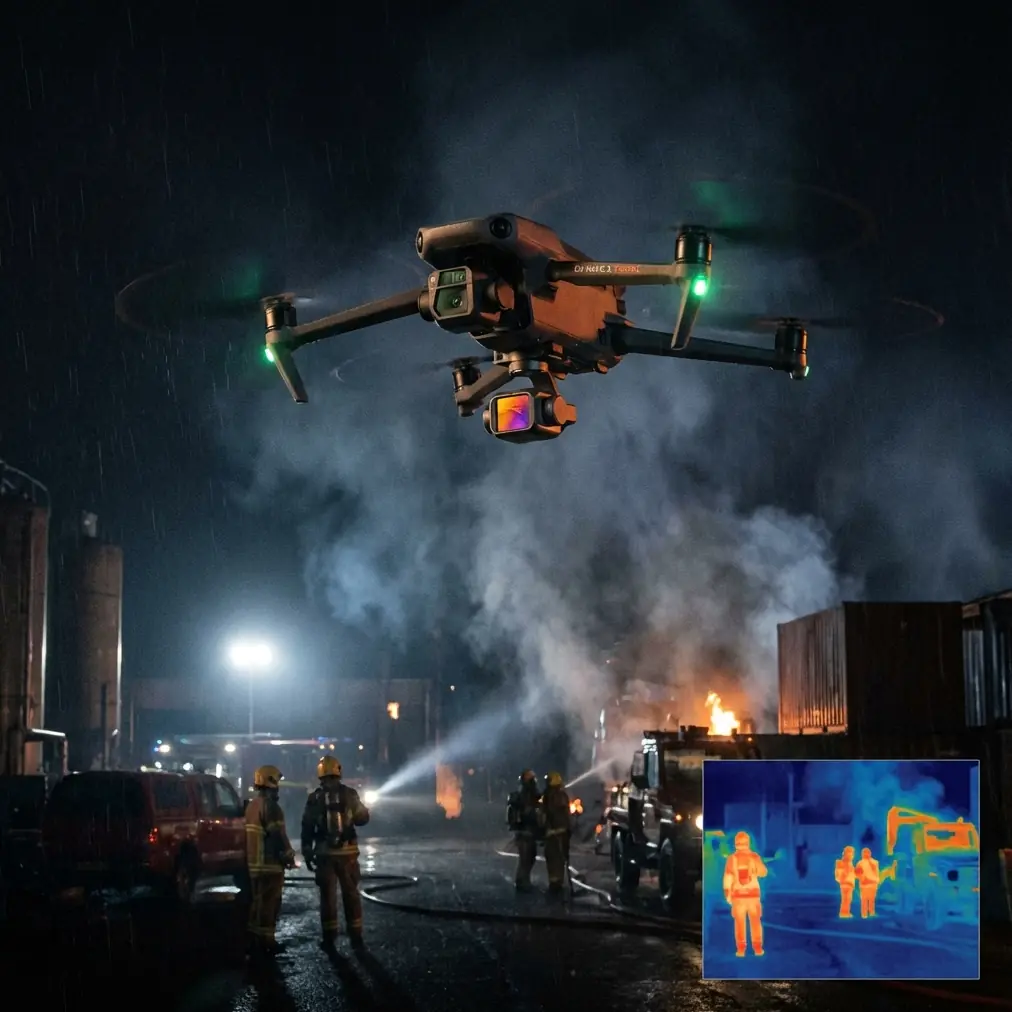
Expert Scouting with Neo 2: A Smarter Way to Read Urban Forest Edges
META: A field-tested look at using Neo 2 for urban forest scouting, with practical insight on obstacle avoidance, subject tracking, QuickShots, Hyperlapse, D-Log, ActiveTrack, and battery management.
Urban forest scouting sounds simple until you actually do it.
On paper, it is just a short drone mission over tree lines, green belts, park corridors, drainage buffers, and the awkward patches of woodland that sit between roads, buildings, and utility easements. In practice, this is one of the messiest flight environments a small UAV operator will face. You are dealing with broken canopies, narrow sightlines, sudden lighting changes, reflective surfaces from nearby glass, pedestrians at the perimeter, and branches that seem to appear exactly where you wanted the cleanest path.
That is where the Neo 2 starts to make sense.
Not as a brute-force platform. Not as something you send high and far to overpower a site. Its real value in urban forest scouting is precision under constraint. When the job is to inspect a green corridor, document canopy health from the edge, pre-visualize access routes, or gather visual context around a wooded urban parcel, the aircraft’s flight intelligence matters more than raw size.
The mistake many operators make is treating a compact drone like a reduced version of a larger survey machine. That mindset leads to poor mission design. Neo 2 works best when you lean into what it does well: controlled proximity work, quick visual acquisition, efficient repeat passes, and reliable framing around obstacles. In urban woodland environments, that combination can save time and cut risk at the same time.
The core problem with urban forest scouting
Forest interiors are already demanding. Urban forest edges add a second layer of complexity because they are visually dense and operationally cramped.
A mature line of trees beside a road, for example, creates a poor background for manual piloting. You are constantly parsing thin branches, deep shadows, moving leaves, and changing contrast. Add a jogging trail, utility poles, fences, and parked vehicles nearby, and your margin shrinks fast. Even experienced pilots can lose visual clarity when transitioning from open air into partial canopy cover.
This is why obstacle avoidance is not just a convenience feature in this scenario. It is operationally significant.
When you are scouting low-altitude edges or tracing a corridor beside trees, obstacle sensing gives the pilot more room to focus on mission intent rather than micro-correcting every second. That does not mean you fly casually. It means the aircraft is helping you manage the kind of cluttered environment that makes urban forestry work so inconsistent. A drone that can better perceive obstacles near branches or built structures reduces the likelihood of a rushed correction ruining a pass or forcing an early stop.
For scouting work, that matters because continuity matters. A broken pass is not just annoying; it interrupts your ability to compare one section of tree line with another using the same angle, height, and speed.
Why subject tracking changes the job
Many people associate subject tracking and ActiveTrack with content capture. That misses a more practical use in field operations.
When you are scouting urban forest access routes, following a moving subject can be an efficient way to document how a person, bicycle, or maintenance vehicle actually interacts with the edge of a wooded area. That is useful for planners, site managers, landscape teams, and inspection crews trying to understand real-world movement patterns around vegetation.
If a grounds team member walks a perimeter trail under patchy canopy, ActiveTrack can help maintain a stable visual lock while the drone records context around them. The significance is not that the footage looks polished. The significance is that you get a readable record of route width, overhead clearance, vegetation encroachment, and access obstacles without asking the pilot to divide attention between framing and continuous manual chasing.
That is especially valuable in urban sites where a trail may snake between trees, retaining walls, and adjacent structures. Subject tracking helps turn a potentially disjointed flight into a coherent visual survey.
The same applies when documenting tree-edge conditions along service paths. Instead of flying a sequence of disconnected clips, you can build one continuous movement narrative. That makes later review far easier for stakeholders who were not on site.
QuickShots and Hyperlapse are more useful than they sound
QuickShots and Hyperlapse are often dismissed as “creative” tools. For scouting, that is too narrow a view.
A QuickShot-style automated movement can be useful when you need a repeatable establishing view of a site boundary, canopy break, or transition zone between woodland and urban infrastructure. The repeatability is the key. If you are checking change over time, consistency beats improvisation. A controlled reveal can show how close tree crowns sit to rooftops, roads, footpaths, or drainage channels. That is not fluff. That is context.
Hyperlapse has a similar hidden value. In urban forestry work, change is often about movement patterns and rhythm rather than a single static frame. A Hyperlapse sequence can show how sunlight moves across a shaded path, how foot traffic builds at the edge of a park, or how wind affects canopy behavior at different heights. If you are trying to understand whether a corridor feels open, enclosed, safe to access, or prone to visual blind spots, compressed time gives you insight that a standard clip may not.
These modes are not substitutes for careful piloting or formal survey methods. They are efficient supplements. Used well, they reduce the number of separate flights needed to tell a complete site story.
D-Log matters when the light gets difficult
Urban forest edges are notorious for contrast.
One moment your drone is facing a bright sidewalk or road. The next it is looking into a dark understory beneath dense branches. This is where D-Log becomes useful beyond the usual “cinematic” conversation.
For practical scouting, D-Log helps preserve more visual information across highlights and shadows, which can make post-flight review more dependable. That matters when you are checking branch structure, understory visibility, edge density, or how vegetation interacts with nearby built elements. If the highlights are blown out or the shaded zones collapse into mush, your footage may look fine at first glance but fail when someone needs to inspect details.
In a mixed urban-forest setting, dynamic range is not a luxury. It is documentation insurance.
A lot of field teams only realize this after they get back to the office and discover that the brightest section of the route erased the details they needed from the darker section ten seconds later. D-Log gives you more flexibility when conditions are changing faster than you can manually adapt in flight.
A field battery habit that saves missions
The battery lesson with compact scouting drones is simple: do not trust the percentage alone, especially around trees.
My own rule in urban woodland work is to think in segments, not one continuous flight. Instead of planning to use “most” of a battery and then come back, break the mission into deliberate windows: one battery for perimeter context, one for low edge work, one for tracking or repeated passes if needed. The reason is wind drag, stop-start flight, and constant repositioning around obstacles can drain a pack less predictably than open-area flying.
The practical tip is this: if you are working near canopy or along a tree line, reserve your final 25 to 30 percent for a calm exit and a clean landing decision, not for squeezing in “one last pass.” That buffer matters more in urban forests because your return path is rarely as open as your launch point. You may need to climb, reposition laterally, and avoid branches, poles, or people before landing. That takes time and attention.
Also, batteries warm up differently when the mission alternates between hovering in shade and flying in open sun. In the field, I prefer to keep packs out of direct sunlight before launch and rotate them in order instead of grabbing whichever one is nearest. It sounds minor. It is not. Consistent pack handling reduces surprises, and surprises are exactly what you do not want when operating beside trees and streets.
If you want to compare field workflow ideas with an operator who understands compact UAV deployment, this is a useful place to start: message a drone specialist here.
A better mission structure for Neo 2 in urban forests
For this kind of work, the best results usually come from a problem-solution mission design.
The problem is visual chaos. The solution is to divide the site into three flight objectives.
1. Establish the edge
Start with a higher, slower pass that defines how the wooded section meets the urban fabric. You are looking for transitions: pavement to root zone, open grass to dense canopy, trail to blind corner, fence to vegetation wall. This is where a repeatable automated move or controlled wide pass helps.
2. Read the corridor
Bring the aircraft lower and use obstacle-aware positioning to inspect the usable space along the edge. How much horizontal clearance exists? Where do branches push into access routes? Are there overhead conflicts? This is the phase where obstacle avoidance is carrying real operational weight, because the drone is helping maintain safer spacing in clutter.
3. Follow movement
Use subject tracking or ActiveTrack to document how a person actually moves through the site. Does the path narrow unexpectedly? Does the line of sight disappear under branches? Does vegetation force route changes? A tracked pass often reveals practical issues that a static hover never will.
This structure works because it mirrors how decisions get made. First, people want context. Then they want detail. Finally, they want to understand use.
Where Neo 2 fits best
Neo 2 is not the answer to every forestry task. If the mission is a large-area topographic program, a high-end mapping platform is the obvious choice. But that is not what most urban forest scouting jobs are. Many are short-notice visual assessments, site familiarization flights, pre-inspection recce, access reviews, vegetation edge checks, and communication-friendly documentation for mixed technical and non-technical teams.
In those situations, speed of deployment matters. So does the ability to work neatly in constrained airspace, maintain stable framing near obstacles, and collect footage that can survive post-processing without losing useful detail.
That is why the combination of obstacle avoidance, ActiveTrack, QuickShots, Hyperlapse, and D-Log is more coherent than it first appears. These are not disconnected feature bullets. In urban woodland operations, they support one another.
Obstacle avoidance reduces pressure in clutter.
Subject tracking and ActiveTrack turn moving route documentation into a controlled process.
QuickShots and Hyperlapse create consistent visual context and time-based understanding.
D-Log helps preserve the image information needed to make the footage useful after the flight.
When those pieces are used intentionally, the aircraft becomes less of a gadget and more of a field instrument.
The real advantage: clearer decisions
The end goal of urban forest scouting is not impressive footage. It is better judgment.
Can a crew access the corridor safely?
Where does vegetation interfere with movement?
How does the tree line interact with nearby infrastructure?
Which areas need a closer inspection on foot?
What changed since the last site visit?
Neo 2 can support those decisions well when the operator respects the environment it is flying in. Urban forest edges reward patience, deliberate battery planning, conservative spacing, and structured capture methods. They punish impulsive flying and vague objectives.
That is the difference between collecting clips and producing evidence.
A good urban scouting mission leaves you with a readable visual record, not a folder of disconnected airborne moments. If your workflow uses the drone’s intelligent tools to reduce cognitive load while preserving repeatability and image quality, the result is not just smoother flying. It is a site assessment people can actually use.
Ready for your own Neo 2? Contact our team for expert consultation.