
How to Scout Dusty Construction Sites With Neo 2
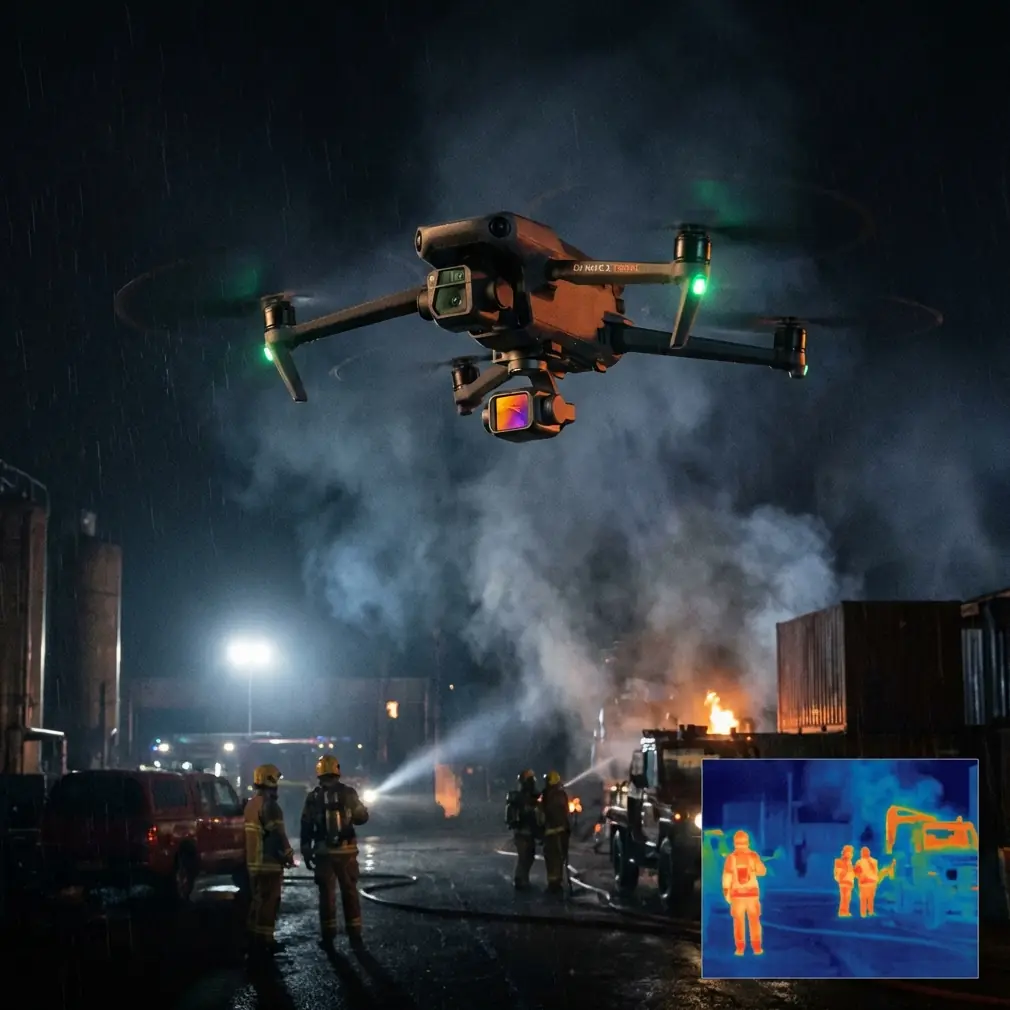
How to Scout Dusty Construction Sites With Neo 2: A Field Workflow Borrowed From Powerline Inspection Discipline
META: Learn a practical Neo 2 workflow for dusty construction site scouting, using lessons from fixed-wing transmission line inspection: 20MP JPG capture standards, structured file delivery, obstacle awareness, and EMI handling.
Dusty construction sites punish sloppy drone workflows.
The problem usually isn’t getting airborne. It’s coming back with imagery that a project manager can actually use: clear tower-crane separation checks, haul-road progress views, drainage observations, edge conditions, stockpile changes, and visual records organized well enough that someone can find the right image without opening 600 files one by one.
That is where Neo 2 operators can learn a lot from a very different mission profile: fixed-wing transmission line inspection.
One reference standard from the powerline world is brutally practical. It specifies visible-light imaging for the important parts of each tower, delivered as JPG, with resolution of no less than 20 megapixels. It also requires a clean handoff structure: each line gets its own top-level folder, named after the line itself, and beneath that sit subfolders for original photos, annotated defect photos, and stitched corridor imagery.
At first glance, that sounds like utility-sector paperwork. On a dusty construction site, it’s actually the difference between useful reconnaissance and pretty aerial clutter.
Why a Powerline Inspection Standard Fits Neo 2 Site Scouting
Construction scouting has its own chaos. Dust softens contrast. Machinery moves constantly. Temporary access roads appear and disappear. New obstructions go up faster than the site map gets updated. By noon, the environment can be materially different from what you flew at 8 a.m.
Transmission corridor inspection deals with a similar operational truth: the aircraft isn’t there for art. It is there to document change, identify hazards, and produce evidence that is easy to review.
That reference document spells out several things worth adopting for Neo 2 operations:
- image capture should be detailed enough to inspect meaningful features
- outputs should be easy to sort by location
- post-flight products should include both raw evidence and interpreted evidence
- accountability matters if flight operations damage equipment
For a photographer, that structure might feel rigid. For a site superintendent or civil engineer, it feels professional.
Start With the Deliverable, Not the Flight
Most pilots plan from the joystick outward. Better site scouting starts from the folder structure backward.
The powerline workflow organizes every route as a first-level folder. On a construction project, do the same. Instead of “Line A,” your top-level folders might be:
- North retaining wall
- Temporary drainage corridor
- Crane pad and laydown yard
- Access road east
- Phase 2 foundation zone
Inside each, create three subfolders modeled on the inspection reference:
- Original photos
- Annotated issue photos
- Stitched overview images
This is not admin for admin’s sake. It changes how you fly.
When you know you need one folder for clean originals, one for marked-up issue evidence, and one for broader stitched context, you naturally capture with purpose. You stop doing random orbits and start collecting records that can answer questions later.
That matters on dusty sites because visibility conditions often reduce confidence in what any single frame shows. A stitched corridor view can confirm where the isolated issue photo sits in relation to haul roads, trenching, temporary fencing, or spoil piles.
Set a Minimum Image Standard That Matches Inspection Work
The source document requires JPG outputs at not less than 20 megapixels for the important parts of each tower.
Operationally, that detail matters because inspection decisions often hinge on small visual cues. On a construction site, the same principle applies. You may need to verify:
- whether drainage outlets are blocked with fine sediment
- whether rebar bundles or formwork have shifted
- whether temporary power routing creates clashes with site traffic
- whether excavated slopes are degrading after wind and vehicle movement
- whether debris accumulation is encroaching on material staging zones
A 20MP minimum is not just a spec-sheet brag. It gives your stakeholders room to zoom, crop, annotate, and compare without the image falling apart immediately.
For Neo 2 operators, this means resisting the temptation to rely only on cinematic movement modes. QuickShots and Hyperlapse can help with broad progress storytelling, but the inspection mindset says your baseline product is still a clean, high-detail visual record. If a site lead asks, “Can you show me the exact edge condition near the southern trench crossing?” a dynamic reveal shot is useless. A disciplined still-image capture set is not.
Dust Changes How You Use Obstacle Avoidance
Dusty construction sites are ugly for sensors.
Obstacle avoidance can be affected by airborne particulate, low-contrast surfaces, repetitive textures, and temporary structures that weren’t there yesterday. Neo 2’s obstacle sensing is helpful, but it should not become a substitute for site reading.
Borrow another lesson from utility inspection: the job is to identify environmental change, not to assume a stable corridor.
On a construction site, that means treating every scouting run as if the site geometry has changed since the last mission. New scaffolding, suspended loads, telehandlers, temporary cables, and partial steel erection can create narrow visual traps. Dust adds a second layer by reducing depth cues.
My preferred workflow is simple:
- first pass: higher, slower, broad situational sweep
- second pass: medium-altitude path over priority zones
- third pass: close inspection only where line of sight and escape routes stay obvious
This sequencing helps obstacle avoidance do its best work while keeping the human pilot in command of the risk picture.
Subject Tracking Has a Place, but Use It Sparingly
The common temptation with Neo 2 is to overuse subject tracking because active sites are visually busy and machines make compelling targets. ActiveTrack can be useful for following a dump truck route or documenting a loader circulation pattern, especially when you need repeated comparison footage over time.
But construction scouting is not sports filming.
The powerline reference focuses on “important parts” of each asset and the condition of the corridor around it. That mindset is sharper than generic tracking. Instead of asking, “What can I follow?” ask, “What recurring element needs to be documented in a consistent way?”
Good candidates include:
- repeated weekly passes of drainage channels
- fixed-angle captures of retaining structures
- stockpile volume change from the same path
- approach clearances around cranes or temporary towers
- perimeter condition along a dust-prone access route
Use tracking where it supports repeatability. Skip it where it introduces unpredictability.
Handling Electromagnetic Interference Near Site Equipment
Construction sites can be surprisingly noisy in the radio sense.
Temporary power distribution, site offices, generators, welding activity, communications gear, and large metal frameworks can all complicate signal quality and compass confidence. The answer is rarely panic. It is usually antenna discipline and flight positioning.
When I hit interference symptoms near a steel-heavy zone, I do three things before assuming the site is unflyable:
- Reposition myself to improve line of sight and avoid standing beside containers, vehicles, or temporary power cabinets.
- Adjust antenna orientation so the strongest signal pattern points toward the aircraft instead of across the site.
- Climb or offset laterally to move the Neo 2 out of the noisiest pocket rather than forcing a low pass through it.
That antenna adjustment point sounds minor until you’ve worked around dense metal and dust haze. Sometimes the difference between a stable control link and an annoying, confidence-killing connection is simply changing the controller angle and your own position relative to the aircraft.
This is one reason I prefer a deliberate first reconnaissance lap on active projects. You are not just scouting the site. You are scouting the RF behavior of the site.
Build Inspection Logic Into Your Shot List
The source material for transmission line patrol includes checks for corridor encroachment, unsafe proximity from structures or vegetation, nearby work activity, fire indicators, crossings, drainage and protective infrastructure failures, natural hazard impacts, road and bridge damage, pollution changes, and ground instability.
Translate that into a construction scouting shot list and the mission instantly gets smarter.
Instead of vague “progress photos,” capture around these categories:
1. Encroachment and clearance
Document where stored materials, parked equipment, or temporary installations begin to crowd designated movement paths or work buffers.
2. Surface and drainage condition
Look for sediment buildup, blocked channels, rutting, washouts, ponding, and damaged culverts.
3. Active work conflicts
Record where simultaneous activities may interfere with each other, such as excavation near haul traffic or crane swing near temporary structures.
4. Access routes and bridge points
Check whether site roads, ramps, crossings, and temporary bridge elements are deforming or failing under dust, traffic, and weather.
5. Instability and environmental change
Track settlement, slumping edges, spoil movement, or fresh cracking in disturbed ground.
This is where Neo 2 becomes more than a compact flying camera. It becomes a repeatable observation tool.
Use D-Log Carefully in Dusty Conditions
If your scouting report has a public-facing component, D-Log can preserve highlight and shadow detail well enough to handle the harsh tonal separation common on dusty sites. Pale soil, reflective metal, and deep shadows under partially built structures can exceed what standard color handling deals with elegantly.
That said, inspection-minded flying still favors clarity over mood.
For issue documentation, I usually prioritize settings that produce direct, readable outputs for rapid review. When the site team needs immediate decisions, they do not want to wait on an elaborate grading pass. D-Log has value, especially for mixed-use deliverables where one flight supports both technical review and stakeholder communication, but your defect and condition imagery should remain easy to inspect quickly.
Stitching Matters More Than Pilots Admit
The reference pricing table separates visible-light camera capture from post-processing mosaic service, with terrain categories listed as plain, hilly, and mountainous, and figures such as 1200, 1400, and 1600 per kilometer for the fixed-wing work, plus 400 for stitching service.
The exact numbers are less interesting than what they reveal: post-flight image assembly is treated as a distinct operational product, not an afterthought.
That is a useful lesson for Neo 2 site scouting.
Dust makes isolated images harder to interpret. A stitched overview helps reviewers understand whether a clogged drain sits upstream of a larger grading problem, whether a stockpile expansion now blocks circulation, or whether a temporary road deterioration is local or systemic.
If you treat stitched imagery as optional, site teams will end up making corridor-level decisions from fragmentary evidence. That is avoidable.
A Practical Neo 2 Mission Template for Dusty Sites
Here is the workflow I recommend.
Pre-flight
- define 3 to 5 inspection zones, each with its own delivery folder
- identify likely EMI sources: generators, temporary substations, steel clusters
- select one or two fixed repeatable routes for comparison across days or weeks
- wipe lenses and check for dust contamination before launch
Flight 1: broad overview
- slower pace
- safe altitude
- establish current site geometry
- note dust plumes and visibility pockets
Flight 2: inspection capture
- collect high-detail JPG stills
- focus on issue categories: drainage, access, clearance, conflicts, instability
- keep camera angles consistent where repeat documentation matters
Flight 3: context imagery
- gather corridor sequences for later stitching
- capture overviews around each issue point
- use Hyperlapse only if long-duration change needs to be shown clearly
Post-flight
- sort by zone
- duplicate issue frames into annotated defect folders
- create stitched overview images where routes or corridors matter
- add concise captions tied to location and operational consequence
If you need help building that folder logic into a repeatable site-reporting workflow, you can message a field workflow specialist here.
The Real Advantage Is Not the Aircraft
Neo 2 can be a very capable site scout in dust, but capability on paper is not what makes the output valuable.
The real advantage comes from importing inspection discipline into a compact drone workflow.
A reference from the transmission-line world gives us two especially useful anchors: capture imagery at a standard detailed enough to inspect critical features, and deliver the files in a structure that mirrors the way decisions get made. The 20-megapixel JPG requirement is about review quality. The top-level folder plus subfolder system is about traceability. Together, they turn drone flying from a visual activity into an operational process.
That matters even more on construction sites where dust, changing layouts, and electromagnetic noise can quickly erode the quality of both the flight and the deliverable.
Fly slower than your ego wants. Organize harder than your creative side thinks is necessary. Adjust your antennas before blaming the site. Use obstacle avoidance as backup, not judgment. Track only what benefits from repeatability. And always come home with imagery that somebody else can understand without you standing over their shoulder explaining it.
Ready for your own Neo 2? Contact our team for expert consultation.