
Neo 2 for Remote Power Line Monitoring: What Actually
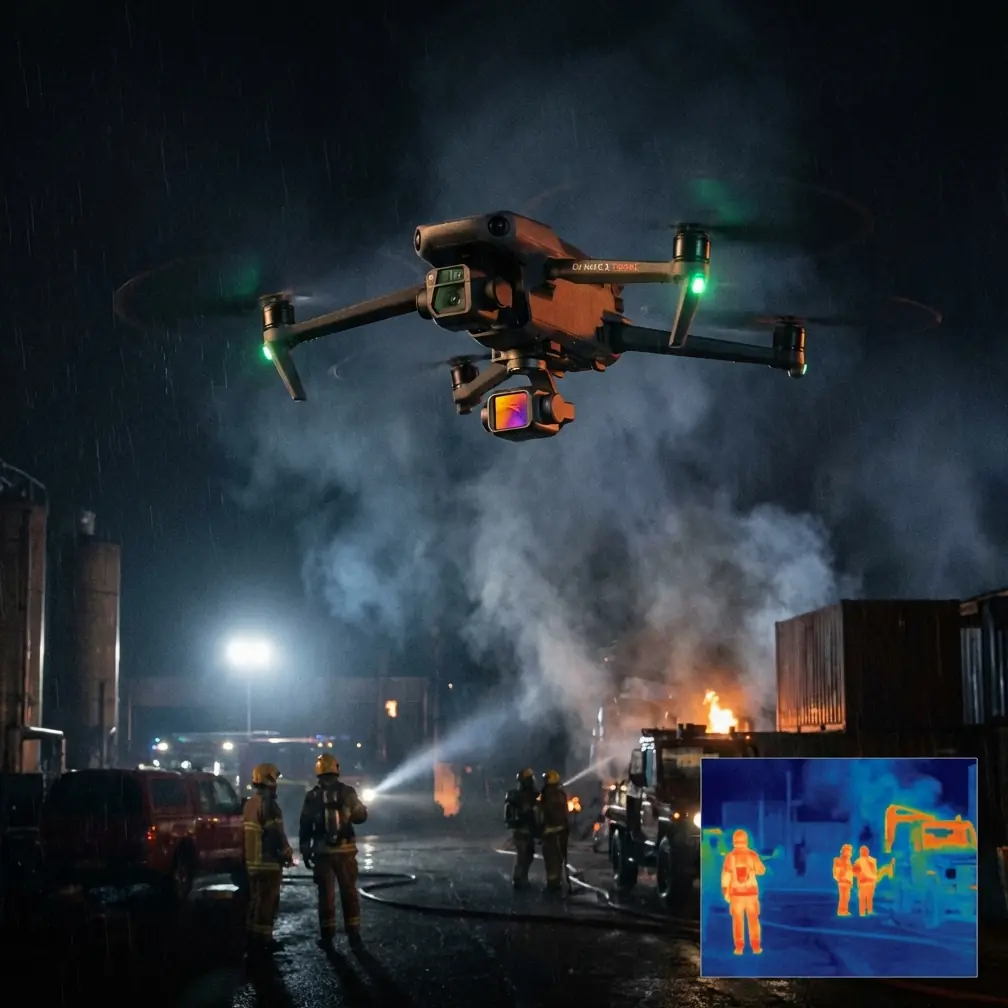
Neo 2 for Remote Power Line Monitoring: What Actually Matters in the Field
META: A field-focused look at using Neo 2 for remote power line monitoring, with practical insight on battery discipline, obstacle awareness, tracking, and GIS-driven drone workflows.
Remote power line monitoring sounds straightforward until you are the one standing on uneven ground, miles from the nearest charging point, trying to document a corridor that cuts through trees, slopes, and changing light. In that environment, a drone is not just a camera in the air. It becomes part of a larger decision chain: capture, verify, locate, compare, report.
That is where the Neo 2 discussion gets interesting.
Most conversations around compact UAVs drift toward cinematic features first. For inspection work in remote utility corridors, the real question is different: can the aircraft help crews collect usable visual evidence efficiently, tie that evidence to location, and get home without wasting battery on preventable mistakes?
A reference from Esri’s drone application solution material points in a useful direction here. Even though the extracted slide content is fragmented, two details are clear and operationally meaningful: the presentation is from Esri Beijing, China, and it carries Esri’s “The Science of Where” positioning. That matters because power line monitoring is never just about imagery. It is about geography. A photo of a damaged insulator means far more when it is anchored to a mapped asset, a corridor segment, a structure ID, and a repeatable inspection path.
Why geography matters more than image quality alone
Field teams often overestimate the value of a beautiful clip and underestimate the value of spatial consistency.
A Neo 2 flight over a remote transmission or distribution line can produce sharp visuals, but those visuals become truly useful only when they fit into a location-based workflow. That is the Esri angle in plain language. “The Science of Where” is not branding fluff in this context. It describes the operational layer that turns drone content into maintenance intelligence.
If a team flies a corridor this month and returns after a storm next month, they need more than memory and a folder of media files. They need to know:
- which tower or pole was observed,
- where vegetation encroachment was detected,
- whether conductor sag looked abnormal in the same span,
- and how current findings compare with previous inspections.
This is especially relevant for remote work, where returning to re-check a missed detail may cost an entire day. A Neo 2 workflow tied to mapping logic reduces that risk. The inspection is no longer “we saw something near the ridge.” It becomes “we observed a concern at a specific corridor segment, documented from a known position, and can route a crew directly to it.”
That single shift saves real time.
The practical problem in remote line inspections
Power line monitoring in isolated terrain tends to break down in four places.
First, access is slow. You may hike, drive rough tracks, or reposition repeatedly to maintain line of sight and safe launch zones.
Second, the environment is cluttered. Trees, guy wires, terrain edges, and changing wind all raise the workload on the pilot.
Third, inspection targets are narrow and repetitive. Poles, crossarms, insulators, connectors, and vegetation conflicts can blur together when fatigue sets in.
Fourth, battery decisions get sloppy when crews feel pressure to “finish just one more section.”
That last point is where field discipline separates a smooth mission from an anxious recovery.
My battery rule for remote work with Neo 2
Here is the battery management tip I wish more operators learned early: never let the route decide the battery plan; let the battery plan decide the route.
In remote power line work, that means dividing the mission into short, deliberate segments before takeoff. I do not wait until the low-battery warning to think about return distance. I pick a hard turn-back threshold based on terrain, wind, and how far the aircraft has drifted down-corridor. If conditions are variable, I become conservative fast.
Why? Because utility corridors lure pilots into linear thinking. The line keeps going, the next structure is visible, and it feels efficient to continue. But every extra minute outbound becomes a bigger penalty on the way back when headwinds pick up or you spend time re-framing a defect.
A simple field habit helps: after each pass, pause and ask whether the current battery is enough not only to return, but to return with margin after a second look at a suspect component. If the answer is uncertain, land now.
That margin is not wasted capacity. It is inspection insurance.
Obstacle awareness is not optional in utility corridors
The phrase “obstacle avoidance” gets treated like a convenience feature. In remote line monitoring, it is closer to workload reduction.
Corridors are deceptive. From the ground, the route may look open. In the air, side branches, uneven canopy heights, slope transitions, and utility structures create a much tighter environment than expected. When a pilot is concentrating on a conductor attachment point or trying to hold framing on a pole-top detail, attention narrows. Any system that helps the aircraft manage proximity buys the operator time to think.
That does not mean blindly trusting automation. It means using obstacle sensing as one layer in a disciplined inspection method.
For Neo 2 users, the operational significance is simple: obstacle awareness can support safer positioning when inspecting line-adjacent features, but the pilot should still build buffer distance into every shot. Utility assets are not movie subjects. You do not need dramatic closeness. You need clear evidence, stable framing, and a clean way home.
Subject tracking and ActiveTrack can help—if you define the subject correctly
Tracking tools are usually discussed in creative shooting scenarios. On a power line route, their value is more specific.
A tracking mode such as ActiveTrack can reduce manual stick workload when following a maintenance vehicle, a cleared access path, or a visible corridor edge during documentation flights. The key is not to treat the power line itself as a cinematic subject. Instead, use tracking to support repeatable movement while you focus on observing changes in the surrounding right-of-way.
That can be useful in vegetation monitoring, where the question is not only whether the line hardware looks sound, but whether surrounding growth is beginning to threaten clearance. A repeatable movement pattern helps teams compare footage from different dates and improve consistency across crews.
Still, a remote corridor is full of variables. Tracking should be treated as an assistant, not a substitute for planning. If the route tightens near trees or terrain, manual control should take priority.
QuickShots and Hyperlapse are not just creative extras
On paper, QuickShots and Hyperlapse sound far removed from infrastructure work. In practice, they can serve a documentation role when used intelligently.
A short automated reveal or elevated establishing move can give supervisors and GIS teams immediate context: where the line sits relative to slope, tree line, access roads, or a river crossing. That kind of situational overview matters when a finding has to be reviewed by someone who was not on site.
Hyperlapse, used carefully, can compress a long corridor environment into a readable sequence that highlights movement through terrain and changing proximity to vegetation. It is not a substitute for detailed inspection imagery, but it can help communicate spatial relationships quickly to planners and asset managers.
The mistake is assuming these modes are only for promotion or visual flair. In field reporting, context shots often save more explanation than close-ups do.
Why D-Log can matter in utility inspection review
Remote power line monitoring often happens in rough midday light, mixed cloud, or high-contrast terrain. Insulators and connectors may sit against bright sky, dark forest, reflective metal, or snow-bright ground depending on the season.
That is where D-Log becomes relevant.
A flatter recording profile can preserve more flexibility for later review, especially when an inspection team needs to recover detail from shadows or keep highlights from clipping around bright components. For utility work, the point is not dramatic grading. It is information retention.
If a field crew captures a suspicious attachment point but the standard profile crushes shadow detail, the inspection may lose value. D-Log can give analysts and reviewers more room to evaluate what was actually seen. That becomes even more useful when the drone output feeds a GIS-linked asset review process, because the image is not standing alone; it is part of a traceable maintenance record.
The Esri connection: drone data becomes decision-ready when it is mapped
This is where the reference source earns its place in the Neo 2 story.
The Esri material, attributed to Esri Beijing and presented under the banner “The Science of Where,” signals a practical truth for utility operators: flying is only half the job. The other half is organizing findings so they can drive decisions.
For remote power line monitoring, a useful workflow does not end with footage on a memory card. It should connect visual captures to corridor maps, route histories, asset locations, and maintenance tasks. Once the media is geospatially referenced and sorted by line segment or tower position, the organization can do three things better:
Compare over time
Repeat inspections become measurable rather than anecdotal.Prioritize response
Crews can distinguish between urgent clearance risks and watch-list conditions.Reduce repeat travel
Remote dispatch improves when the exact issue location is documented clearly.
That is the operational significance of geospatial thinking. It shortens the gap between “we flew it” and “we know what to do next.”
A problem-solution approach for Neo 2 in remote utility corridors
Let’s put the whole thing in a straightforward framework.
Problem: the corridor is long, remote, and visually repetitive
Pilots get fatigued. Batteries disappear faster than expected. Minor defects are easy to miss. Re-flying sections is expensive.
Solution: break the mission into mapped segments
Instead of treating the line as one continuous flight, divide it into inspection blocks. Use location logic to define each block before launch. This supports cleaner reporting and safer battery decisions.
Problem: the environment punishes distraction
Trees, terrain, and narrow infrastructure create a high cognitive load.
Solution: use obstacle support and tracking selectively
Obstacle avoidance helps reduce risk while you frame inspection targets. ActiveTrack or related subject-following tools can support repeatable movement in lower-risk sections, especially when documenting corridor condition rather than close infrastructure detail.
Problem: footage without location context creates extra office work
Reviewers waste time asking where something was seen.
Solution: think like a GIS team while flying
Capture overview context, preserve image detail with D-Log when conditions demand it, and structure the mission so every observation can be tied back to place. That is the practical extension of Esri’s “Science of Where” philosophy into field operations.
What I would prioritize on a real Neo 2 inspection day
If I were setting up a Neo 2 for a remote monitoring assignment, my priorities would not start with flashy output. They would start with reliability and traceability.
- Plan corridor segments around battery, not around optimism.
- Use obstacle-aware flying to reduce unnecessary risk near vegetation and structures.
- Capture both detail shots and context shots.
- Use D-Log when lighting contrast could hide inspection clues.
- Treat automated movement modes as tools for consistency, not shortcuts.
- Log findings in a way that can be tied back to mapped assets.
That last point is what many teams miss. A drone does not create value because it flew. It creates value because someone can act on what it captured.
If your team is trying to connect Neo 2 field work with a clearer remote inspection workflow, it may help to discuss the setup directly on WhatsApp before the next corridor mission.
The bigger lesson from the reference material
Even from a sparse source page, the message is still clear enough to be useful. Esri’s drone solution perspective is rooted in geography, not gadget fascination. For remote power line monitoring, that is exactly the right lens.
Neo 2 features such as obstacle awareness, ActiveTrack, QuickShots, Hyperlapse, and D-Log all have a place. But their real value shows up only when they support a field process that answers three questions cleanly:
- What did we see?
- Where exactly was it?
- Can the maintenance team act on it without sending us back out?
That is the standard worth aiming for in remote utility inspections.
Ready for your own Neo 2? Contact our team for expert consultation.