
Neo 2 Monitoring Tips for Construction Sites in Complex Terr
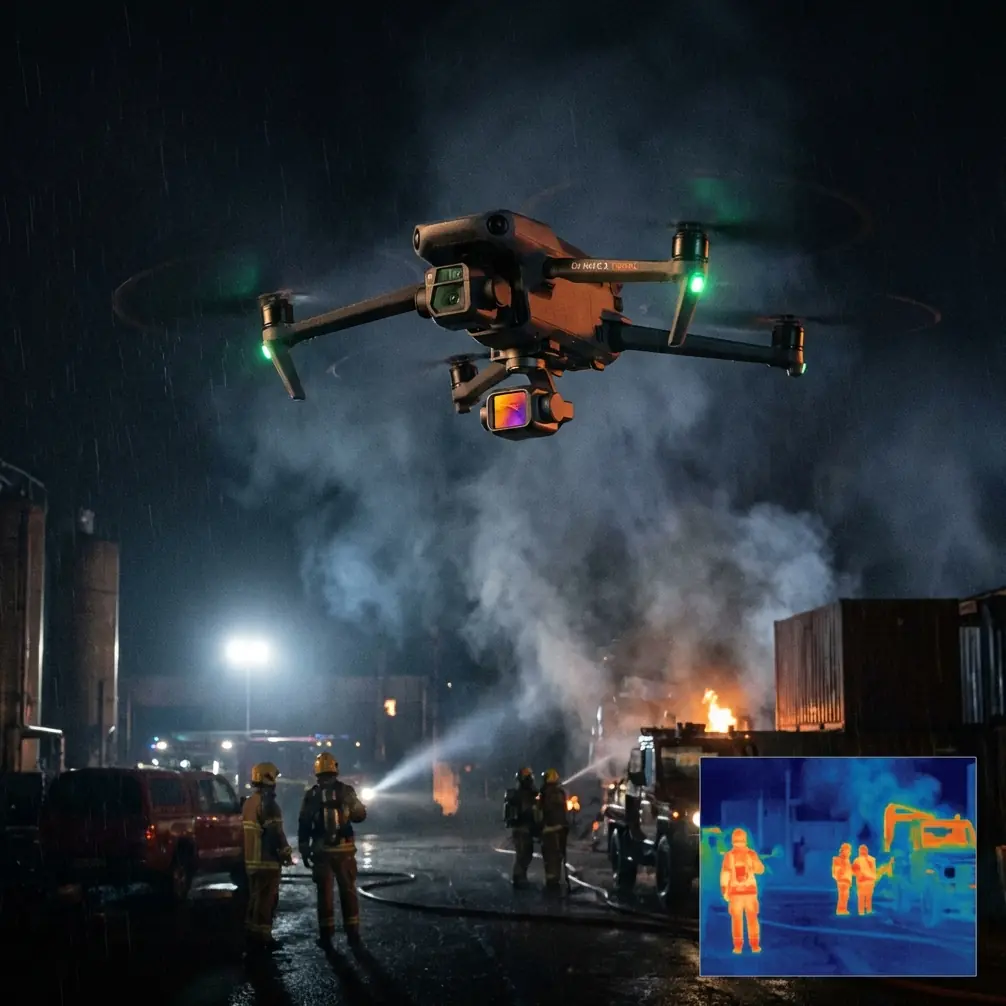
Neo 2 Monitoring Tips for Construction Sites in Complex Terrain
META: A field-focused technical review of Neo 2 workflows for construction monitoring, with practical guidance on storage reliability, overheating awareness, and battery handling in demanding terrain.
Construction monitoring looks simple from a distance. Put a drone in the air, run a repeatable route, collect visuals, and compare progress over time. On real sites, especially those cut into hillsides, bordered by retaining walls, or broken up by temporary access roads, the routine falls apart fast. Wind shifts around structures. Dust gets everywhere. Heat builds up. Memory cards behave until they suddenly do not.
That is why the most useful conversation about Neo 2 is not just about obstacle avoidance, ActiveTrack, QuickShots, or D-Log in isolation. It is about operational reliability when a site team needs footage at 4 p.m. the same way they needed it at 8 a.m.: clean, recoverable, and usable for decision-making.
I want to frame this review around a less glamorous topic that matters far more than marketing specs suggest: how small handling habits around power, storage, and thermal management affect the quality of construction-site monitoring in complex terrain.
The hidden failure points in repeatable site monitoring
Construction teams usually care about three things from a drone program:
- consistent visual records,
- enough image quality to identify changes,
- minimal interruption to site activity.
Neo 2 can serve that role well when paired with modern flight tools like subject tracking for moving equipment, obstacle avoidance for tight approaches near temporary structures, and controlled cinematic modes like Hyperlapse or QuickShots for executive summaries. But those features only matter if the aircraft and camera system stay dependable through repeated field cycles.
The reference material behind this article comes from camera operating guidance rather than a site-monitoring playbook, yet two details from it carry direct operational significance for Neo 2 users in construction environments.
The first is the warning around file repair. The source notes that when a repair icon appears on the screen, it means the previous video was damaged during recording, and the user should press a button to repair the file. That sounds minor until you think about a progress inspection over unstable terrain. If your drone just completed a pass over a blasted slope, a concrete pour zone, or a drainage corridor and the footage becomes corrupted, you may lose the only clean visual record from that time window. On active sites, that often cannot be recreated exactly. Trucks move, workers leave, lifts reposition, shadows change.
The second is the source guidance to reformat the microSD card regularly to keep the card in good condition. Again, this looks like generic housekeeping until you place it in a commercial workflow. A construction monitoring mission often relies on repeat flights over days or weeks. Cards fill, get partially cleared, and are reused under time pressure. Fragmented storage and inconsistent formatting can quietly increase the risk of write errors, unreadable files, and failed recording sessions. If your workflow includes D-Log capture for grading latitude or longer Hyperlapse sequences for progress visualization, stable recording performance matters even more.
Those two details alone tell a larger story: on a construction site, drone success is often determined on the ground before takeoff.
Why Neo 2 features matter more in complex terrain
Let’s talk about the flying side for a moment. Complex terrain amplifies the value of intelligent systems. Obstacle avoidance is not just a nice-to-have around buildings. It helps when grade changes distort your perception of clearance, especially near stockpiles, crane laydown areas, fencing, and temporary scaffolding. Subject tracking and ActiveTrack also become more useful than many site managers expect. Not because you want cinematic footage of a single worker or machine, but because tracking can help document moving site logistics such as haul trucks entering a constrained ramp area or excavators operating near shifting edges.
QuickShots are often dismissed as flashy. That is a mistake in stakeholder reporting. A short, controlled automated move around a retaining wall installation or a newly cut bench can communicate spatial progress more clearly than a static overhead. Hyperlapse can do the same for sequencing, especially when a team wants to show road formation, material staging, or facade progress over time.
D-Log has an equally practical role. On mixed-elevation construction sites, lighting contrast is brutal. Bright concrete, reflective metal, shaded trenches, and dusty slopes can all sit in one frame. A flatter profile gives your post team more room to preserve detail in both highlights and shadows. That matters when the footage is being reviewed not just for presentation, but for identifying drainage issues, edge conditions, or incomplete work zones.
Still, smart features do not compensate for weak field discipline. In fact, the more advanced your capture plan, the more damaging a preventable interruption becomes.
A battery management tip from field experience
Here is the field habit I would drill into any Neo 2 operator working construction terrain: tape and isolate spent battery terminals during transport back to the office or between site zones.
This advice comes directly from the reference logic around lithium-ion battery disposal. The source says one battery terminal should be protected with packaging, shielding material, or electrical tape to prevent fire during transport. While that guidance was framed around disposal, the underlying safety principle applies to field logistics too. Construction monitoring teams often throw depleted batteries into a hard case, truck bin, or backpack alongside chargers, metal tools, spare mounts, and loose hardware. That is lazy, and it is not smart.
My own rule is simple. The moment a battery is retired from the flying cycle for the day, it goes into a designated pouch or compartment. If the battery housing has any damage, or if it is being moved with other equipment in rough transport, terminal protection is worth the extra few seconds. On sites with long access routes and constant vibration, that discipline reduces unnecessary risk.
The same source also makes a blunt point: do not place lithium-ion batteries in fire because they may explode. That should be obvious, but construction environments are full of improvised habits. Batteries left on sun-baked dashboards, tossed near hot equipment, or forgotten beside generators are all bad practice. If you are running multiple Neo 2 sorties across a large terrain-cut project, battery care is not administrative trivia. It is part of operational continuity.
Heat management is not optional on exposed sites
The reference material also mentions a temperature icon that appears when the camera overheats and needs to cool down, adding that the system detects overheating and protects itself by stopping further heat buildup. This is highly relevant to Neo 2 use over exposed construction sites.
Many difficult terrain projects have minimal natural shade. Think ridge cuts, embankment works, utility corridors, and greenfield developments. Surfaces radiate heat upward. Aircraft sit powered on while the operator waits for a machine to clear a workface or for a supervisor to step out of frame. That idle time cooks electronics.
The practical lesson: do not normalize long powered-on delays between takes. If you are planning repeat progress shots, build the sequence before powering up. Fly the mission. Land. Shut down. Review. Relaunch only when needed. If the system gives you any thermal warning, treat it seriously. A forced pause is inconvenient, but it is far better than losing a scheduled capture window because the aircraft had to protect itself.
Heat also affects image consistency. Sensors and processors under thermal stress are not where you want to be when trying to maintain repeatable quality across weekly reporting flights.
Storage discipline: the least exciting, most profitable habit
The source provides several storage status messages: NO SD, FORMAT SD?, FULL, and SD ERR. For a hobby user, these are occasional annoyances. For commercial monitoring, they are workflow killers.
A disciplined Neo 2 site-monitoring team should work with a simple card protocol:
- use known-good cards only,
- reformat in the aircraft regularly,
- never begin a mission with a nearly full card,
- verify recording before the first pass,
- review sample clips before leaving site.
That “regular reformatting” detail from the source is especially valuable. Repeatedly deleting files from a card via laptop or phone instead of formatting in-system seems harmless. Over time, it can contribute to stability issues. If you are collecting weekly progress records that may later support planning discussions, subcontractor coordination, or claims documentation, card reliability is not a technical footnote. It is a business control.
The file repair point deserves another mention too. If your Neo 2 indicates that a file can be repaired after an interrupted recording event, do it immediately before further flights if possible. Waiting until later invites confusion, overwritten data, or incomplete recovery. For construction documentation, a damaged clip from a single critical period can create an avoidable gap in the project record.
Housing, mounts, and vibration awareness
One more detail from the reference data concerns the camera housing and mount assembly: Quick Release Buckle + Thumb Screw + Slim housing = Complete Unit. Although that source was describing a specific action camera mounting setup, the operational lesson translates neatly into Neo 2-adjacent workflows.
Construction operators often pair drones with supplemental camera systems for ground verification, fixed-point time-lapse, or equipment-mounted visuals. The reminder here is that every mounting system is only as reliable as its final assembled state. On rough terrain, vibration loosens things. A half-secured quick-release assembly on a survey buggy, a site vehicle, or a temporary viewpoint can compromise reference footage you were counting on to contextualize the drone data.
If your Neo 2 monitoring package includes mixed capture methods, give the same attention to accessory mounting that you give to the aircraft itself. Loose hardware is a silent source of bad data.
A practical mission template for Neo 2 on uneven sites
For readers building a repeatable monitoring routine, here is the workflow I recommend:
1. Pre-brief the terrain, not just the route
Map elevation changes, signal shadows near structures, equipment movement zones, and likely obstacle vectors. Obstacle avoidance helps, but the best avoidance strategy is still anticipation.
2. Standardize your capture layers
Use one overhead mapping-style pass, one oblique progress pass, one stakeholder visual pass, and one issue-specific pass. D-Log is useful when light is harsh and grading consistency matters.
3. Use ActiveTrack selectively
Track moving machinery only when it adds operational value, such as documenting haul path efficiency or staging congestion. Avoid treating tracking as a novelty.
4. Keep QuickShots and Hyperlapse purposeful
A short orbital or rise-away move can explain terrain relationships better than a flat static frame. Hyperlapse works when progress or site circulation patterns need to be shown over time.
5. Watch heat and storage like a hawk
This is where the reference material earns its keep. Reformat cards regularly. Confirm card status before launch. Respond immediately to file repair prompts. Cool the aircraft when thermal warnings appear.
6. Manage batteries like field assets
Protect terminals when batteries are being transported or retired from service for the day. Follow local disposal rules, and if you need a suitable battery recycling route, the source specifically points users to Call2Recycle and the number 1-800-BATTERY in North America. That is not just environmental housekeeping. It is part of running a professional program.
The bigger takeaway
The strongest Neo 2 construction monitoring programs are rarely built on dramatic flying. They are built on repeatability. A clean card. A cool aircraft. A healthy battery rotation. Stable file handling. Intelligent use of obstacle avoidance and tracking in terrain that keeps changing under your feet.
That is what separates attractive footage from dependable operational data.
If you are setting up a Neo 2 workflow for complex construction environments and want to compare flight planning habits, storage protocols, or reporting structures, you can message our technical team directly here.
Ready for your own Neo 2? Contact our team for expert consultation.