
Neo 2 for Coastal Construction Monitoring
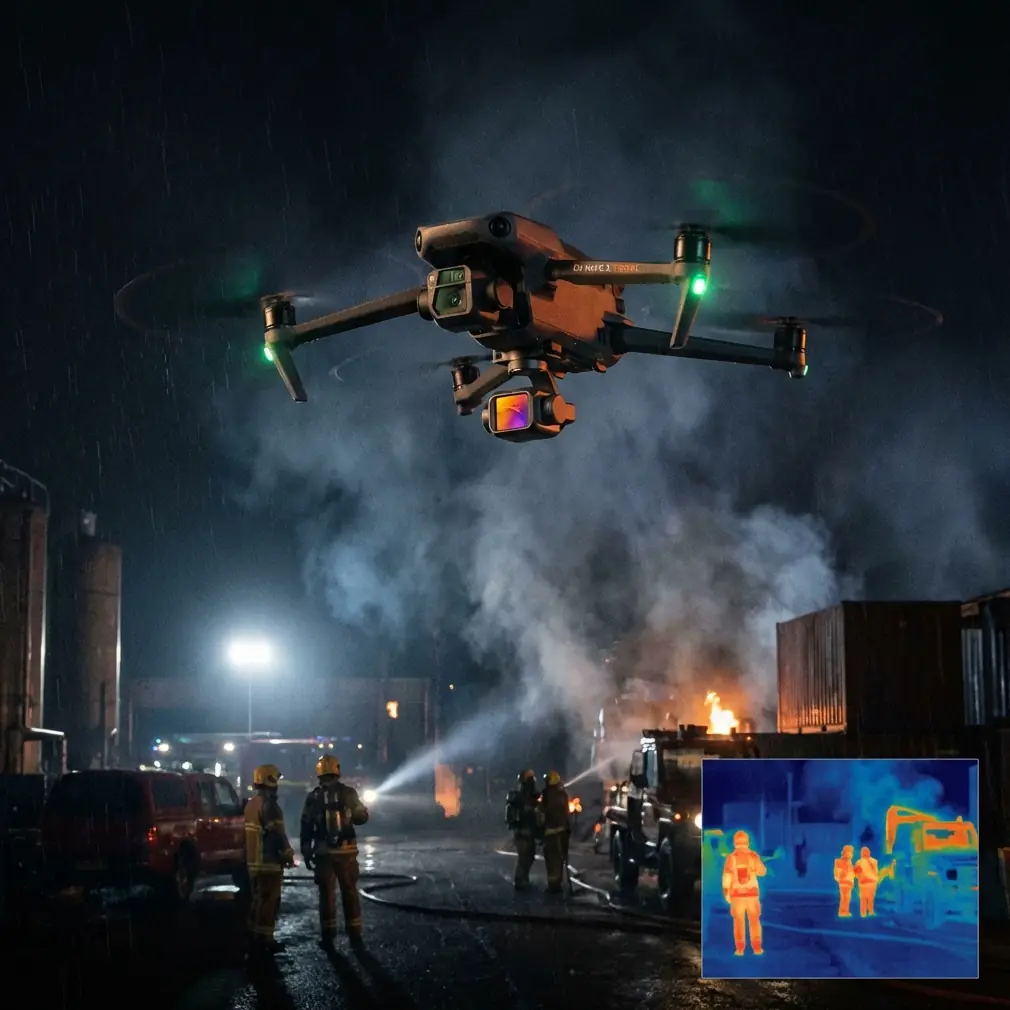
Neo 2 for Coastal Construction Monitoring: A Field Tutorial That Actually Holds Up
META: A practical Neo 2 tutorial for coastal construction monitoring, covering obstacle avoidance, ActiveTrack, D-Log, Hyperlapse, QuickShots, battery habits, and workflow tips from real field conditions.
Coastal construction looks beautiful from the air right up until the wind shifts, the light bounces off water, and salt starts finding its way onto everything you own.
That is where a lightweight drone can either become genuinely useful or turn into one more device that creates work. If you are using the Neo 2 to monitor a coastal construction site, the real question is not whether it can fly. It is whether you can build a repeatable workflow around it that survives glare, gusts, scaffolding, moving equipment, and the stop-start rhythm of site documentation.
This tutorial is built around that exact scenario.
I am going to treat the Neo 2 not as a toy for occasional flyovers, but as a compact jobsite tool for recurring visual records. The features that matter most here are not flashy on paper. They matter because they reduce missed shots, improve consistency, and help you get home with usable footage instead of a folder full of clips you cannot compare week to week.
Start with the mission, not the drone
On a coastal construction project, you are usually trying to do one of four things:
- Record progress against schedule
- Spot developing issues on roofs, facades, seawalls, or temporary works
- Create stakeholder visuals that explain change over time
- Capture enough clean footage to support reporting without disrupting site operations
The Neo 2 becomes valuable when you assign each flight to one of those outcomes before takeoff.
If the purpose is progress tracking, fly the same path every visit.
If the purpose is inspection support, prioritize angle control and obstacle awareness.
If the purpose is client-facing updates, then framing, color profile, and motion become more important than speed.
That sounds basic, but many site teams lose consistency because every flight is improvised. Coastal projects punish improvisation. Conditions are too variable.
Why obstacle avoidance matters more near the coast
Obstacle avoidance is often treated like a convenience feature. On active construction sites, especially near the coast, it is closer to a margin-of-error tool.
Think about the visual environment: cranes, formwork, temporary fencing, stacked material, scaffolding, partially enclosed structures, and reflective surfaces. Add low-angle sunlight and sea glare, and your depth perception can get unreliable fast even if you are an experienced pilot.
The operational significance is simple: obstacle avoidance gives you more confidence to maintain a planned monitoring line while staying focused on composition and site changes rather than constantly fighting for basic spatial awareness. It does not replace judgment, and it will not solve every edge case around thin cables or complex structures, but it reduces the workload during repeat flights.
For coastal jobs, I recommend using it to support two types of passes:
- Perimeter progress runs along the outer envelope of the site
- Facade drift shots where you move steadily past a structure to compare cladding, glazing, or surface progress over time
That steadiness matters. When teams review footage from different weeks, consistency in spacing and speed makes changes easier to spot. Obstacle avoidance helps preserve that consistency when the site itself is constantly changing.
ActiveTrack and subject tracking are not just for people
If you hear “subject tracking” and think of cyclists or runners, you are leaving useful capability on the table.
On a construction site, ActiveTrack can be used carefully to follow a moving point of interest such as a vehicle route, a material delivery path, or a designated supervisor walk-through. The benefit is not cinematic novelty. It is contextual documentation. Instead of isolated stills, you capture how logistics move through the site.
That can be valuable in coastal projects where staging areas are tight and surfaces are often affected by moisture, sand, or windblown debris. A tracked movement sequence can reveal bottlenecks or unsafe congestion patterns without requiring a large aircraft or complicated setup.
The key word is carefully. You should only use tracking in a clearly defined area with strong visual separation and predictable movement. The point is to document workflow, not to test the limits of autonomy around cranes and steelwork.
Operationally, this is one of the most useful ways to make a small drone earn its place. A manually flown orbit can show the site. A tracked sequence can show how the site functions.
Use QuickShots and Hyperlapse selectively, not as gimmicks
QuickShots and Hyperlapse get dismissed in professional circles because they sound consumer-oriented. That is a mistake when you are building communication assets for developers, consultants, and project stakeholders who do not spend all day reading site drawings.
A short automated reveal or orbit can establish the site’s relationship to the shoreline, access roads, neighboring structures, and marine edge conditions more clearly than a block of text in a weekly update. A Hyperlapse captured from a repeatable position can compress hours of visible change into something decision-makers will actually watch.
The trick is to use these modes as visual reporting tools.
A few examples:
- QuickShots can create a repeatable opening shot for weekly summaries, helping viewers orient themselves instantly.
- Hyperlapse works well for documenting tide-adjacent work zones, material laydown turnover, or the pace of facade installation over a shift.
- A short automated move can help compare erosion protection, drainage behavior, or temporary barrier changes around the edge of the site.
If you use them, keep them tied to a reporting purpose. A dramatic camera move is worthless if it cannot be repeated or compared.
D-Log is where site footage becomes genuinely usable
If your construction updates need to feed into editing, reporting, or brand-controlled client communication, D-Log deserves attention.
Coastal environments create difficult contrast. White concrete, metallic surfaces, bright sky, reflective water, and shaded structural recesses can all sit in the same frame. Standard color rendering often forces a compromise: preserve the highlights and lose shadow detail, or keep shadow information and let the bright areas look harsh.
D-Log gives you more flexibility in post. That matters because a site-monitoring flight is not always about making footage look pretty. Sometimes you need to recover enough detail in a shaded elevation to show what changed since the last visit. Sometimes you need to hold the sky and water without crushing the darker structural elements.
The practical significance is this: D-Log improves your ability to create consistent visual records across inconsistent coastal light.
If you are flying every week or every two weeks, consistency is everything. Clients and site managers notice when one update is flat, another is oversaturated, and another clips all the waterfront highlights. D-Log gives you a stronger starting point for matching footage over time.
My field battery rule for sea-adjacent jobs
Here is the battery habit I learned the hard way: on coastal sites, never trust a battery that sat in direct sun during your prep window, even if the charge indicator looks excellent.
Heat plus waiting time can distort your sense of readiness. A battery can appear fine on the ground, then sag faster than expected once you are fighting wind over an exposed edge. That is exactly when pilots start stretching return decisions.
My rule is simple:
- Keep flight batteries shaded before launch
- Rotate them in order, not randomly
- After each landing, give the pack a minute to normalize before making your next plan
- End your mission earlier than you would inland if the drone spent time working against onshore wind
That last point matters more than many new operators realize. A coastal outbound leg can feel effortless with a tailwind, then your return consumes much more battery than expected. If you are documenting the far side of a seawall, shoreline retention zone, or offshore-adjacent structure, build your reserve around the worst-case return, not the easiest outbound segment.
This is not glamorous advice, but it saves flights.
A repeatable flight plan for Neo 2 on coastal construction sites
If I were setting up a weekly Neo 2 monitoring routine, I would break it into five short segments rather than one long, improvised mission.
1. Establishing overview
Launch from the same safe point each visit. Capture a high-wide view that shows shoreline orientation, site boundary, main access path, and current construction footprint.
This becomes your visual baseline. If your team compares weeks side by side, this shot does most of the heavy lifting.
2. Structured perimeter pass
Fly a controlled outer path around the site with obstacle avoidance active. Keep your altitude and speed as consistent as possible. This pass is where you document changes to envelope, logistics zones, seawall interfaces, drainage edges, and temporary works.
In a coastal setting, this is often where you first notice water-related effects on materials, runoff patterns, or shifting edge conditions.
3. Key elevation review
Choose two or three priority areas every week rather than trying to inspect everything. Maybe it is the west facade, roof membrane progress, or the crane-side staging zone. Use slower movement and more deliberate framing here.
This is also where D-Log pays off, especially if the sun is cutting across the building and you need both highlight and shadow detail.
4. Motion or workflow capture
Use ActiveTrack or subject tracking only if there is a clean, low-risk opportunity to document movement through the site. This could be a supervised walk route or a material handling corridor with good separation.
If no safe tracking scenario exists that day, skip it. Good site documentation is disciplined. Not every feature needs to be used on every flight.
5. Communication shot
Finish with a QuickShot or a short Hyperlapse from a fixed reference position. This gives you an edit-friendly sequence for progress summaries and stakeholder updates.
One well-chosen automated shot repeated every visit can become the most powerful visual record in your archive.
Weather judgment is part of the job
Coastal sites can trick you because conditions feel manageable at ground level while the air above slab height tells a different story.
The Neo 2 is most useful when you respect that difference. Before every flight, watch how flags, loose mesh, suspended lines, and wave texture are behaving. Those signs often tell you more than a quick glance at an app.
Also pay attention to light direction. Water glare can flatten detail and make otherwise simple routes much harder to monitor. If your weekly update schedule is flexible, the best decision may be to move the flight window rather than force a poor one.
That is how you get footage that is useful enough to compare, annotate, and archive.
What site teams actually value after the flight
The most appreciated drone footage on a construction project is rarely the most dramatic. It is the footage that answers questions clearly.
Can we see whether the edge protection layout changed?
Can we compare facade progress from last week?
Can we verify access conditions along the waterfront side?
Can we show the client how the structure now sits within the coastal context?
The Neo 2 supports those outcomes best when you use its smart features with restraint and purpose.
Obstacle avoidance reduces avoidable disruption during structured passes.
ActiveTrack adds context when documenting how the site moves.
QuickShots and Hyperlapse improve communication when repeated from controlled positions.
D-Log preserves detail in the kind of contrast-heavy scenes coastal work creates every day.
That combination is what makes a small drone useful beyond novelty.
A final practical note on workflow and support
If you are building a recurring monitoring program, document your launch point, planned altitudes, preferred lens orientation, flight order, and battery rotation routine. Keep it simple enough that another trained team member can reproduce it without guessing.
That is where consistency comes from. Not from flying longer. From making fewer decisions in the field.
And if you need to compare site setup ideas or monitoring workflows for a coastal project, you can message our flight team here.
The Neo 2 fits coastal construction monitoring best when you stop treating each flight like a one-off creative session and start treating it like measured visual fieldwork. Once that mindset clicks, the drone’s feature set makes much more sense. You are not just collecting aerial footage. You are building a reliable record of change in one of the most visually difficult operating environments a small drone will face.
Ready for your own Neo 2? Contact our team for expert consultation.