
Mapping Windy Venues With Neo 2: A Field Tutorial
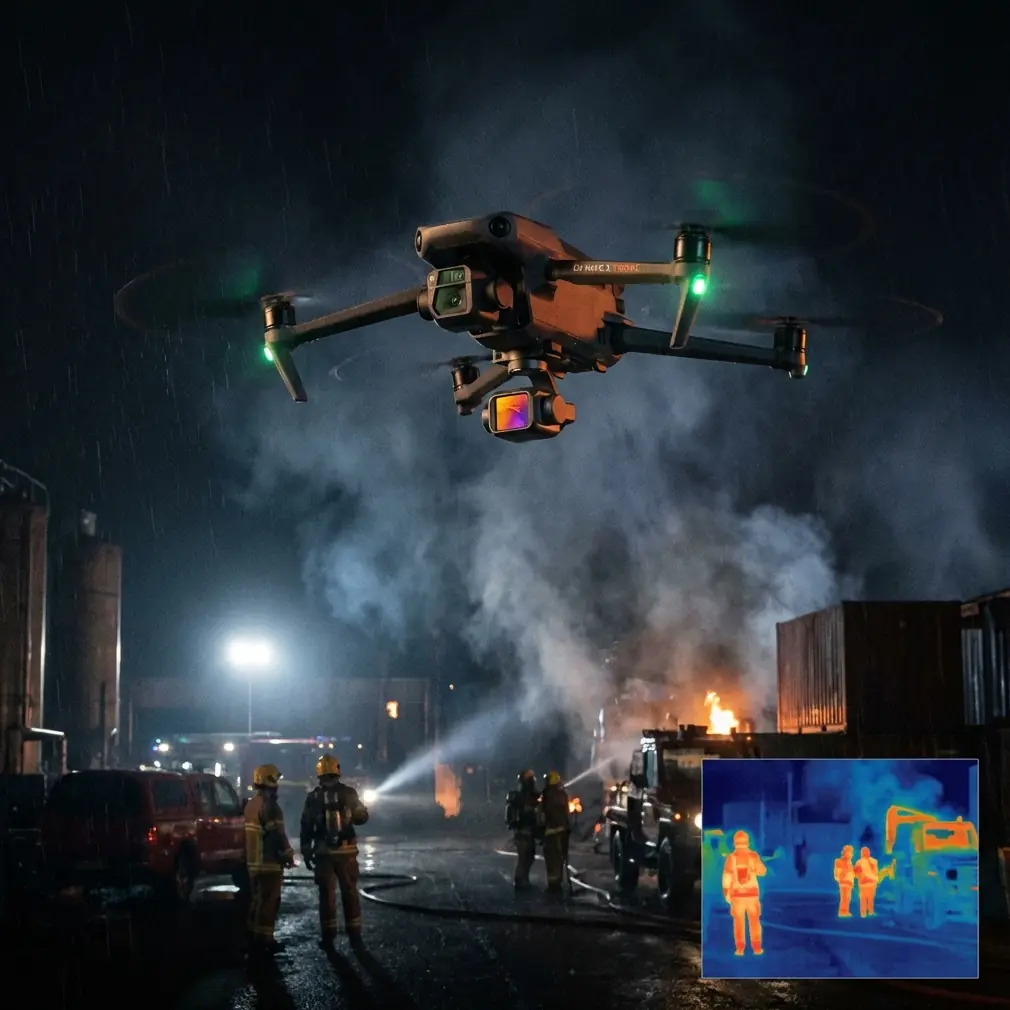
Mapping Windy Venues With Neo 2: A Field Tutorial for Cleaner Data and Fewer Reshoots
META: A practical Neo 2 tutorial for mapping venues in windy conditions, with battery strategy, flight planning, obstacle awareness, tracking tools, D-Log workflow, and field-tested tips.
Wind changes everything when you’re mapping a venue.
It changes battery draw, overlap consistency, aircraft attitude, shutter reliability, and even how confident you feel during a run. A calm-day workflow that looks polished on paper can fall apart the moment the aircraft starts fighting gusts over an open stadium, event ground, resort property, or outdoor wedding site.
I’ve run into this as a photographer more times than I’d like to admit. You arrive with a clean plan, the light is good, the client wants a venue map plus a few cinematic clips, and then the wind starts pushing across the property in uneven pulses. That is where a small drone like the Neo 2 stops being a spec sheet and starts becoming a tool you either understand or don’t.
This tutorial is built around that exact scenario: mapping venues in windy conditions with Neo 2, while still capturing usable visuals for planning, promotion, and repeat site documentation.
What “mapping a venue” actually means in the field
For most venue operators, planners, and visual teams, mapping is not limited to survey-grade deliverables. It often means producing a reliable visual record of the space: entry points, guest flow, staging zones, parking layout, landscaping edges, rooflines, signage positions, and distance relationships that are hard to read from ground level.
On one job, the goal might be orthographic-style reference images to help an events team redesign traffic flow. On another, it may be a visual layout package for a wedding venue, sports ground, festival site, or resort expansion. In both cases, the challenge in wind is the same: consistency.
A venue map becomes far less useful when the aircraft yaws unpredictably, skips its framing, or burns too much battery fighting headwind on the return leg. Neo 2 can handle this work well, but only if you fly it as a venue-mapping platform first and a casual camera drone second.
Start with the wind, not the camera settings
Most pilots begin by thinking about shot list, resolution, or whether they want a QuickShots sequence for social edits. In wind, that order is backwards.
First, identify three things before takeoff:
- Main wind direction across the site
- Areas where structures create turbulence
- Your safest return path
Venues are full of wind traps. Grandstands, tent structures, tree lines, hotels, marquees, and perimeter walls can all create rolling air that feels manageable at launch and ugly 40 feet higher. The Neo 2’s obstacle avoidance helps when you’re working close to structures, but obstacle systems do not solve unstable air. They reduce collision risk; they do not create clean mapping passes for you. That distinction matters.
Operationally, this means you should build your route so the longest leg is not the final one flown directly into the wind. If you leave the upwind return for the end of the battery, you force the aircraft to work hardest when voltage is already dropping.
That’s the kind of mistake that creates rushed descents and inconsistent final captures.
My battery rule in windy venue work
Here’s the field tip that has saved me the most trouble: treat the first third of the battery as planning margin, the second third as your productive capture window, and the final third as reserved return capacity when wind is active.
On paper, that sounds conservative. In practice, it keeps the job moving.
A small aircraft can look perfectly stable while quietly spending more energy than expected. The issue is not only total flight time. It’s how quickly available power can disappear once the drone turns into the wind or needs multiple position corrections over a large open area.
So instead of squeezing every minute from one pack, I do this:
- Launch and climb while reading how the Neo 2 holds heading
- Perform one short test pass over the most exposed part of the venue
- Watch ground speed on outbound versus return direction
- If the return is noticeably slower, I shorten the mapping box immediately
- I land with more battery than I think I need, swap, and resume
That one adjustment usually beats trying to salvage an over-ambitious mission with a tired pack. For venue mapping, a clean second flight is worth much more than a chaotic final two minutes on the first.
If you need help planning a practical field workflow for your site, this direct WhatsApp channel is an easy place to ask a specific Neo 2 question.
Why obstacle avoidance matters even when your goal is mapping
A lot of pilots think obstacle avoidance is mainly for beginners or for cinematic flying near walls and trees. For venue mapping in wind, it has a more specific value.
When gusts push the aircraft off the intended line, obstacle sensing gives you a buffer around lamp posts, decorative arches, rooftop edges, tent poles, scoreboards, and temporary event structures. These are exactly the kinds of objects that can ruin an otherwise simple mission because they appear in clusters and often sit near the edges of useful flight paths.
The operational significance is simple: obstacle avoidance lets you fly with a little more margin while maintaining attention on framing, overlap, and wind behavior.
That said, don’t let the presence of the system encourage sloppy route design. If a venue is crowded with overhead features, narrow corridors, or rigging, widen your standoff distance. A mapping flight should feel methodical, not improvised.
Use ActiveTrack and subject tracking selectively
Venue mapping and subject tracking sound like separate worlds, but there are times when ActiveTrack or related subject tracking functions can help.
Not for the core mapping grid. That should stay deliberate and repeatable.
Where tracking becomes useful is in context footage. If the venue manager wants a short sequence showing guest approach routes, golf cart movement, pedestrian circulation, or a guided walkthrough from parking to entrance, tracking tools can produce clean reference clips without hand-flying every correction.
In wind, that can be surprisingly useful. The drone handles some of the framing logic while you concentrate on spacing, altitude, and safety around obstacles. You are not replacing mapping with tracking. You are using tracking to gather supporting footage that explains how the venue works in real life.
That supporting footage often ends up being more useful to operations teams than a dramatic hero shot.
QuickShots and Hyperlapse are not just for social clips
QuickShots and Hyperlapse get dismissed too easily in professional venue work because they sound casual. That’s a mistake.
A QuickShots sequence can establish the site boundary and vertical relationships quickly, which helps venue owners, planners, and marketing teams understand scale. Hyperlapse can reveal traffic patterns, shadow movement, or setup activity over time. If you’re documenting how a windy waterfront venue behaves before an event, that matters.
The trick is to use these modes as supplements, not substitutes.
For example:
- Use your main flight for top-down and oblique mapping references
- Add one short QuickShots sequence to show approach and layout
- Run a Hyperlapse only if the wind is stable enough that the aircraft can hold a consistent path without constantly correcting
If the wind is gusting hard, skip the fancy mode and protect your core deliverables. No client has ever complained that I chose stable documentation over a flashy clip that almost worked.
D-Log has a real place in venue mapping deliverables
D-Log matters when the venue has bright pavement, reflective roofing, shaded seating, and strong sky contrast in the same frame. That is a common venue scenario, especially midday.
The practical benefit of D-Log is not abstract image quality talk. It is control.
When you’re capturing mixed-light venue footage, D-Log gives more room to recover highlights and shape the tonal range later so access roads, landscaping, seating, and structures remain readable in one sequence. For teams using the footage to make operational decisions, readability matters more than punchy contrast straight out of camera.
I usually separate my capture mindset into two lanes:
- Reference imagery: prioritize stability, legibility, and repeat framing
- Presentation footage: use D-Log when dynamic range is tricky and you know you’ll grade later
If you are mapping in wind, this distinction keeps you from overcomplicating flights with unnecessary camera tinkering in the air.
How I structure a windy-site Neo 2 mission
Here’s a repeatable workflow that works well for venue jobs.
1. Walk the venue before launch
Look for flags, tree movement, drifting dust, and open corridors where wind accelerates. Also identify obstacle clusters such as light poles, signage, cables, tents, and roof equipment.
2. Fly a perimeter read
Do one conservative lap at a safe height. This tells you where the aircraft drifts, where turbulence increases, and which side of the site will cost the most battery on return.
3. Capture the essential map first
Don’t start with creative shots. Get your top-down references, wide obliques, entry road views, and key structural angles while the battery is strongest and your concentration is fresh.
4. Split the venue into zones
Large venues should not be treated as one giant mission in wind. Break them into parking, main structure, overflow areas, and pedestrian circulation zones. Shorter segments produce cleaner consistency.
5. Use obstacle-aware standoff distances
If Neo 2 is working near decorative architecture, stands, or tree-lined paths, give it room. Obstacle avoidance is there to support you, not to justify tight flying.
6. Save tracking or QuickShots for later
Once the core mapping package is secure, use ActiveTrack, subject tracking, or QuickShots to add movement-based context.
7. Land early and check your files
In venue work, one missed access road or one soft oblique can force a return trip. A 90-second file check on location is better than discovering a gap after you’ve packed up.
Common mistakes when mapping venues in wind
The first is flying too low too early. Lower altitude can feel safer, but around buildings and tree lines it often means rougher, more chaotic air. Sometimes a modest altitude increase creates a steadier working layer.
The second is assuming the outbound leg tells the full story. Wind can flatter your progress in one direction and expose the aircraft in the other. Always compare both.
The third is trying to produce the map and the promo reel in the same mental mode. These are related outputs, not the same task. Mapping needs discipline. Promo footage needs flexibility. Blend them carelessly and both suffer.
The fourth is overtrusting automated convenience. ActiveTrack, QuickShots, Hyperlapse, and obstacle avoidance are useful, but windy venue work still rewards manual judgment.
What makes Neo 2 particularly practical here
Neo 2’s value in this kind of assignment is not any single feature. It’s the combination.
Obstacle avoidance adds margin around venue structures. ActiveTrack and subject tracking help gather motion-based context without hand-flying every detail. QuickShots and Hyperlapse create useful supporting visuals when the air is cooperative. D-Log gives you more control over difficult venue contrast in post.
Individually, those are familiar tools. Together, they make Neo 2 flexible enough to handle both the documentation side and the storytelling side of venue work.
That flexibility matters because most venue clients do not ask for only one thing. They want a practical visual record, but they also want imagery that helps them communicate the space to planners, partners, and customers.
Final field perspective
If you’re mapping venues in windy conditions, the smartest move is usually the least glamorous one: make the flight smaller, tighter, and more repeatable than your first instinct suggests.
Battery discipline beats optimism. Route design beats recovery skills. Clean reference passes beat dramatic improvisation.
Use the Neo 2’s tools where they genuinely reduce workload. Obstacle avoidance for safer spacing around structures. ActiveTrack when movement context matters. QuickShots and Hyperlapse only after the essential captures are secure. D-Log when venue contrast will punish a baked-in look.
And if the wind picks up halfway through the job, don’t negotiate with it. Rebuild the mission around shorter zones, keep more battery in reserve, and finish with files you can actually use.
Ready for your own Neo 2? Contact our team for expert consultation.