
Neo 2 Inspecting Tips for Solar Farms at High Altitude
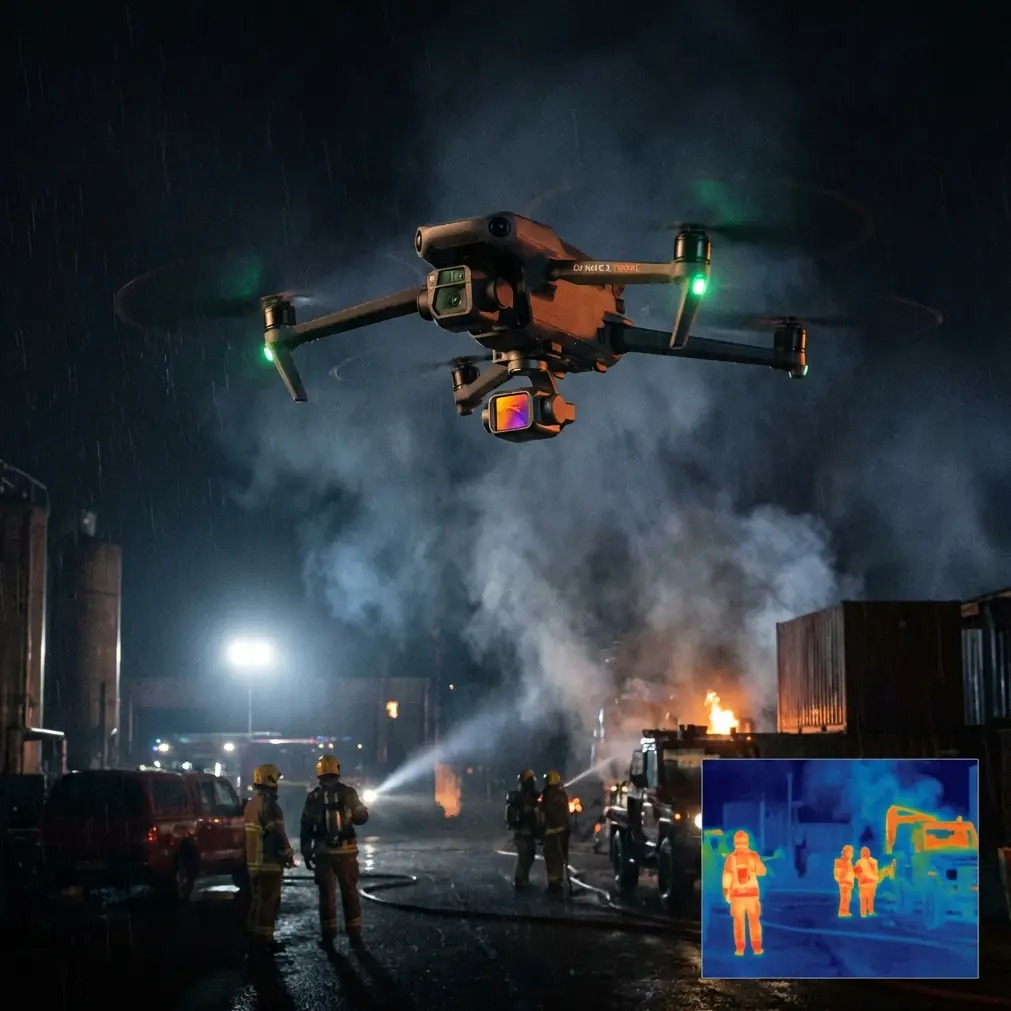
Neo 2 Inspecting Tips for Solar Farms at High Altitude: A Field Case Study
META: A practical Neo 2 case study for high-altitude solar farm inspection, covering obstacle avoidance, ActiveTrack, D-Log, QuickShots, Hyperlapse, and how the drone handled changing weather mid-flight.
I’ve spent enough time around utility-scale solar sites to know that “good flying conditions” rarely stay good for long. High-altitude farms amplify that truth. Air density drops. Wind feels sharper across exposed rows. Light shifts fast when cloud cover rolls over a ridge. On paper, many aircraft can inspect solar arrays. In the field, the difference shows up when the weather turns halfway through the mission and the drone still needs to bring back usable footage.
This case study is built around that exact scenario with the Neo 2: a solar farm inspection at elevation, a mid-flight change in weather, and a workflow that leaned heavily on obstacle avoidance, subject tracking, ActiveTrack, D-Log, QuickShots, and Hyperlapse. Not as a feature checklist. As tools that either made the mission easier or would have been dead weight if they did not hold up under pressure.
The job: inspect long strings, access roads, and panel edge conditions
The site sat high enough that the usual assumptions about easy visual inspections did not apply. Walking every row would have taken too long. Driving the maintenance paths covered ground, but not the panel surfaces that mattered. The brief was straightforward: document row alignment, check for obvious panel contamination and edge damage, review access lanes, and create visual material the operations team could use later for maintenance planning.
At first glance, this kind of mission seems simple. Fly a few passes. Capture video. Grab some stills. Done.
That approach usually fails on large solar farms because consistency matters more than isolated images. A maintenance manager does not just need a pretty overhead shot. They need footage that can be compared from one section to the next, with enough detail and stability to flag where a closer follow-up is warranted. For that, the aircraft has to hold a clean line, react predictably to wind, and make it easy to repeat angles across long distances.
That is where the Neo 2 became more interesting than a compact drone normally would.
Why Neo 2 made sense for this site
For high-altitude work, especially on solar arrays spread across uneven terrain, smaller aircraft can be either a gift or a liability. They are easier to move between blocks of panels and faster to deploy, but they can also be more vulnerable when conditions shift. The Neo 2’s value here was not that it replaced a heavy enterprise mapping platform. It did something different. It reduced setup friction while still giving enough control to capture operationally useful visuals.
That mattered because the inspection was not purely cinematic. It was practical. The site team needed a drone they could launch quickly near inverter stations, reposition between sections without a cumbersome setup, and use for repeatable visual review.
Two features had immediate operational significance:
- Obstacle avoidance
- ActiveTrack / subject tracking
On a solar farm, people tend to think obstacle avoidance is less relevant because the site looks open. That is only half true. Yes, the rows are orderly and there are broad lanes between them. But there are also light poles, perimeter fencing, service vehicles, cable runs near equipment zones, and occasional changes in elevation that compress your margin for error when flying low and fast along arrays. Obstacle avoidance was not just there to prevent a collision. It made lower-altitude inspection passes more realistic because the pilot could focus more attention on framing and row spacing instead of constantly micro-managing clearance.
ActiveTrack and subject tracking sound like creative features until you use them in a site inspection. Then they become workflow tools. We used tracking to maintain consistent movement relative to a utility vehicle moving slowly along maintenance paths. That produced a stable reference view of row condition and access lane quality without forcing the pilot to constantly hand-correct the aircraft’s position. For teams documenting route conditions or comparing one corridor to another, that consistency saves time later.
Launch conditions: clear start, thin air, strong light
The mission began under clean morning light with enough visibility to see the full spread of the site. At altitude, that can be deceptive. You get excellent visibility, but the air can feel unsettled even before the gusts arrive. The first passes were flown conservatively to establish how the Neo 2 behaved over long panel rows.
Three capture goals were set early:
- Low oblique passes to inspect surface condition and row uniformity
- Higher overview shots to show drainage, terrain, and access routes
- Time-based footage to show how cloud movement affected panel field lighting across the site
That third goal was not originally the priority. It became much more useful later.
The weather changed halfway through
About midway into the session, the conditions shifted in a way every solar inspection pilot recognizes. Wind speed increased first, and not evenly. The gusts came in bands across the site. Then a bank of cloud pushed over the ridgeline and flattened the light. Contrast dropped. The bright panel reflections that had helped define row geometry became inconsistent from one pass to the next.
This is usually where a compact inspection workflow starts to unravel.
Manual flying gets busier. Shadows obscure edge detail. Long, smooth passes become harder to maintain. If the aircraft does not respond cleanly, the footage may still be safe, but less useful.
The Neo 2 handled that moment better than expected, largely because the flight plan did not depend on one mode alone.
Obstacle avoidance became more valuable when visibility cues softened
When light changes rapidly over solar panels, depth perception gets trickier than many pilots expect. Rows can visually compress. Reflective surfaces hide small positional errors. In brighter conditions, the pilot can read the spacing quickly. Under flatter light, that gets harder.
Obstacle avoidance helped preserve confidence during lower-altitude passes once the weather turned. The real benefit was not dramatic. It was subtle. The pilot could maintain inspection intent rather than climbing away from the rows every time the visual scene got ambiguous. That keeps footage useful. It also reduces the stop-start rhythm that often makes post-flight review frustrating.
ActiveTrack stabilized corridor work
As wind picked up, tracking a slowly moving ground reference became a practical way to preserve consistency. Instead of hand-flying every corridor shot, ActiveTrack held a steadier relationship with the moving vehicle on the maintenance lane. That mattered because the maintenance team later reviewed the footage not just for the panels, but for the route condition alongside them.
Operationally, this is significant. When an aircraft can hold a repeatable corridor perspective during changing wind, review becomes faster. Teams are not trying to interpret random framing changes caused by pilot workload. They are seeing a more standardized visual record.
Why D-Log mattered more than usual
A lot of pilots treat D-Log as something reserved for polished deliverables. On this mission, it had a very practical role.
When cloud cover moved in, the site shifted from high-contrast glare to subdued, uneven illumination. Some panel blocks still caught bright breaks in the cloud while others fell into muted light. Shooting in D-Log preserved more flexibility for balancing those variations in post. That was not about making the footage “cinematic.” It was about keeping visual information recoverable.
For inspection support, that flexibility helps in two ways:
- It gives the editor or analyst more room to balance highlight-heavy panel surfaces against darker service roads.
- It improves cross-sequence consistency when weather changes during the same mission.
If you are documenting a large site and your light changes every ten minutes, standard baked-in contrast can leave one section punchy and another muddy. D-Log narrows that problem. The result is a cleaner visual record the operations team can actually compare.
QuickShots and Hyperlapse were not fluff
I understand why some inspection crews dismiss QuickShots and Hyperlapse. They sound like marketing terms, not field tools. On this solar farm, both proved their worth.
QuickShots for site context
A solar inspection rarely lives in isolation. Someone outside the field team often needs a concise visual summary: the size of the block inspected, the slope of the terrain, the location of equipment zones, and how access roads intersect with the array. QuickShots were useful for generating fast contextual sequences without burning extra flight time on manually choreographed moves.
That matters when conditions are changing. If weather is deteriorating, you want site-context visuals captured efficiently, not after several attempts at an elegant manual orbit.
Hyperlapse for weather and shading behavior
The surprise tool was Hyperlapse. Once the cloud deck started moving aggressively across the site, Hyperlapse became a way to document shading progression over the panel field. For solar operations teams, that is not trivial. It provides a quick visual sense of how terrain and cloud movement alter light across the farm.
No, it does not replace sensor-driven performance analysis. But as a communication tool for non-pilot stakeholders, it is powerful. A few minutes of accelerated sky movement over the site can explain why one section looked visually different from another during inspection review. That can prevent wasted debate later.
Flying strategy that worked
If I had to boil the mission down into repeatable advice for anyone using a Neo 2 on a high-altitude solar farm, it would look like this.
1. Start with the overview before the air gets busy
Early stable conditions are best used for high-level site orientation. Take the broader passes first. Once weather shifts, it is easier to adapt low-level inspection shots than it is to reconstruct a clean full-site overview.
2. Use lower passes selectively, not continuously
Even with obstacle avoidance, long low-altitude runs over reflective panel rows can increase workload. Break the inspection into sections. Capture what you need, then reset position. This produces cleaner footage and keeps battery planning more realistic.
3. Track something useful
Subject tracking should serve the inspection, not the pilot’s curiosity. A maintenance vehicle, a service path progression, or a repeatable corridor can turn tracking into a documentation tool. That is where ActiveTrack earns its place.
4. Capture in D-Log if the weather looks unstable
If you suspect shifting cloud or glare conditions, D-Log gives you more room to normalize the footage later. On mountain or plateau sites, that is often the difference between footage that is reviewable and footage that looks like it came from two different days.
5. Use Hyperlapse to tell the environmental story
At high altitude, weather can become part of the inspection record. A short Hyperlapse sequence can help site managers understand changing light, moving shadow bands, and why conditions differed across the farm.
What the site team actually gained
By the end of the session, the value of the Neo 2 was not that it conquered bad weather. The conditions never became unsafe, and no one should frame a drone mission as a contest against the environment. The value was that the aircraft remained useful after conditions stopped being ideal.
The operations team left with:
- repeatable corridor footage along maintenance lanes
- contextual overview material for planning
- low oblique passes for visible panel condition review
- weather-linked Hyperlapse content that explained shifting site appearance
- footage captured in D-Log that held together in post despite changing light
That mix gave them a working visual package, not just a folder of disconnected clips.
A note on pilot mindset
The biggest mistake I see on solar inspections is treating compact drones as if they are either toys or miracles. They are neither. A platform like the Neo 2 earns its keep when the pilot matches flight mode to inspection intent.
Obstacle avoidance is there to support precise low-altitude work, not excuse sloppy planning. ActiveTrack is there to preserve consistent motion, not replace line-of-sight discipline. D-Log is there to protect image information in unstable light, not to create extra editing work without reason.
Used that way, the Neo 2 becomes very effective on high-altitude solar farms because it shortens the path between launch and useful output.
Final take from this flight
If your inspection environment includes elevation, broad reflective surfaces, uneven terrain, and weather that may change before the batteries are done, the Neo 2 has a credible role. Not as a do-everything aircraft. As a nimble visual inspection tool that stays productive when the conditions become less cooperative.
That distinction matters. Solar field work is full of missions that begin as routine and turn technical once wind and light start moving against you. In this case, the Neo 2 handled that transition well because its flight assistance and capture modes translated into operational benefits, not just nicer footage.
If you’re planning a similar workflow and want to compare field setups, mission prep, or camera profile choices for solar sites, you can message me here.
Ready for your own Neo 2? Contact our team for expert consultation.