
Neo 2 for Coastal Highway Inspection: What Actually Makes
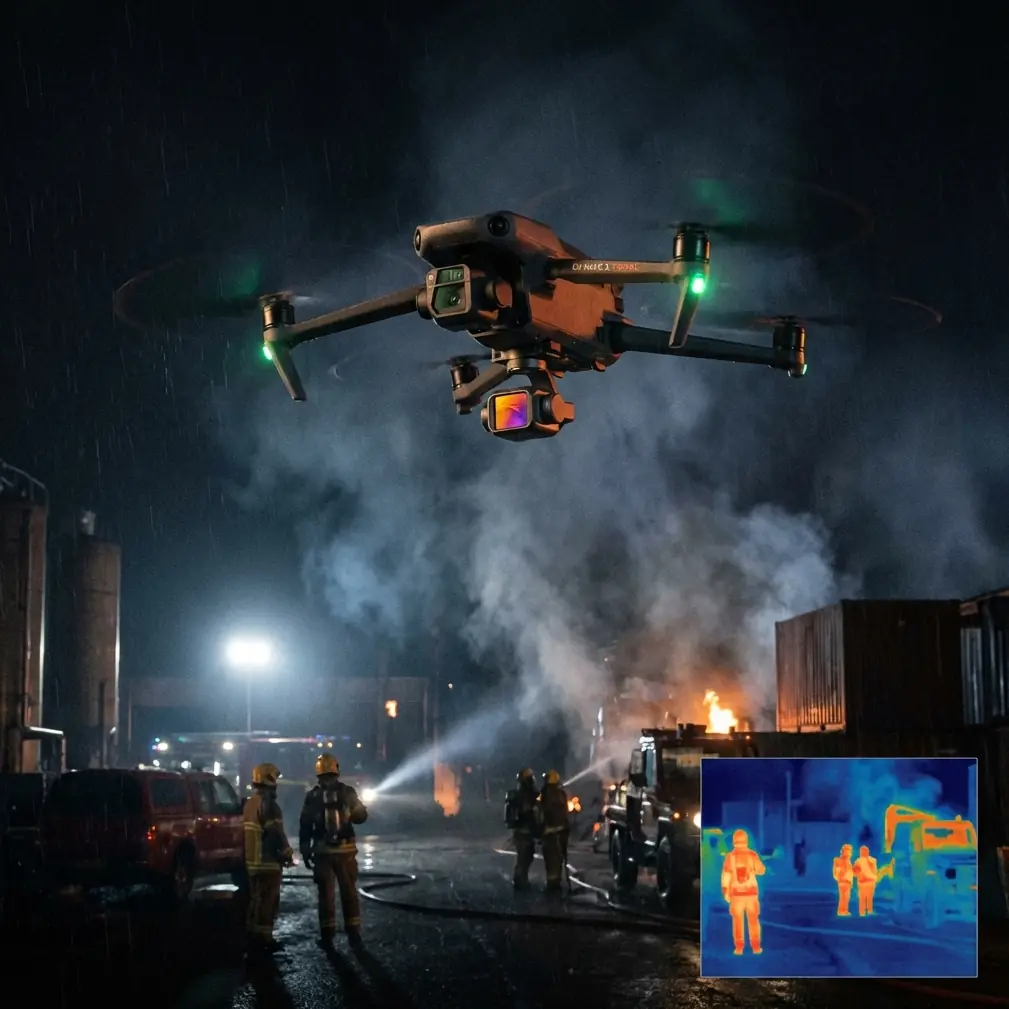
Neo 2 for Coastal Highway Inspection: What Actually Makes the Job Easier
META: A practical, expert-written look at using Neo 2 for coastal highway inspection, with field-focused insights on obstacle avoidance, ActiveTrack, QuickShots, Hyperlapse, and D-Log workflows.
I still remember one coastal road assignment that looked simple on paper and turned messy the moment we got on site.
The brief was straightforward: document erosion exposure, drainage condition, barrier wear, and a few concrete crack zones along a highway that ran close to the shoreline. The problem was not getting the footage. The problem was getting footage that was repeatable, stable, and useful enough for people other than the pilot to act on. Salt haze softened contrast. Wind bounced lighter aircraft around at the exact moments we needed clean passes. Guardrails, light poles, signs, and moving maintenance vehicles turned “easy tracking shots” into stop-start flying. By midday, glare off the water made visual judgment harder than it should have been.
That kind of work is where a compact drone either proves its worth or becomes another gadget that only behaves well in ideal weather.
For readers looking at Neo 2 for coastal highway inspection, that is the real question. Not whether it can fly, but whether it reduces friction in the field. Whether it helps one operator move from documentation to decision-ready visual evidence without wasting time on workarounds.
From that angle, Neo 2 is interesting because several features that sound “creative” on a spec sheet can be surprisingly practical for inspection. Obstacle avoidance matters, obviously. But so do ActiveTrack, D-Log, Hyperlapse, and even QuickShots when they are used with discipline rather than as novelty tools. The difference is not the feature itself. It is the workflow it enables.
The Coastal Highway Problem Most People Underestimate
Highway inspection near the coast creates a strange overlap of infrastructure survey and visual storytelling. Engineers need clear, consistent views of barriers, slopes, drainage channels, expansion joints, embankments, retaining structures, and pavement edges. Asset managers often need broader context: how close the road is to wave action, where runoff is collecting, whether vegetation is obscuring line-of-sight, how repairs are aging.
Traditional handheld photography struggles here because perspective is too limited. Larger drone platforms can do the job, but they can also slow the operation down if the site needs frequent repositioning along multiple roadside pull-offs.
A smaller aircraft like Neo 2 changes that rhythm. It is quicker to deploy and easier to move with the team from point to point. That sounds like a convenience feature until you are covering a long stretch of coastal road where conditions change every few hundred meters. Fast setup means more time spent capturing the exact segment that matters before traffic patterns, cloud cover, or wind direction shift again.
That is the first operational advantage: responsiveness.
Why Obstacle Avoidance Matters More on Roads Than on Open Land
People tend to talk about obstacle avoidance as a safety luxury. On highway work, it is closer to a productivity tool.
Coastal roads are cluttered environments. You are rarely flying over a clean, open corridor. There are poles, overhead signs, cables in some areas, retaining walls, bridge edges, crash barriers, trees bent inland by sea wind, and occasional construction staging zones. Even when the route itself looks open from ground level, the usable airspace for a low-altitude visual pass can become tight very quickly.
Neo 2’s obstacle avoidance is significant because it lowers the mental load during these close-proximity runs. That does not replace pilot judgment, and it certainly does not justify careless flight. What it does is free the operator to concentrate more fully on framing the defect, checking surface condition, and maintaining route consistency.
That is especially useful when you need multiple passes of the same corridor from slightly different offsets. Instead of splitting attention equally between collision risk and camera composition, you can devote more effort to making the footage diagnostically useful. For inspections, that is what counts. A beautiful clip that misses the drainage outlet or the edge spall is not a successful sortie.
ActiveTrack Is Not Just for Action Footage
I have seen pilots dismiss subject tracking because they associate it with cyclists, runners, or social media-style flying. That misses a practical use case for inspection support.
On a coastal highway job, you often need the drone to maintain a consistent relationship with a moving subject on the ground. That might be a slowly advancing inspection vehicle, a maintenance pickup, or a walking surveyor following a barrier line. ActiveTrack helps keep that subject framed while the operator watches the environment and the inspection objective rather than manually correcting every tiny drift.
Operationally, this matters in two ways.
First, it produces more repeatable footage. If the drone can hold a stable tracking relationship, the final video becomes easier to review later against previous missions. Consistency is gold in infrastructure documentation.
Second, it reduces fatigue. On a long day, manual tracking eats concentration. Every small correction compounds. ActiveTrack can remove some of that burden, which leaves the pilot with more cognitive bandwidth for site awareness, especially in gusty coastal conditions.
For teams working near live traffic or time-limited roadside access windows, that is not a minor benefit. It can determine whether the sortie stays organized.
D-Log Has Real Value When the Coastline Fights Your Camera
Anyone who has shot near water knows the problem: the scene often contains bright reflections, pale sky, dark undersides of structures, and low-contrast concrete all at once. Standard color profiles can clip highlights or bury subtle surface detail.
This is where D-Log earns its place.
For inspection imagery, D-Log is not about making footage look cinematic for its own sake. It is about preserving tonal information so the final output can better reveal stains, patch lines, surface texture changes, and material transitions that might disappear in harsher baked-in contrast. A drainage streak on concrete, for example, may be much easier to recover and evaluate in post when the source footage holds more dynamic range.
That matters even more in coastal zones where weather can shift rapidly. A cloud passing over the sun can change the whole scene in seconds. If your footage has some grading flexibility, the dataset becomes more usable across those changing light conditions.
One practical note from experience: if the deliverable includes inspection reporting, not just raw footage, someone on the team needs a clean color workflow. D-Log gives you room, but only if you process it properly. Otherwise, operators sometimes create flat-looking video that is technically rich but harder for non-technical stakeholders to read. The point is clarity, not stylization.
QuickShots and Hyperlapse: Useful, If You Use Them Like an Inspector
These two features are often framed as creative extras. I think that undersells them.
QuickShots can be effective for standardized context captures at the beginning of a location record. Before diving into close-range crack documentation or barrier detail, a short automated establishing move can show the road alignment, adjacent shoreline, slope geometry, and surrounding infrastructure in a structured way. If you repeat the same type of shot at each inspection point, your archive becomes easier to navigate. Reviewers can immediately understand where the detail footage sits within the broader corridor.
Hyperlapse has a different kind of value. It can compress environmental change into something readable. Along a coastal highway, that may help illustrate traffic flow around a maintenance zone, moving shadow patterns over a surface, fog clearing from a section, or tide-related context near exposed embankments. Used carefully, it gives managers an overview of timing and exposure that still images cannot always communicate.
Neither feature should replace conventional inspection passes. But both can add context with minimal additional flight complexity when used deliberately.
The Best Neo 2 Workflow for Coastal Highway Jobs
If I were building a practical Neo 2 workflow around this environment, I would avoid treating the mission as one long generic video capture. Break it into layers.
1. Start with a context pass
Use a short, stable establishing shot to show the road segment in relation to the coast. This can be a controlled QuickShot-style capture or a manual orbit if the site allows it. The goal is geographic orientation.
2. Move to corridor tracking
For linear documentation, use ActiveTrack or a similarly consistent follow workflow tied to a slow-moving ground reference when appropriate. Maintain a repeatable height and offset so future comparisons remain meaningful.
3. Capture defect-specific close views
This is where obstacle avoidance becomes especially useful. Approach poles, barriers, retaining edges, or drainage channels with caution and focus on the actual condition indicators: corrosion patterns, cracking, standing water, blocked outlets, edge wear.
4. Record high-contrast scenes in D-Log
Use D-Log when glare, water reflection, or mixed shadow is likely to hide detail. Build that into the plan before launch rather than deciding afterward that the footage should have had more latitude.
5. Add one time-based visual if the site justifies it
A short Hyperlapse sequence can help explain environmental rhythm, especially at exposed stretches where weather and traffic affect maintenance access.
That layered approach gives the final inspection package structure. Context, route, detail, and environmental timing. It turns a drone flight into a usable record.
A Past Frustration Neo 2 Helps Solve
Years ago, one of my biggest frustrations on roadway shoots was having to choose between efficiency and precision.
If I flew conservatively and manually, I got the precision I wanted but lost time. If I tried to move faster across a complex roadside environment, the footage often became less consistent, especially around obstacles or while tracking a moving team. Then the editing phase turned into damage control.
Neo 2 narrows that gap.
Its value is not that it automates inspection. It does not. Skilled planning still matters, and pilots still need to understand wind, light, line-of-sight restrictions, roadside safety, and data requirements. But features like obstacle avoidance and ActiveTrack reduce the number of micro-failures that used to interrupt an otherwise competent mission. D-Log improves recovery when coastal lighting gets ugly. QuickShots and Hyperlapse can add context without building an entirely separate capture plan.
That combination makes the day smoother. And smooth operations usually produce better data.
What to Watch Out For
A compact drone is still a compact drone. Coastal inspection always demands respect for wind, salt exposure, reflective surfaces, and road-adjacent hazards. Neo 2 can simplify the workflow, but it should not tempt anyone into flying too low, too close, or too casually around infrastructure and traffic.
The best results come when operators treat its assistance systems as support layers, not permission slips.
I would also recommend discipline in shot naming, location logging, and post-flight organization. Inspection value is lost surprisingly fast when footage is difficult to match to a road segment or asset ID. Efficient capture needs equally efficient archiving.
If you are building out a coastal inspection workflow and want to compare notes on practical field setup, I’d start the conversation here: message our flight team directly.
Final Thought
Neo 2 makes the most sense for coastal highway inspection when you stop thinking about it as a small camera drone and start thinking about it as a field-efficiency tool. Its obstacle avoidance helps in the cluttered geometry of roadsides. ActiveTrack can stabilize moving inspection workflows. D-Log helps preserve useful detail in the ugly light that coastlines often produce. QuickShots and Hyperlapse, used properly, add context that can make reports easier to interpret.
That does not sound flashy. Good. Highway inspection should not be flashy. It should be clear, repeatable, and calm under pressure.
That is exactly why this kind of feature set matters.
Ready for your own Neo 2? Contact our team for expert consultation.