
Neo 2 for Windy Field Work: A Practical How
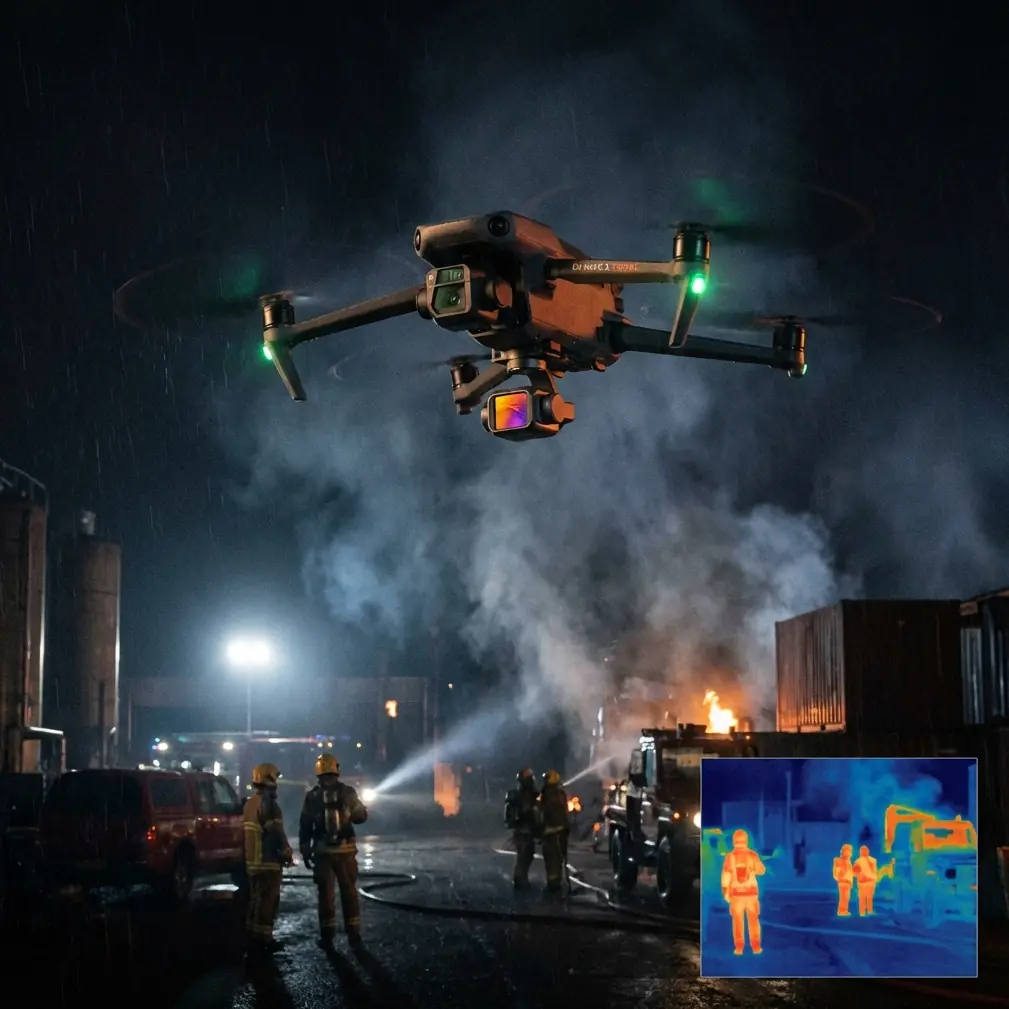
Neo 2 for Windy Field Work: A Practical How-To from the First Wipe to the Final Pass
META: Learn how to use Neo 2 in windy fields with safer pre-flight checks, cleaner obstacle sensing, steadier tracking, and smarter camera setup for inspection and documentation work.
Open ground can fool people into thinking field flights are simple. They are not. A field gives you room, but it also gives wind a long runway. Gusts build across open land, dust lifts easily, and tall grass, irrigation hardware, fences, and scattered trees can interfere with both flight paths and automated features. If you are taking a Neo 2 out to inspect crops, boundary lines, drainage issues, or general field conditions, your success depends less on one flashy mode and more on a disciplined setup.
I approach this as a photographer who also cares about repeatable aerial results. The Neo 2 is especially interesting in that kind of work because it sits at the intersection of simple operation and smart automation. Features like obstacle avoidance, subject tracking, QuickShots, Hyperlapse, D-Log, and ActiveTrack are not just bullet points. In a windy field, each one either helps you work faster or creates false confidence if you use it carelessly.
The place to start is not with takeoff. It is with a cloth.
Step 1: Clean the sensors before every windy field flight
If there is one habit I would push on every Neo 2 pilot working around open farmland, it is this: clean the aircraft before powering up, especially the vision and obstacle sensing areas.
That sounds small. It is not.
Windy fields carry fine dust, pollen, dry soil, and bits of plant matter. Those particles collect on sensor windows and camera surfaces much faster than many pilots expect. When people talk about obstacle avoidance as if it is always on and always perfect, they skip over the fact that the system still relies on clear inputs. A smudged or dusty sensor can reduce the reliability of obstacle detection exactly when you need it most, such as when flying low near trellises, irrigation pivots, fence posts, or lone trees at the edge of a parcel.
A proper pre-flight cleaning step should include:
- Wiping the camera lens with a clean microfiber cloth
- Checking the obstacle sensing windows for fingerprints, dust, and dried residue
- Looking closely at the body seams and air inlets for loose debris
- Making sure the gimbal area is free of grass fibers or grit
Operationally, this matters because obstacle avoidance and tracking depend on clean visual data. In a breezy field, the drone is already working harder to maintain position. If the sensing system is also dealing with dirty surfaces, the margin for error shrinks. This is one of those low-effort steps that directly supports safer flight.
Step 2: Judge the wind at ground level and above it
Field wind is deceptive because the conditions where you stand are often not the same as the conditions 10, 20, or 30 meters up. Grass movement can tell you part of the story, but not all of it. A line of hedges or a barn may shelter your launch point while the center of the field is taking full gusts.
Before launching the Neo 2, I recommend watching three things:
- Ground indicators such as grass, dust, and nearby leaves
- Movement at the field perimeter, especially taller trees or poles
- The drone’s behavior in a short hover after takeoff
Bring the aircraft up to a safe hover and watch whether it is making aggressive corrections. If it looks busy just holding position, that is your warning. You may still be able to fly, but you should immediately simplify the mission: shorter runs, wider turns, more altitude around obstacles, and less reliance on dramatic automated moves.
This is where many users misuse QuickShots or Hyperlapse. Those modes can create useful visual records of a site, but in gusty open areas they should be treated as tools, not entertainment features.
Step 3: Choose the right automation for the task
The Neo 2’s intelligent flight functions become valuable in field work when you match them to a job. They become wasteful when you use them because they are there.
ActiveTrack and subject tracking for moving inspections
If you are documenting a utility vehicle, tractor, irrigation cart, or a person walking a boundary line, ActiveTrack and subject tracking can save time. Instead of constantly re-framing, you can let the drone maintain attention on the moving subject while you monitor spacing, altitude, and environmental risk.
The operational significance here is obvious: in a windy field, manual tracking of a moving subject can become jerky because the pilot is juggling drift correction and composition at the same time. A stable tracking system helps reduce those input conflicts.
But there is a catch. Tracking works best when the subject remains visually distinct. In fields with repetitive textures, rows, shadows, or dust bursts, the system can lose confidence or shift behavior. That means you should test tracking on a short segment first, not commit to a long automated run on your first pass.
Use it for:
- Following an ATV along a service path
- Recording a perimeter walk
- Capturing repeatable progress footage of a field operation
Avoid overtrusting it near:
- Power lines
- Thin fence wire
- Isolated branches
- Uneven terrain transitions
Obstacle avoidance helps here, but it is not a substitute for route planning.
QuickShots for fast context, not mission-critical detail
QuickShots can be genuinely useful in agricultural or land inspection work if you think of them as establishing shots. A short automated reveal can show field scale, access routes, nearby water, or the relationship between structures and planted areas.
That is different from relying on QuickShots to inspect detail. If your goal is to assess crop stress, standing water, rutting, or damage around irrigation systems, you want slower, more deliberate passes. Wind amplifies this. The more precise the visual task, the less you should hand over to canned motion patterns.
In practical terms, use QuickShots after you already have your essential documentation. They are ideal for adding context for clients, team reports, or project records. They are not the first thing I would capture in difficult wind.
Hyperlapse for change over time
Hyperlapse is one of the most underestimated tools for field work. Most people think of it as a creative feature. In reality, it can help document environmental change: cloud shadow movement across a field, water flow into low spots, machinery patterns, or the progression of a harvest or planting operation.
In wind, though, Hyperlapse demands discipline. Pick a safe standoff distance. Avoid low-altitude paths over irregular obstacles. And be realistic about battery use if the drone is fighting gusts during a time-based sequence.
For field documentation, Hyperlapse makes the most sense when the output needs to show timing or gradual change rather than close inspection.
Step 4: Set the camera for useful footage, not just bright footage
A lot of field flights are ruined by one simple mistake: the pilot lets the scene decide the image instead of deciding what the image is for.
Fields often include high-contrast elements—bright sky, reflective water, dark tree lines, pale soil, glossy leaves. If your Neo 2 supports D-Log, use it when the footage will be reviewed later and color-managed properly. D-Log preserves more flexibility in scenes where highlights and shadows compete. That matters when you are trying to compare field conditions accurately rather than just make them look vivid.
This is one of the concrete technical choices that has real operational value. If you are inspecting drainage, irrigation overspray, or crop variation across a broad site, baked-in contrast can hide subtle differences. D-Log gives you more room in post-production to recover a balanced view.
If you need immediate, shareable footage on the same day, a standard profile may be the better choice. The point is not that one is always superior. The point is to choose intentionally.
My rule is simple:
- Use D-Log for review, editing flexibility, and consistency across changing light
- Use standard color when speed matters more than grading latitude
And in windy conditions, keep shutter behavior in mind. If gusts are causing abrupt aircraft corrections, ultra-slow cinematic settings may not give you the clean result you expected. Stability and readability come first.
Step 5: Fly crosswind with purpose, not by accident
When inspecting a field, your route matters as much as your altitude. I see many pilots drift into inefficient patterns because they launch and then improvise. Wind punishes improvisation.
If the field has a clear wind direction, think about your flight legs before takeoff:
- Fly a short test line into the wind
- Compare it to a return leg with tailwind
- Watch battery draw and framing stability
- Keep extra margin for the upwind return if needed
For visual inspection, crosswind passes often reveal plant movement and surface texture in a way that head-on runs do not. But they also create stronger sideways correction demands on the aircraft. That means you need more clearance around obstacles and a better understanding of how the Neo 2 is holding line.
This is another reason the pre-flight sensor cleaning step matters. If the aircraft is compensating for gusts while also trying to interpret a dusty visual environment, automated safety features may not perform at their best.
Step 6: Use obstacle avoidance as a buffer, not a dare
Open fields are not empty. They are scattered with surprises: bird perches, netting, wire gates, pumps, weather stations, and isolated equipment. Obstacle avoidance is valuable precisely because these hazards are often not part of the pilot’s mental map on a first visit.
Still, obstacle avoidance should be treated as a secondary layer. If you plan routes that depend on the system saving you at the last second, you are setting the wrong standard for field operations.
A smarter workflow is this:
- Build a route with obvious clearance
- Keep the sun angle in mind for visibility
- Assume wind will widen your turns
- Let obstacle sensing act as insurance rather than primary navigation
That is the difference between using technology professionally and using it casually.
Step 7: Capture two versions of every important area
For field inspections, I like redundancy that does not feel wasteful. The easiest method is to capture each priority zone twice:
- One wider contextual pass
- One slower detail pass
This works especially well with Neo 2 because the aircraft’s intelligent features can handle parts of the contextual work, while manual or semi-assisted flight can focus on the details. If the wind makes one clip unstable or a tracking move less reliable than expected, the second pass often saves the job.
This matters for documentation credibility. A wide shot shows where the issue is. A close pass shows what the issue is.
Step 8: Know when not to use automation
The best Neo 2 pilots are not the ones who use every mode. They are the ones who know when to switch modes off.
Do not rely on automated features when:
- Dust is visibly lifting across the launch area
- Light is rapidly changing under broken cloud
- The subject blends into the field
- The route includes fine obstacles such as wires or netting
- The drone is already making strong wind corrections in hover
That does not mean the flight is impossible. It means you should simplify. Higher altitude. Slower movement. Shorter duration. Cleaner angles.
A simple field workflow that actually holds up
If I were sending a Neo 2 operator into a windy agricultural setting tomorrow, the workflow would be straightforward:
- Inspect the aircraft physically
- Clean lens and obstacle sensing surfaces
- Check wind indicators at ground level and above
- Launch into a brief hover test
- Capture essential manual documentation first
- Use ActiveTrack or subject tracking only after a short trial
- Add QuickShots for context once the must-have footage is secured
- Use Hyperlapse only if the job benefits from time progression
- Review clips before leaving the site
That sequence protects the mission. It also respects how these features behave in real-world field conditions rather than ideal marketing conditions.
If you need a second opinion on a field setup or want help deciding which flight mode fits your inspection routine, you can message a drone specialist here.
The real value of Neo 2 in windy field work
What makes the Neo 2 useful is not one standout feature. It is the combination: obstacle avoidance that adds a layer of protection, ActiveTrack and subject tracking that reduce pilot workload, QuickShots and Hyperlapse that can add context when used intelligently, and D-Log for footage that needs serious review later.
But all of that depends on judgment.
In open fields, wind exposes weak habits quickly. Dirty sensors, lazy route planning, blind trust in automation, and rushed camera settings all show up in the footage. Or worse, in the flight behavior. A careful pre-flight wipe sounds almost trivial until you remember what those safety and tracking systems rely on. Clean optics. Clear sensor input. Good decisions.
That is the difference between using a Neo 2 as a gadget and using it as a working tool.
Ready for your own Neo 2? Contact our team for expert consultation.