
How to Inspect Fields with Neo 2: Remote Farming Guide
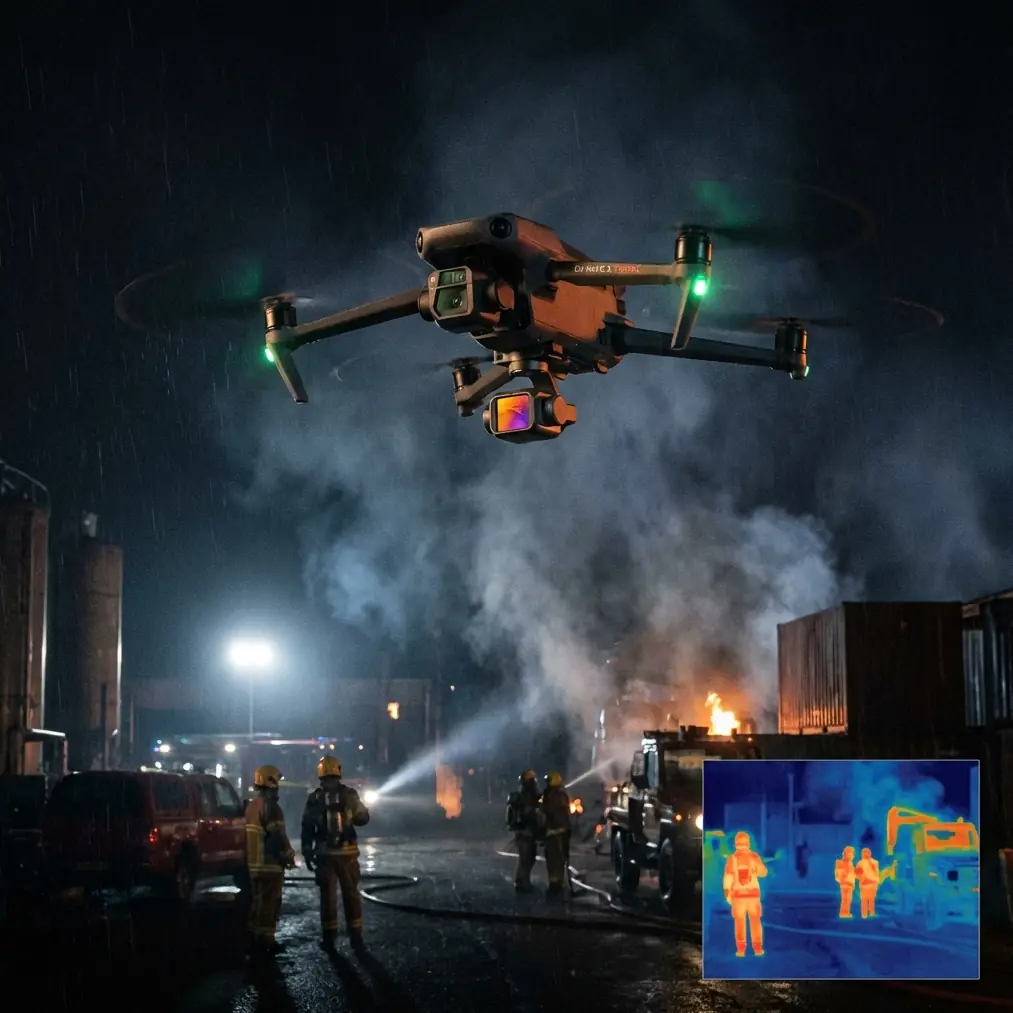
How to Inspect Fields with Neo 2: Remote Farming Guide
META: Learn how to inspect remote agricultural fields with the Neo 2 drone. Expert techniques for crop monitoring, obstacle avoidance, and weather adaptation included.
TL;DR
- Neo 2's obstacle avoidance sensors enable safe autonomous flights over uneven terrain and around unexpected obstacles like irrigation equipment
- ActiveTrack and Subject tracking let you follow crop rows automatically while capturing consistent survey data
- D-Log color profile preserves maximum detail for identifying crop stress, pest damage, and irrigation issues
- Weather adaptability proved critical when conditions shifted mid-flight during actual field inspections
Remote agricultural inspection presents unique challenges that traditional surveying methods simply cannot address efficiently. The Neo 2 drone transforms how farmers and agronomists monitor crop health across vast, inaccessible terrain—delivering actionable data in hours rather than days.
This guide walks you through my complete field inspection workflow, including the moment an unexpected weather shift tested every capability this drone offers.
Why Drone Inspection Beats Traditional Field Scouting
Walking fields manually consumes enormous time and energy. A 500-acre operation might require two full days of ground scouting to identify problem areas. The Neo 2 covers that same acreage in under three hours while capturing far more detailed data.
Ground-level observation misses patterns visible only from altitude. Nutrient deficiencies, drainage problems, and pest infestations create visual signatures that become obvious from 50-100 meters above the canopy.
The economic case is straightforward:
- Reduced labor hours for scouting
- Earlier detection of crop stress
- Precise application of inputs only where needed
- Documentation for insurance and compliance purposes
Essential Pre-Flight Planning for Remote Operations
Mapping Your Flight Zones
Before launching in remote locations, thorough preparation prevents costly mistakes. Cell coverage often disappears in agricultural areas, making offline planning essential.
Download satellite imagery of your target fields while connected. Mark these critical elements:
- Field boundaries and buffer zones
- Power lines and transmission towers
- Tree lines and windbreaks
- Irrigation pivots and equipment
- Access roads for launch and recovery
Battery and Range Calculations
Remote inspections demand conservative power management. The Neo 2 provides excellent flight time, but I always plan for 70% of rated capacity in real-world conditions.
Wind resistance, temperature extremes, and aggressive maneuvering all drain batteries faster than spec sheets suggest. Carry minimum three fully charged batteries for any serious field survey.
Pro Tip: Store batteries in an insulated cooler during hot weather operations. Cells above 35°C deliver reduced capacity and shorter overall lifespan. I learned this lesson after losing nearly 20% flight time during a summer inspection.
Configuring Obstacle Avoidance for Agricultural Environments
The Neo 2's obstacle avoidance system requires specific tuning for field work. Default settings work well for urban environments but can be overly cautious around crops.
Navigate to flight settings and adjust:
- Forward sensing distance: Reduce to 8-10 meters for tighter maneuvering between rows
- Downward sensing: Enable for automatic terrain following
- Lateral sensors: Keep active for unexpected obstacles
- Return-to-home altitude: Set 15 meters above the tallest obstacle in your survey area
My Complete Field Inspection Workflow
Phase One: Perimeter Survey
I begin every inspection with a perimeter flight at 80-100 meters altitude. This overview reveals the big picture—drainage patterns, obvious damage zones, and areas requiring closer examination.
Enable Hyperlapse mode during this initial pass. The resulting time-compressed footage provides excellent documentation and helps identify subtle patterns invisible in real-time viewing.
Fly the perimeter clockwise, maintaining consistent altitude and speed. The Neo 2's GPS stability keeps footage smooth even in moderate wind conditions.
Phase Two: Grid Pattern Coverage
After identifying areas of interest, switch to systematic grid coverage. The Neo 2 handles this beautifully with waypoint programming.
Configure your grid with:
- Altitude: 30-50 meters depending on crop height
- Overlap: 70% forward, 60% lateral for photogrammetry
- Speed: 5-8 meters per second for sharp imagery
- Camera angle: Nadir (straight down) for mapping, 45 degrees for 3D modeling
Phase Three: Targeted Investigation
Problem areas identified in earlier phases deserve close attention. Drop to 15-20 meters and use Subject tracking to follow specific features while you focus on observation.
This is where D-Log color profile proves invaluable. The flat, information-rich footage captures subtle color variations that reveal:
- Nitrogen deficiency (yellowing patterns)
- Water stress (wilting signatures)
- Pest damage (irregular discoloration)
- Disease spread (characteristic patterns)
Expert Insight: Never rely solely on visual spectrum imagery for crop health assessment. The Neo 2's camera captures enough detail that post-processing can extract vegetation index approximations, but serious agricultural operations should consider dedicated multispectral sensors for their fleet.
When Weather Changed Everything
Three weeks ago, I was conducting a routine inspection of a 320-acre corn operation when conditions shifted dramatically. The morning forecast promised clear skies through noon. Reality had other plans.
Forty minutes into my grid survey, wind speeds jumped from 8 to 22 kilometers per hour. Cloud cover rolled in from the northwest, dropping light levels significantly.
The Neo 2 responded impressively. Obstacle avoidance sensors compensated for wind-induced drift, preventing collisions with a tree line I was surveying near. The gimbal maintained stable footage despite the buffeting.
I immediately adjusted my workflow:
- Reduced altitude to 25 meters to minimize wind exposure
- Increased ISO to compensate for diminished light
- Shortened individual flight segments to preserve battery margin
- Enabled aggressive return-to-home triggers
The drone handled the transition seamlessly. ActiveTrack maintained lock on my survey pattern despite the turbulence. When gusts exceeded safe parameters, the Neo 2 automatically paused and hovered rather than fighting conditions.
I completed 85% of my planned coverage before conditions forced a full abort. The footage remained usable throughout—testament to the gimbal stabilization and intelligent flight systems working in concert.
Technical Comparison: Neo 2 vs. Common Alternatives
| Feature | Neo 2 | Entry-Level Drones | Professional Mapping Platforms |
|---|---|---|---|
| Obstacle Avoidance | Multi-directional sensors | Forward only or none | Multi-directional |
| Flight Time | Extended duration | 20-25 minutes typical | 35-45 minutes |
| Subject Tracking | ActiveTrack included | Basic or unavailable | Professional grade |
| Video Profiles | D-Log, standard options | Limited profiles | Professional color science |
| QuickShots Modes | Full suite available | Limited selection | Not typically included |
| Portability | Highly portable | Very portable | Requires dedicated transport |
| Wind Resistance | Strong performance | Limited capability | Excellent |
| Learning Curve | Moderate | Easy | Steep |
Maximizing QuickShots for Documentation
Agricultural clients appreciate professional-looking footage alongside raw survey data. QuickShots modes create polished clips with minimal effort.
Dronie works excellently for establishing shots—launching from a field edge and pulling back to reveal the full operation. Circle mode documents specific problem areas while maintaining consistent framing.
For irrigation pivot documentation, Helix creates compelling footage that shows equipment condition and coverage patterns simultaneously.
These automated flight paths also demonstrate the Neo 2's obstacle avoidance capabilities. The drone calculates safe trajectories and adjusts for obstacles automatically during QuickShots execution.
Common Mistakes to Avoid
Ignoring wind patterns near tree lines: Turbulence increases dramatically within two tree-heights of windbreaks. Plan approach angles that minimize exposure to rotor wash and mechanical turbulence.
Flying too high for useful data: Altitude above 60 meters reduces ground resolution significantly. Unless you need broad overview footage, stay lower for actionable crop health information.
Neglecting compass calibration: Agricultural areas often contain buried irrigation lines, equipment, and other magnetic interference sources. Calibrate before every session, not just when prompted.
Overrelying on automated modes: ActiveTrack and Subject tracking work beautifully but cannot anticipate every obstacle. Maintain visual contact and override readiness throughout automated sequences.
Skipping pre-flight obstacle surveys: Walk your launch area before flying. Thin wires, guy lines, and other hazards may not appear on satellite imagery or trigger obstacle avoidance until dangerously close.
Forgetting memory card management: A 256GB card fills faster than expected during intensive survey work. Carry spares and establish a clear file management protocol before each session.
Frequently Asked Questions
How does the Neo 2 handle tall crop canopies during low-altitude inspection?
The downward-facing sensors detect crop height and maintain consistent clearance automatically. Set your minimum altitude 3-5 meters above expected canopy height. The terrain-following mode adjusts continuously, though sudden elevation changes like terraces require manual attention.
Can I use ActiveTrack to follow moving farm equipment during operations?
Yes, ActiveTrack locks onto tractors, combines, and other equipment effectively. This creates excellent documentation of field operations and equipment performance. Maintain 30+ meters separation for safety and keep obstacle avoidance fully enabled to handle unexpected maneuvers.
What D-Log settings work best for crop health analysis?
Shoot D-Log at the lowest available ISO for maximum dynamic range. Overexpose slightly—approximately one stop—to preserve shadow detail in crop canopy. Post-processing with agricultural-specific LUTs or manual color grading reveals stress indicators invisible in standard footage.
Field inspection with the Neo 2 transforms agricultural monitoring from a time-consuming chore into an efficient, data-rich operation. The combination of intelligent flight modes, robust obstacle avoidance, and professional imaging capabilities delivers results that justify the investment many times over.
Weather adaptability proved itself during my unexpected storm encounter. Knowing the drone responds intelligently to changing conditions builds confidence for remote operations where conditions can shift without warning.
Ready for your own Neo 2? Contact our team for expert consultation.