
How I’d Inspect a Mountain Construction Site With Neo 2
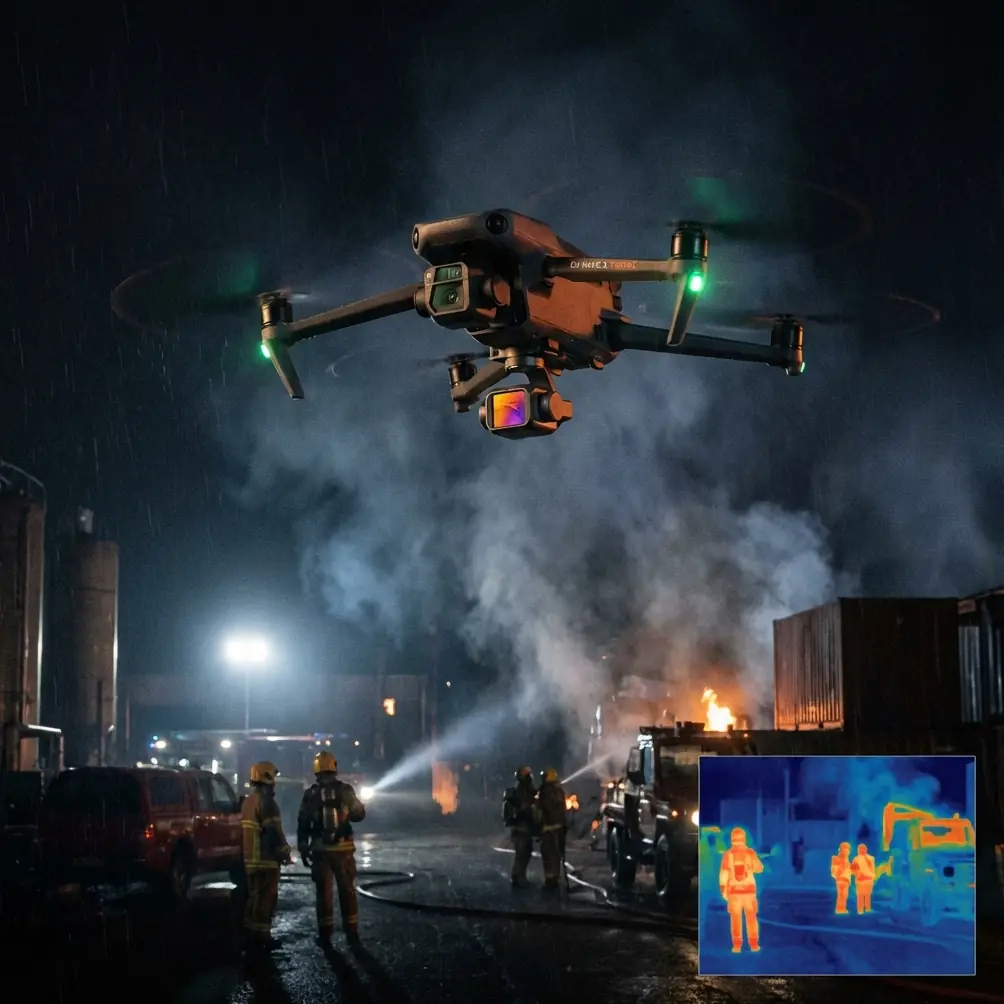
How I’d Inspect a Mountain Construction Site With Neo 2
META: A practical how-to for using Neo 2 on mountain construction inspections, with workflow tips for obstacle avoidance, ActiveTrack, D-Log, QuickShots, and safer data capture in steep terrain.
Mountain construction sites punish shortcuts.
Light shifts fast. Winds come over ridgelines without warning. Access roads are narrow, muddy, or blocked by active machinery. And if you are trying to document grading progress, retaining structures, crane placement, material staging, or roof work, walking the whole site with a handheld camera is rarely the smartest option.
That is exactly where a compact drone like Neo 2 earns its place.
I’m writing this from the perspective of a photographer who has spent plenty of time trying to get clean visuals from ugly terrain. For mountain construction work, the goal is not just getting dramatic footage. The real job is repeatable, readable, useful site intelligence. Neo 2 can fit that job surprisingly well if you fly it with discipline and build your inspection routine around its strengths: quick deployment, obstacle awareness, subject tracking, automated shot patterns, and flexible color capture such as D-Log for post-processing consistency.
This is the workflow I’d use.
Start with the mountain, not the drone
Most inspection problems in mountain environments begin before takeoff.
A normal flat-site routine does not translate well when the project is stepped into a slope or spread along a carved access road. Elevation changes distort your sense of clearance. A crane boom that looks far away in one angle becomes a direct obstacle when you shift laterally. Retaining walls and excavated cuts create sudden dead zones for line of sight. Wind can be calm on the launch pad and rough 30 meters higher.
So the first step is to define what the inspection needs to answer.
For a construction manager, that usually means a short list:
- Has earthwork progressed according to the latest plan?
- Are materials staged where they should be?
- Are access routes open and stable?
- Is runoff control in place after recent weather?
- Are crews working safely around edges, scaffolds, and equipment zones?
- Is there visual evidence of changes worth escalating?
When you know those questions in advance, Neo 2 becomes a precision tool rather than a flying notebook.
Why Neo 2 makes sense for this kind of job
On a mountain site, portability matters more than people admit.
A large aircraft with a bulky case is fine when you have easy vehicle access and a broad launch area. But if your inspection point is a narrow turnout beside a cut slope, or a temporary gravel platform above an active build zone, smaller and faster often wins. Neo 2’s appeal in this context is simple: you can get airborne quickly, work through multiple visual tasks, and reposition without turning each flight into a production.
That speed has operational value. Construction inspections are often interruptions inserted into a live workday. The faster you can establish visual coverage, the less friction you create for site teams and the more likely the drone gets used consistently.
The other reason Neo 2 is useful here is that mountain construction rarely needs one type of shot. You may need a top-down look at erosion control, a side angle on a retaining wall, a slow orbit around a partially completed structure, and a follow sequence of a superintendent walking a path they want documented. Features like QuickShots and ActiveTrack are not just creative tools in that setting. They can standardize capture patterns, which makes week-to-week comparisons cleaner.
My pre-flight checklist for steep terrain
Before I fly Neo 2 on a mountain site, I slow down and verify a few things.
1. Pick a launch point with vertical margin
I want a takeoff area that gives the drone immediate clean air above and around it. In mountain construction, that usually means avoiding spots tucked beside storage containers, fencing, or spoil piles. Neo 2 may offer obstacle avoidance, but you do not outsource your judgment to sensors. In uneven terrain, branches, cables, boom tips, and protruding rebar can appear from odd angles.
Obstacle avoidance matters here because it buys reaction time. On a slope, depth perception is messy. Having the aircraft help identify hazards reduces the chance of a casual lateral move becoming a bad decision.
2. Check the wind at more than one level
If the site climbs sharply, surface conditions can be misleading. I like to watch trees, loose dust, and suspended materials at different elevations before takeoff. Even a compact drone that handles routine breezes well can feel very different when wind spills over a ridge face.
3. Set the inspection route before lifting off
This matters more than people think. If you improvise everything, you’ll come back with a lot of footage and less usable evidence. I build a sequence like this:
- Wide establishing pass over the entire site
- Mid-altitude perimeter orbit
- Specific structural checkpoints
- Access road and drainage review
- Progress visuals for reporting
- One or two cinematic clips for stakeholder communication
That pattern keeps the inspection functional first.
The core flight routine I’d use
Step 1: Establish the full site context
My first pass is always a slow, high-level overview that shows how the project sits within the mountain terrain. This is where the topography tells its story. You want to see the relationship between cut slopes, unfinished pads, roads, vegetation boundaries, and nearby structures.
A broad orbit works well, especially if you can maintain a stable radius around the central build zone. This can be done manually, but QuickShots can help create a repeatable arc or orbit that you can compare across different inspection days. The operational significance is consistency. A repeated motion path makes it much easier to spot changes in excavation, stockpile size, or edge protection from one visit to the next.
Step 2: Use ActiveTrack for guided walk-throughs
One of the most practical uses of ActiveTrack on a construction site is not chasing vehicles. It is following a site lead on foot through a defined path.
Let’s say the project manager wants to show cracking on a temporary access road, drainage buildup near a culvert, and incomplete guardrail installation on an elevated section. Rather than stopping to reset the drone after every waypoint, you can use ActiveTrack to maintain visual coverage while the person walks the route.
That has two advantages. First, the footage mirrors the logic of the ground inspection. Second, it creates a coherent visual record tied to a real on-site explanation.
Subject tracking is especially useful in mountain terrain because the environment is visually busy. A person in a hard hat moving along a slope gives the viewer scale. Without that moving reference, footage of rock cuts and graded terraces can flatten into abstraction.
Step 3: Inspect edges, walls, and vertical surfaces carefully
Mountain sites often include retaining walls, shoring, steep embankments, or partially exposed foundations. These are areas where a compact drone can save a lot of scrambling.
I approach these slowly and avoid hugging surfaces unless the line is clean and visibility is excellent. Obstacle avoidance is an aid, not a shield. The real value is that it supports careful close-range documentation where minor lateral drift could otherwise become a collision.
What I’m looking for depends on the project stage:
- changes in wall alignment
- drainage staining or moisture streaks
- material displacement
- mesh or reinforcement exposure
- gaps in temporary protective systems
- encroachment from loose debris
This is also where D-Log starts to matter.
Why I would shoot key inspection footage in D-Log
Mountain light is brutal. You can have bright exposed concrete, dark cut faces, reflective metal, and deep shadow under overhangs all in one frame. Standard color can work, but if you need to pull back highlights or recover shadow detail for reporting, D-Log gives you more room in post.
That matters operationally because inspection footage is often reviewed after the fact by people who were not on site. If your retaining wall face is half blown out by midday sun, or the shadow detail near a drainage channel is crushed, you may miss the very condition you were trying to document.
I would not shoot everything in D-Log blindly. For quick same-day summaries, standard profiles are faster. But for the critical sequences where surface condition, material contrast, or edge detail may need closer review, D-Log is the smarter choice.
How Hyperlapse can actually help an inspection
Hyperlapse sounds like a cinematic extra, but on construction projects it can be surprisingly useful.
If you want to show vehicle flow through a mountain access road, cloud movement affecting visibility, or how the site transitions through a short work window, a controlled Hyperlapse sequence can compress that story into something stakeholders will actually watch.
Used correctly, it highlights patterns that normal real-time footage hides. You can see where congestion builds, where shadows swallow active work zones, or how fog and dust interact with visibility over a ridge line.
That is not decoration. It is context.
The accessory that made the biggest difference for me
The third-party add-on I’ve found most useful for mountain-site work is a foldable landing pad.
Not glamorous. Very effective.
A mountain construction site is full of gravel, wet soil, loose cement dust, grass, and rotor-wash hazards. A portable landing pad gives Neo 2 a cleaner takeoff and recovery area, which reduces debris exposure and makes launches more predictable on uneven ground. On some sites, that simple accessory improves the whole workflow more than a bag full of fancy extras.
I also like a bright pad color because it helps maintain a clear visual home point in cluttered surroundings.
If you are building a field kit, that accessory belongs near the top of the list.
My recommended shot list for weekly progress checks
If the goal is a repeatable inspection rather than a one-off site visit, I’d capture the same categories every time:
1. High establishing frame
Show the entire project footprint against the mountain slope.
2. Entry and access route pass
Document road conditions, turning areas, washouts, and material delivery access.
3. Perimeter sweep
Record fencing, spoil boundaries, drainage controls, and slope protection.
4. Structural progress angles
Use the same vantage points each visit for foundations, framing, roof sections, or wall systems.
5. Vertical risk zones
Inspect edges, retaining walls, cuts, scaffold zones, and stair access routes.
6. Human-scale walkthrough
Use ActiveTrack or subject tracking with a site lead for commentary-linked footage.
7. One communication-ready clip
This can be a short QuickShot or orbit used in updates to owners, planners, or remote stakeholders.
That last category matters. Construction teams do not just need evidence. They need a clip that quickly explains progress to people who are not on the mountain with them.
Common mistakes with Neo 2 on mountain jobs
A few errors come up again and again.
Flying too low too early
Pilots get pulled toward the structure before they understand the terrain. Start with the site-wide geometry first.
Trusting automation without site awareness
ActiveTrack, obstacle avoidance, and QuickShots are valuable, but mountain projects are full of irregular hazards. Use them deliberately.
Ignoring light direction
If the sun is behind the structure, your footage may be dramatic and useless. For inspections, readable detail beats mood.
Capturing footage without comparison logic
If every visit uses different altitudes and angles, trends are harder to spot. Repetition is your friend.
Skipping ground coordination
Always make sure the site team knows where and when you are flying. On active builds, that prevents confusion around cranes, lifts, and moving equipment.
A simple reporting workflow after the flight
Once I land, I sort clips into three buckets:
- evidence footage for technical review
- progress footage for internal teams
- polished visuals for client or stakeholder updates
This helps because not all drone footage serves the same audience. The engineer may care about slope runoff patterns and wall face condition. The project owner may want one clean orbit and a clear visual of roof completion. The site supervisor may care most about access roads and material staging.
When I process D-Log footage, I keep grading restrained. Construction inspection is not a fashion shoot. The point is to preserve information, not stylize it.
If your team needs help refining a repeatable capture workflow, I’d point them to this direct chat option: message a drone specialist here.
Final thought: Neo 2 works best when you treat it as a site tool
A mountain construction inspection has very little patience for drone hype.
What matters is whether the aircraft helps you see the site better, faster, and more consistently. Neo 2 can do that if you use the right features for the right reasons. Obstacle avoidance supports safer operation in visually complex terrain. ActiveTrack and subject tracking turn walk-throughs into usable records. QuickShots improve consistency when documenting progress. D-Log helps preserve detail under punishing mountain light. And something as simple as a third-party folding landing pad can make field deployment cleaner and more reliable.
That combination is what makes a compact drone useful on a difficult jobsite. Not because it replaces judgment, but because it supports good judgment under real conditions.
Ready for your own Neo 2? Contact our team for expert consultation.