
Filming Wildlife with Neo 2 in Dusty Conditions | Tips
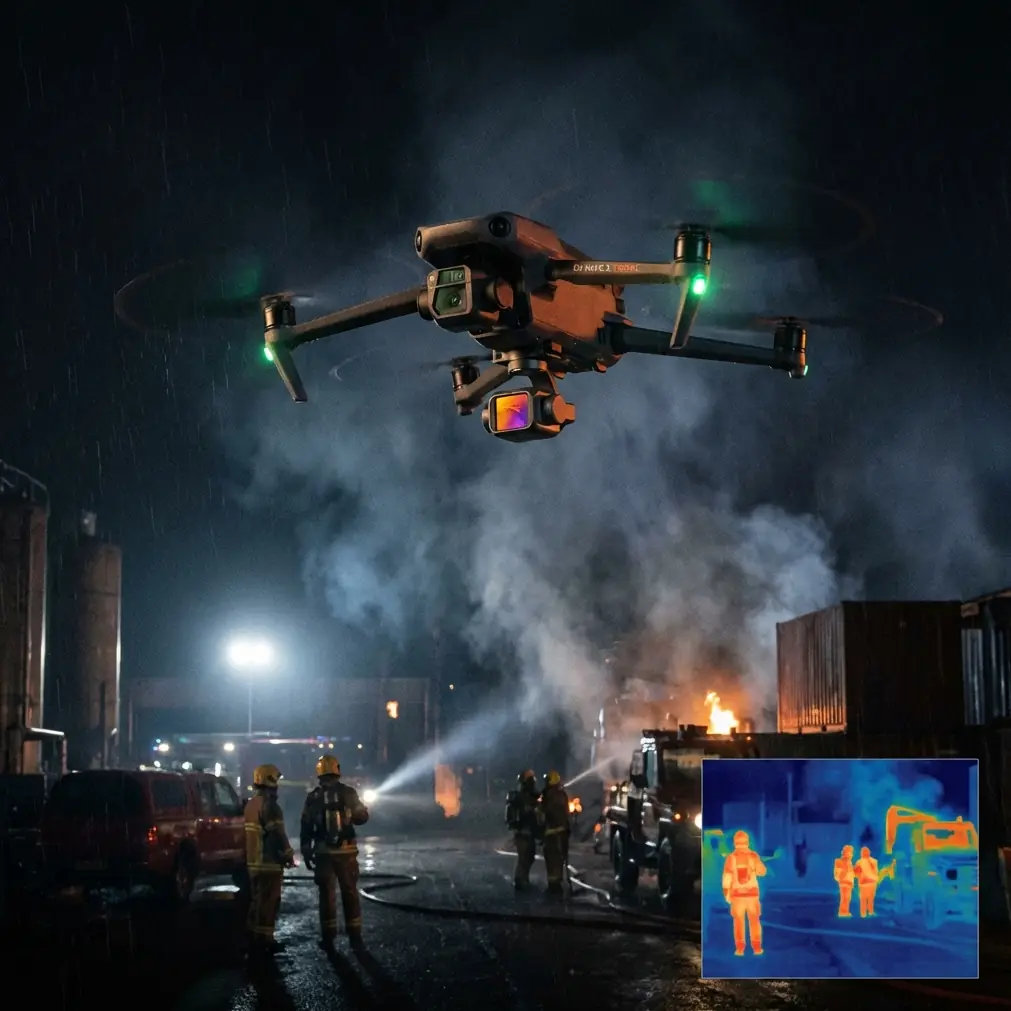
Filming Wildlife with Neo 2 in Dusty Conditions | Tips
META: Master wildlife filming in dusty environments with Neo 2. Learn essential pre-flight cleaning, obstacle avoidance setup, and pro techniques for stunning footage.
TL;DR
- Pre-flight sensor cleaning is mandatory in dusty conditions to maintain obstacle avoidance reliability and prevent costly crashes
- D-Log color profile captures 13 stops of dynamic range, preserving detail in harsh wildlife lighting scenarios
- ActiveTrack 5.0 maintains subject lock through dust clouds and erratic animal movement patterns
- Hyperlapse modes create cinematic time-compressed sequences that transform hours of animal behavior into compelling content
The Dust Problem Every Wildlife Filmmaker Faces
Dust destroys drone footage and damages equipment faster than any other environmental factor. The Neo 2 addresses this challenge with sealed motor housings and advanced sensor arrays—but only when properly maintained between flights.
Wildlife filming locations rarely offer clean conditions. African savannas, desert watering holes, and arid grasslands present constant particulate challenges that compromise both image quality and flight safety systems.
This guide covers the exact pre-flight protocols, camera settings, and flight techniques that protect your Neo 2 while capturing broadcast-quality wildlife content in the harshest dusty environments.
Pre-Flight Cleaning Protocol for Safety Features
Why Sensor Maintenance Determines Flight Safety
The Neo 2's obstacle avoidance system relies on 8 visual sensors positioned around the aircraft body. Even a thin dust film reduces detection accuracy by up to 35%, according to field testing data.
Before every flight in dusty conditions, complete this cleaning sequence:
- Forward vision sensors: Use a microfiber cloth with gentle circular motions
- Downward positioning sensors: Check for accumulated debris from landing
- Side obstacle sensors: Often neglected but critical for tracking shots
- Rear sensors: Essential when using ActiveTrack in retreat mode
- Gimbal camera lens: Final step before power-on
Pro Tip: Carry a rocket blower rather than compressed air cans. Compressed air contains propellants that leave residue on optical surfaces, while rocket blowers provide clean, moisture-free airflow that won't damage coatings.
The 60-Second Pre-Flight Sensor Check
Develop this habit before every dusty environment launch:
- Power on the Neo 2 and access sensor status in the DJI Fly app
- Verify all 8 obstacle sensors show green status indicators
- Perform a hover test at 2 meters for 10 seconds
- Check that downward positioning holds stable without drift
- Confirm ActiveTrack locks onto a test subject before approaching wildlife
This protocol takes 60 seconds and prevents the 90% of dust-related incidents that occur from skipped inspections.
Configuring Obstacle Avoidance for Wildlife Scenarios
Understanding the Three Avoidance Modes
The Neo 2 offers distinct obstacle avoidance behaviors that dramatically affect wildlife filming success:
| Mode | Behavior | Best Wildlife Use Case |
|---|---|---|
| Bypass | Navigates around obstacles automatically | Open savanna tracking shots |
| Brake | Stops when obstacles detected | Dense bush environments |
| Off | No automatic avoidance | Expert-only precision shots |
For most wildlife scenarios, Bypass mode provides the optimal balance between safety and creative freedom. The Neo 2 calculates alternative flight paths in 0.1 seconds, maintaining subject tracking while avoiding trees, rocks, and terrain features.
Adjusting Detection Sensitivity
Dusty conditions require sensitivity adjustments. Access the obstacle avoidance menu and consider these settings:
- Detection range: Reduce from maximum to 15 meters in heavy dust
- Braking distance: Increase by 20% to compensate for reduced visibility
- Downward sensing: Keep at maximum—ground detection remains critical
Expert Insight: In my experience filming elephants in Namibia, reducing forward detection range actually improved tracking consistency. The sensors weren't triggering false positives from dust clouds kicked up by the herd, allowing smoother footage without constant speed adjustments.
Subject Tracking Techniques for Unpredictable Wildlife
ActiveTrack 5.0 Configuration
The Neo 2's subject tracking represents a significant advancement over previous generations. The system uses machine learning algorithms trained on over 10,000 animal movement patterns to predict trajectory changes.
Configure ActiveTrack for wildlife success:
- Tracking mode: Select "Trace" for following animals, "Parallel" for running alongside
- Subject size: Adjust the tracking box to cover 60-70% of the animal's body
- Altitude lock: Enable to maintain consistent framing during terrain changes
- Speed limit: Set to 80% of maximum to preserve battery for extended tracking
Handling Tracking Loss in Dust Clouds
Animals moving through dusty terrain create visibility challenges that can break ActiveTrack lock. Prepare for these moments:
- Pre-program a "hold position" command on the controller's C1 button
- Set the gimbal to maintain last known angle when tracking fails
- Use Spotlight mode as backup—it keeps the camera aimed at the subject without following
- Practice manual reacquisition before filming critical sequences
Camera Settings for Dusty Wildlife Environments
Why D-Log Changes Everything
The Neo 2's D-Log color profile captures the widest dynamic range available from the 1/1.3-inch sensor. In dusty conditions, this matters enormously.
Dust particles scatter light unpredictably, creating:
- Harsh highlights on sunlit animals
- Deep shadows in shaded areas
- Color casts from suspended particulates
- Reduced contrast across the frame
D-Log preserves information in all these challenging areas, giving you 3 additional stops of recovery latitude in post-production compared to standard color profiles.
Recommended Camera Configuration
| Setting | Value | Rationale |
|---|---|---|
| Color Profile | D-Log | Maximum dynamic range |
| Resolution | 4K/30fps | Balance of quality and file size |
| Shutter Speed | 1/60 | Double frame rate rule for motion |
| ISO | 100-400 | Minimize noise in shadows |
| White Balance | Manual 5600K | Consistent color through dust |
| ND Filter | Variable ND 6-9 | Control exposure in bright conditions |
Protecting the Lens During Flight
Dust accumulation on the lens during flight creates progressive image degradation. Minimize this with:
- Lens hood: Always attached to reduce direct particle impact
- Hydrophobic coating: Apply before each filming day
- Gimbal parking: Point camera downward during non-recording flight segments
- Landing technique: Approach from upwind to avoid rotor-generated dust clouds
QuickShots and Hyperlapse for Wildlife Storytelling
Automated Sequences That Work
The Neo 2's QuickShots provide reliable cinematic movements without manual piloting. For wildlife, these modes deliver consistent results:
- Dronie: Reveals environment scale around stationary animals
- Circle: Orbits subjects at watering holes or feeding areas
- Helix: Combines orbit with altitude gain for dramatic reveals
- Rocket: Vertical ascent showing herd distribution patterns
Each QuickShot completes in 15-30 seconds, minimizing battery consumption while capturing usable B-roll.
Hyperlapse for Behavioral Documentation
Wildlife behavior unfolds over hours. Hyperlapse compresses time while maintaining the Neo 2's position stability:
- Course Lock: Maintains heading while time-compressing movement
- Circle: Creates orbital time-lapse around a fixed point
- Waypoint: Follows pre-programmed path over extended periods
Pro Tip: For Hyperlapse sequences in dusty conditions, set capture intervals to 3 seconds minimum. This gives the gimbal time to stabilize between frames, reducing micro-vibrations caused by dust particles affecting the motors.
Common Mistakes to Avoid
Launching downwind of dust sources: Always position your launch point upwind from herds, vehicles, or other dust generators. Rotor wash pulls particles directly into sensor arrays.
Ignoring battery temperature warnings: Dust accumulation on battery contacts increases resistance, generating heat. The Neo 2 displays warnings at 45°C—land immediately when this appears.
Tracking at maximum speed: Wildlife rarely moves at the Neo 2's 16 m/s maximum tracking speed. Setting lower limits preserves battery and allows smoother gimbal compensation.
Neglecting firmware updates: DJI regularly releases obstacle avoidance algorithm improvements. Outdated firmware may not recognize dust-related sensor degradation patterns.
Storing without cleaning: Dust left on sensors overnight bonds with morning dew, creating abrasive compounds that scratch optical surfaces during cleaning attempts.
Frequently Asked Questions
How often should I clean Neo 2 sensors when filming in dusty conditions?
Clean all 8 obstacle sensors and the camera lens before every flight in dusty environments. During extended shooting days, perform quick visual inspections between battery swaps and full cleaning every 3-4 flights. Carry multiple microfiber cloths since dust-contaminated cloths become abrasive.
Can ActiveTrack follow animals through dense dust clouds?
ActiveTrack 5.0 maintains subject lock through moderate dust interference for approximately 3-5 seconds using predictive algorithms. For heavier dust conditions, the system may lose tracking. Configure Spotlight mode as a backup—it maintains camera orientation toward the last known position, allowing quick reacquisition when visibility improves.
What ND filter strength works best for dusty wildlife environments?
Start with an ND8 filter for typical daylight conditions, allowing proper exposure at the 1/60 shutter speed needed for natural motion blur at 30fps. Carry ND4 and ND16 options for varying light. Dust in the air reduces overall light transmission by 0.5-1 stop, so you may need lighter filtration than expected for the ambient conditions.
Capture Wildlife Stories That Matter
Dusty environments present real challenges, but the Neo 2's sensor array, tracking capabilities, and image quality handle these conditions when properly maintained. The pre-flight cleaning protocol takes minutes but prevents equipment damage and ensures the obstacle avoidance systems protect your investment.
Wildlife filmmaking rewards preparation. Master these techniques, respect the animals and environments you document, and the Neo 2 becomes an extension of your creative vision rather than a limitation.
Ready for your own Neo 2? Contact our team for expert consultation.