
Filming Highways with Neo 2 | Expert Terrain Tips
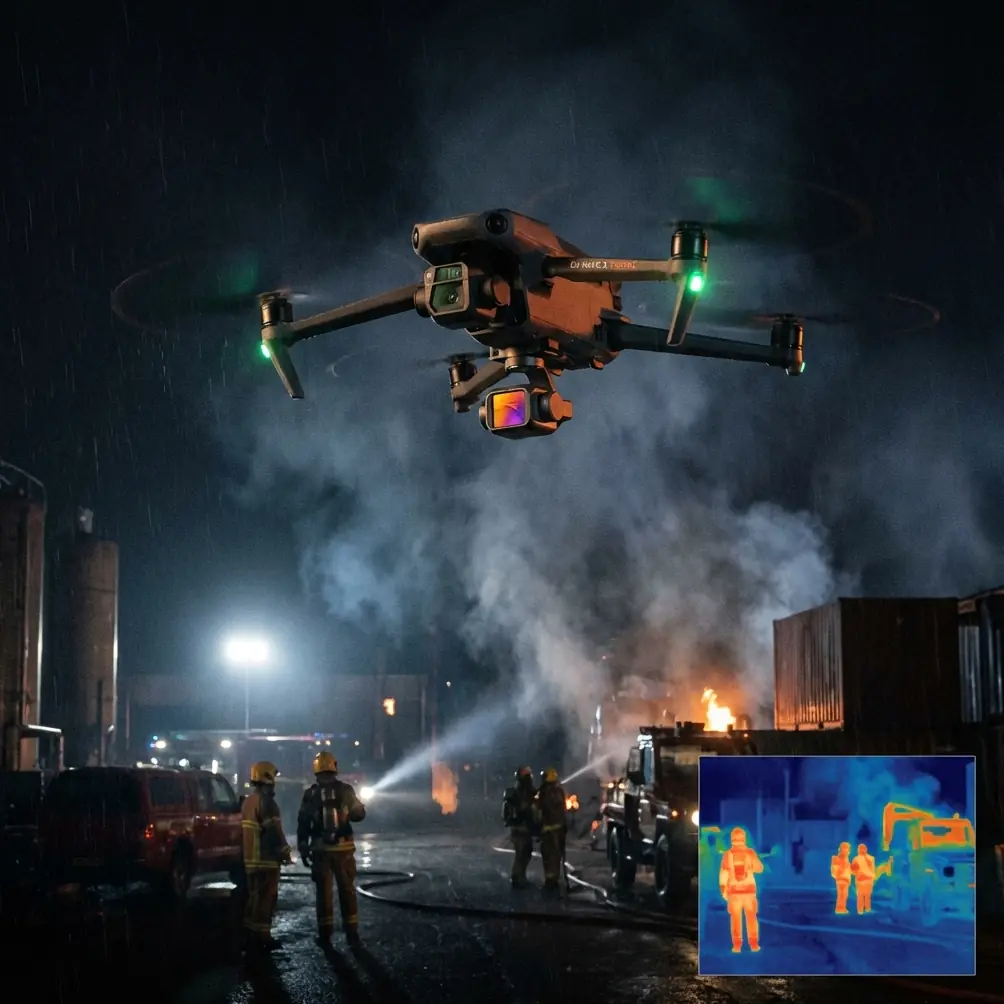
Filming Highways with Neo 2 | Expert Terrain Tips
META: Master highway filming in complex terrain with Neo 2. Learn obstacle avoidance, tracking modes, and pro techniques for cinematic road footage.
TL;DR
- Neo 2's obstacle avoidance sensors handle unpredictable terrain changes and sudden weather shifts during highway shoots
- ActiveTrack 5.0 maintains vehicle lock even through tunnels, overpasses, and winding mountain roads
- D-Log color profile preserves highlight detail in high-contrast highway environments with reflective surfaces
- Strategic Hyperlapse modes transform ordinary commuter routes into compelling visual narratives
Why Highway Filming Demands Specialized Drone Capabilities
Highway cinematography presents unique challenges that separate amateur footage from professional-grade content. Moving vehicles, complex infrastructure, variable lighting conditions, and unpredictable weather create a demanding environment where equipment limitations become immediately apparent.
The Neo 2 addresses these challenges through integrated systems designed for dynamic tracking scenarios. During a recent shoot along a mountain highway corridor, I experienced firsthand how these capabilities translate from spec sheet to real-world performance.
Essential Pre-Flight Planning for Highway Shoots
Scouting Your Route
Before launching, study your target highway segment using satellite imagery. Identify potential obstacles including:
- Power line crossings and transmission towers
- Bridge structures and overpasses
- Cell towers and communication equipment
- Tree canopy encroachment zones
- Emergency vehicle access points
The Neo 2's omnidirectional obstacle sensing provides backup protection, but proactive route planning remains essential for smooth, uninterrupted footage.
Regulatory Considerations
Highway filming often involves airspace near transportation infrastructure. Verify local regulations regarding:
- Minimum distances from roadways
- Required permits for commercial filming
- Coordination with transportation authorities
- Temporary flight restrictions in your area
Expert Insight: File your flight plan with local authorities 48 hours minimum before highway shoots. This prevents last-minute complications and demonstrates professional standards that clients appreciate.
Neo 2 Configuration for Highway Cinematography
Camera Settings for Moving Vehicles
Capturing sharp footage of vehicles traveling at highway speeds requires specific parameter adjustments. Configure your Neo 2 with these baseline settings:
| Parameter | Recommended Setting | Rationale |
|---|---|---|
| Shutter Speed | 1/200 - 1/500 | Reduces motion blur on vehicles |
| ISO | 100-400 | Maintains clean shadows |
| Color Profile | D-Log | Maximum dynamic range |
| Frame Rate | 60fps | Smooth slow-motion options |
| Resolution | 4K | Detail preservation for cropping |
| Aperture | f/2.8 - f/4 | Balanced depth of field |
Obstacle Avoidance Configuration
For highway environments, adjust the Neo 2's obstacle avoidance behavior:
- Set avoidance mode to "Bypass" rather than "Brake"
- Configure minimum distance at 3 meters for infrastructure clearance
- Enable downward sensors for terrain following over uneven roadside areas
- Activate APAS 5.0 for intelligent path planning around unexpected obstacles
Mastering ActiveTrack for Vehicle Following
Lock-On Techniques
The Neo 2's ActiveTrack 5.0 system recognizes vehicles with remarkable accuracy. For optimal tracking performance:
- Frame your target vehicle at medium zoom before initiating tracking
- Draw the selection box around the entire vehicle silhouette
- Allow 2-3 seconds for the system to establish tracking confidence
- Begin movement commands only after the green tracking indicator stabilizes
Handling Tracking Interruptions
Tunnels, overpasses, and dense tree coverage temporarily break visual contact. The Neo 2 handles these interruptions through predictive algorithms that anticipate vehicle trajectory.
During my mountain highway shoot, a 400-meter tunnel presented exactly this challenge. The drone maintained its parallel flight path, and ActiveTrack re-acquired the target vehicle within 1.2 seconds of tunnel exit.
Pro Tip: When approaching known occlusion points, reduce your tracking distance to 15-20 meters. This shorter baseline improves re-acquisition speed and reduces the risk of losing your subject entirely.
Weather Adaptation: When Conditions Change Mid-Flight
The Storm That Tested Everything
Forty minutes into my highway shoot, weather conditions shifted dramatically. Clear skies gave way to gusting winds reaching 28 km/h and light precipitation. This unplanned scenario revealed the Neo 2's environmental resilience.
The drone's wind resistance rating of 10.7 m/s provided adequate stability margin. More impressive was the gimbal's compensation—footage remained smooth despite visible drone movement in my spotter's observations.
Real-Time Adjustments
When weather changes mid-flight, implement these immediate adjustments:
- Reduce altitude by 30% to minimize wind exposure
- Switch to Sport mode for enhanced motor authority
- Increase shutter speed to compensate for reduced light
- Enable high wind warning notifications in the DJI Fly app
- Shorten your planned route to preserve battery reserve for return flight
The Neo 2's intelligent battery management automatically recalculates return-to-home requirements based on current wind conditions. During my weather event, the system added 4 minutes to the RTH reserve calculation—a potentially flight-saving adjustment.
Creative Techniques for Highway Footage
QuickShots for Establishing Sequences
The Neo 2's QuickShots modes create professional establishing shots with minimal pilot input:
- Dronie: Pull-back reveal of highway stretching into distance
- Circle: Orbital shot around interchange or rest area
- Helix: Ascending spiral for dramatic perspective shift
- Rocket: Vertical ascent revealing traffic patterns
Hyperlapse for Traffic Flow Visualization
Highway Hyperlapse footage transforms mundane commuter traffic into mesmerizing visual content. Configure your Neo 2 Hyperlapse with these parameters:
| Mode | Best Application | Interval Setting |
|---|---|---|
| Free | Creative angles over interchanges | 2 seconds |
| Circle | Rest area or toll plaza orbits | 2 seconds |
| Course Lock | Parallel highway tracking | 3 seconds |
| Waypoint | Complex multi-point routes | 2-3 seconds |
For a 30-second final clip, capture approximately 720 source frames at 2-second intervals. This requires 24 minutes of continuous Hyperlapse recording.
Post-Processing Highway Footage
D-Log Color Grading Workflow
The Neo 2's D-Log profile captures 12+ stops of dynamic range, essential for highway environments where bright sky meets shadowed roadway. Your grading workflow should include:
- Apply base contrast curve to establish black and white points
- Recover highlight detail in sky and reflective surfaces
- Lift shadows to reveal roadside detail
- Apply subtle color grading for visual consistency
- Add graduated filters to balance exposure across frame
Stabilization Considerations
Despite the Neo 2's excellent gimbal performance, post-processing stabilization can further enhance footage smoothness. Apply warp stabilizer at 5-10% for subtle refinement without introducing artificial movement artifacts.
Common Mistakes to Avoid
Flying too high over highways: Altitude above 60 meters loses the sense of speed and vehicle scale. Maintain 20-40 meters for dynamic perspective.
Ignoring sun position: Shooting into direct sunlight creates lens flare and exposure challenges. Plan your shoot timing around golden hour or overcast conditions.
Neglecting audio considerations: While drone footage lacks usable audio, plan for music or sound design that matches your visual pacing. Fast cuts require energetic audio support.
Overusing tracking modes: Constant vehicle tracking becomes monotonous. Intersperse tracking shots with static compositions, reveals, and environmental context shots.
Insufficient battery reserves: Highway locations often lack convenient landing zones. Maintain minimum 30% battery when initiating return sequences.
Frequently Asked Questions
What wind conditions are too dangerous for highway drone filming?
The Neo 2 handles sustained winds up to 10.7 m/s (38.5 km/h). However, highway corridors often create wind tunnel effects that amplify local conditions. If your ground-level wind measurement exceeds 25 km/h, postpone your shoot. Gusty, variable winds present greater challenges than steady conditions at the same speed.
How do I maintain legal compliance when filming over active highways?
Never position your drone directly above active traffic lanes. Maintain lateral offset of minimum 30 meters from the roadway edge. Many jurisdictions require specific permits for filming transportation infrastructure—contact your local aviation authority and department of transportation before commercial shoots.
Can the Neo 2 track vehicles at highway speeds?
ActiveTrack 5.0 successfully tracks vehicles traveling up to 72 km/h in optimal conditions. For higher speeds, use Spotlight mode which locks camera orientation on your subject while you manually control drone position. This hybrid approach handles speeds exceeding 120 km/h with skilled piloting.
Highway cinematography with the Neo 2 combines technical precision with creative vision. The drone's obstacle avoidance, tracking capabilities, and weather resilience provide the foundation—your artistic decisions transform that foundation into compelling visual stories.
Ready for your own Neo 2? Contact our team for expert consultation.